
Pricing Details
Free: $0 per month; includes limited access to the basic AI model (50 calls), unlimited AI-powered to-do creation, and unlimited AI-powered task breakdown. Pro: $5.99 per month (discounted from $10.99); includes Google Calendar import, unlimited access to the basic AI model, upcoming access to advanced AI models and smarter task breakdown, priority support, and access to the Founding Member Community. Disclaimer: Please note that pricing information may not be up to date. For the most accurate and current pricing details, refer to the official 2-b.ai website.
Product Visuals (1 images)
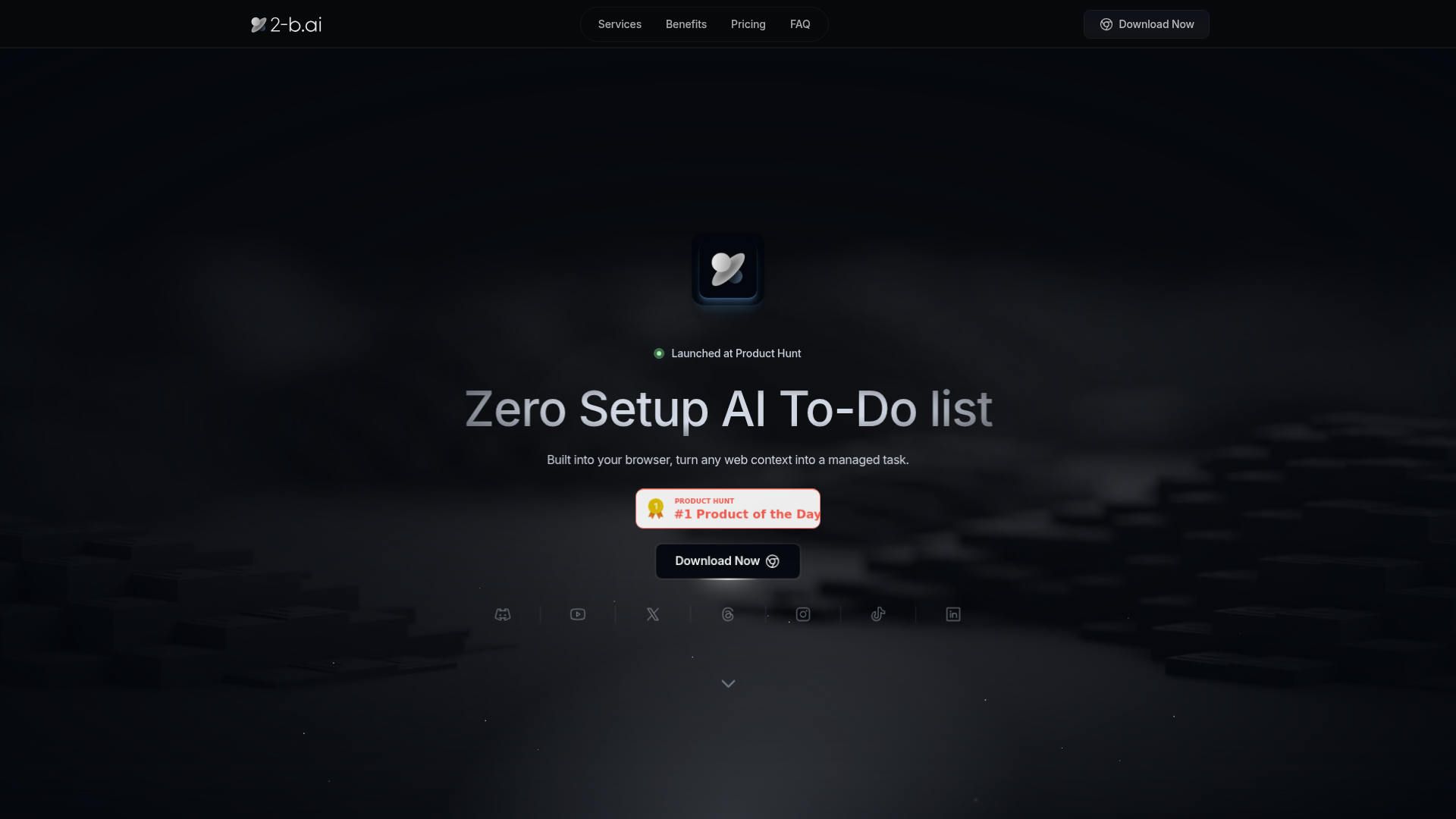
Strengths
- Frictionless capture from real work: Users do not have to copy and paste into a separate app; they can turn live web pages into tasks in seconds.
- Strong free tier for testing: The free plan offers 50 basic model calls along with unlimited AI to-do creation and breakdown, which is generous for trying the workflow.
- Early mover pricing for power users: The Pro Founder's Membership unlocks unlimited basic model access, advanced models, and extras at a relatively low monthly price.
- Security aware positioning: GPAI compliant models and EU aligned privacy choices are reassuring for anyone worried about data leaving the browser.
- Helpful for non technical users: Natural language chat and one drag capture mean almost anyone can set it up and see value quickly.
Limitations
- Limited integrations today: Beyond Google Calendar import, the ecosystem is still small, so teams invested in other project or ticketing tools will need a parallel system.
- Browser constraints: Because it runs as an extension, it cannot reach desktop apps or certain restricted web pages, which may leave some workflows uncovered.
- Some features still “coming soon”: Smarter reasoning, richer task breakdown, and priority support are advertised as upcoming, which may disappoint users who expect them immediately.
What You Get
Key Features
- Zero-setup browser extension: Works in major browsers and on popular web tools such as Gmail, Google Docs, and Notion (web version), so users can start creating AI generated tasks directly from the pages where work already lives.
- Drag-to-task capture: With a single drag across a paragraph, email, or ticket, the tool detects intent and converts the selection into a structured to-do item.
- AI-powered task breakdown: The underlying models analyze captured context and split it into smaller actionable steps, helping users avoid manually outlining long checklists.
- AI task chat assistant: A built in chat helps users create, edit, link, and delete tasks using natural language, which keeps the to-do list updated without hunting through menus.
- Calendar integration: Google Calendar import connects existing schedules with the task system, with more productivity integrations on the roadmap.
- Security focused AI stack: Uses GPAI compliant models and follows EU AI regulations around privacy and copyright, aiming to keep personal and work content safer.
- ProsFrictionless capture from real work: Users do not have to copy and paste into a separate app; they can turn live web pages into tasks in seconds.Strong free tier for testing: The free plan offers 50 basic model calls along with unlimited AI to-do creation and breakdown, which is generous for trying the workflow.Early mover pricing for power users: The Pro Founder's Membership unlocks unlimited basic model access, advanced models, and extras at a relatively low monthly price.Security aware positioning: GPAI compliant models and EU aligned privacy choices are reassuring for anyone worried about data leaving the browser.Helpful for non technical users: Natural language chat and one drag capture mean almost anyone can set it up and see value quickly.ConsLimited integrations today: Beyond Google Calendar import, the ecosystem is still small, so teams invested in other project or ticketing tools will need a parallel system.Browser constraints: Because it runs as an extension, it cannot reach desktop apps or certain restricted web pages, which may leave some workflows uncovered.Some features still “coming soon”: Smarter reasoning, richer task breakdown, and priority support are advertised as upcoming, which may disappoint users who expect them immediately.
Best For
- Individual knowledge workers: Using it to turn emails, tickets, and documents into structured personal to-do lists without switching apps.
- Startup founders and small teams: Applying it to capture product ideas, meeting notes, and customer feedback directly from browser tools into action items.
- Product managers and project leads: Converting specs and issue trackers viewed in the browser into task breakdowns that can be followed or delegated.
- Freelancers and consultants: Turning client communication, research pages, and contracts into actionable work plans while keeping context nearby.
- Uncommon Use Cases: Adopted by academic researchers who convert long articles into follow up reading and experiment tasks; Used by small legal practices to break down case documents into filing and follow up checklists.
Similar Tools



Personal Assistant tools · weekly digest
The AI Weekly — free in your inbox
New AI tools, pricing changes, expert picks, and hidden gems — curated by Mr. Spark every week. Join 5,000+ readers who stay ahead of the AI curve.