
Pricing Details
Photography Plan: Starts at $19.99 per month, including Photoshop on desktop and iPad. Photoshop Single App: Available at $20.99 per month with additional features. All Apps Plan: Access all Adobe apps including Photoshop for $52.99 per month. Disclaimer: Please check Adobe's official website for the most accurate and current pricing details.
Product Visuals (1 images)
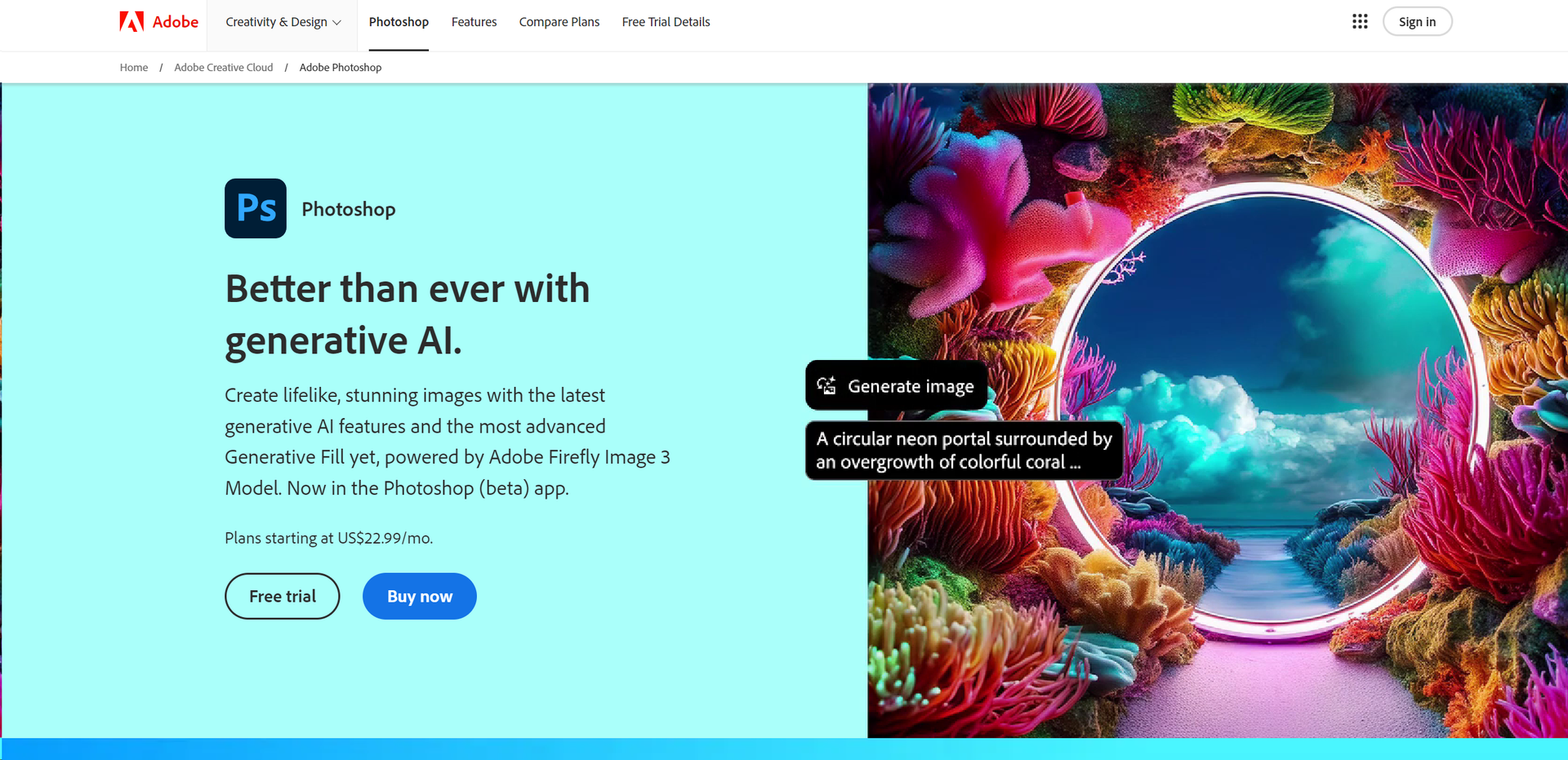
Strengths
- Unmatched Editing Capability: Offers unparalleled control over image manipulation and enhancement.
- Highly Customizable Interface: Adaptable to both simple and complex projects.
- Regular Updates: Continuously improved with the latest technological advancements.
- Strong Community and Support: Benefit from a vast network of users and comprehensive learning resources.
Limitations
- Steep Learning Curve: New users may find the interface and numerous features overwhelming.
- Subscription Model: Requires a monthly subscription, which might not appeal to all users.
- Resource-Intensive: Demands significant system resources, which might affect performance on older machines.
Building your AI toolkit?
Save Adobe Photoshop and 1,000+ tools — free with Google, no spam
What You Get
Key Features
- Generative AI Tools: Utilize the latest AI-driven capabilities for realistic image generation and enhancements.
- Advanced Layer System: Manage complex compositions with ease using Photoshop's sophisticated layering system.
- Comprehensive Toolset: From simple retouching to complex 3D designs, access a wide array of tools for all types of editing needs.
- Customizable Workspace: Tailor the interface to suit your workflow and increase productivity.
- Extensive Plugin Ecosystem: Enhance Photoshop's functionality with a vast selection of third-party plugins.
- ProsUnmatched Editing Capability: Offers unparalleled control over image manipulation and enhancement.Highly Customizable Interface: Adaptable to both simple and complex projects.Regular Updates: Continuously improved with the latest technological advancements.Strong Community and Support: Benefit from a vast network of users and comprehensive learning resources.ConsSteep Learning Curve: New users may find the interface and numerous features overwhelming.Subscription Model: Requires a monthly subscription, which might not appeal to all users.Resource-Intensive: Demands significant system resources, which might affect performance on older machines.
Best For
- Professional Photographers: Employing the tool to edit and refine their photographs.
- Graphic Designers: Creating intricate designs and visuals for various media.
- Digital Artists: Using advanced features to create digital paintings and illustrations.
- Film & Animation Studios: Utilizing Photoshop for creating textures, backgrounds, and storyboards.
- Uncommon Use Cases: Archaeologists use Photoshop to reconstruct fragmented artifacts; forensic scientists enhance images for analysis.
Integrations
Adobe Creative Cloud: Seamless integration with other Adobe apps enhances workflow. Third-Party Plugins: Supports a wide range of plugins which expand its capabilities. Cross-Platform Availability: Available on both Windows and macOS. Mobile App Integration: Photoshop Express and Photoshop on iPad extend its functionality to mobile devices.
Similar Tools



Weekly Issue
⚡
Design tools · weekly digest
The AI Weekly — free in your inbox
New AI tools, pricing changes, expert picks, and hidden gems — curated by Mr. Spark every week. Join 5,000+ readers who stay ahead of the AI curve.
No spam, ever
Unsubscribe anytime
100% free