
Pricing Details
Free Tier: Offers a limited version of Adobe Podcast with basic features to get started. Disclaimer: Please note that pricing information may not be up to date. For the most accurate and current pricing details, refer to the official Adobe Podcast website.
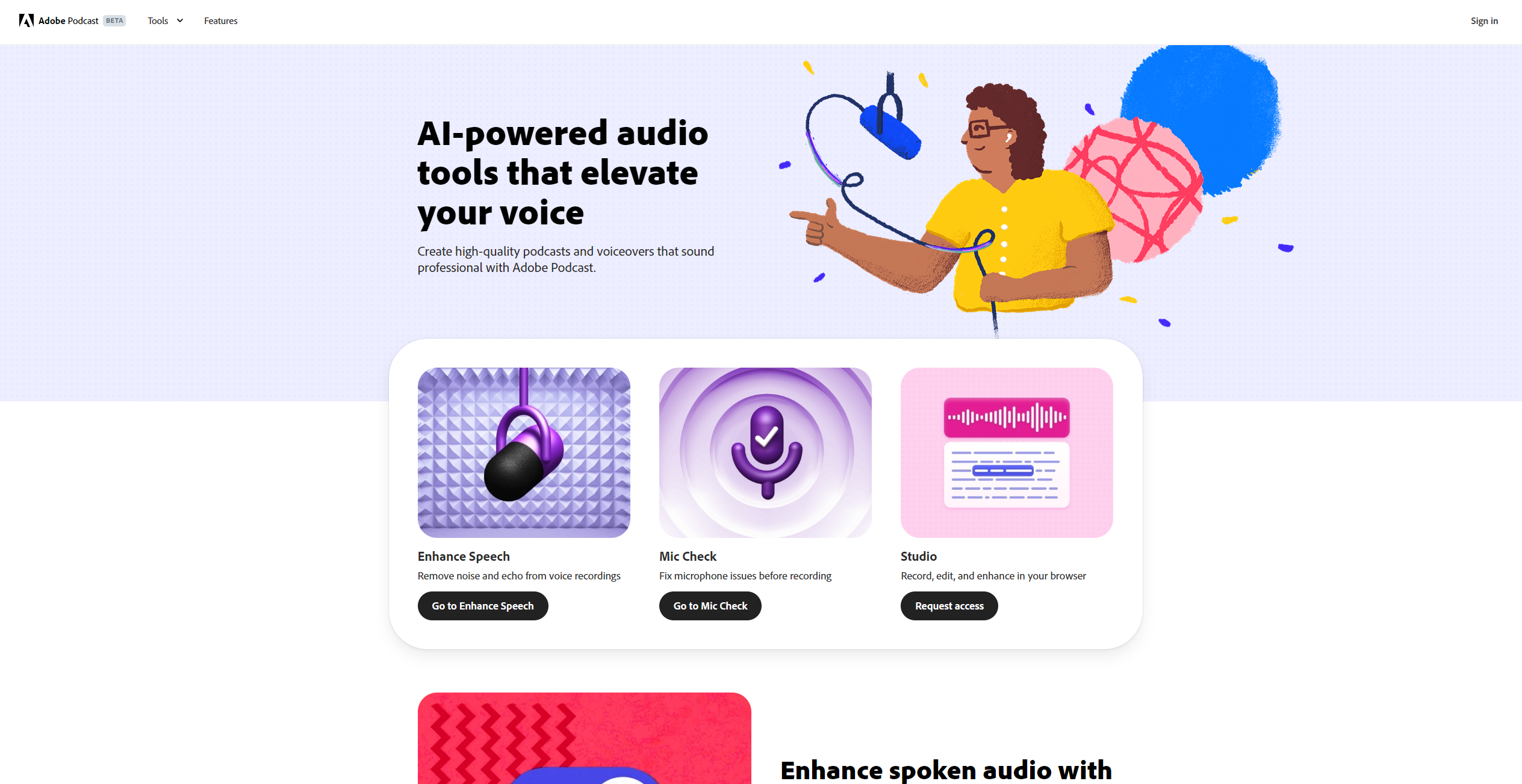
Product Visuals (1 images)
Strengths
- User-Friendly Interface: The intuitive design makes it easy for users of all skill levels to create and edit audio content.
- Time-Saving Automation: AI-driven features streamline the editing process, significantly reducing the time needed to produce high-quality audio.
- High-Quality Output: Delivers professional-grade audio enhancement that rivals traditional studio setups.
- Versatile Functionality: Suitable for a wide range of audio projects, from podcasts to voiceovers and more.
Limitations
- Limited Offline Capabilities: As a web-based tool, Adobe Podcast requires an internet connection for full functionality.
- Subscription Costs: May be considered expensive for hobbyists or small creators without a dedicated budget for audio tools.
Building your AI toolkit?
Save Adobe Podcast and 1,000+ tools — free with Google, no spam
What You Get
Key Features
- AI-Powered Audio Enhancement: Automatically improves audio quality by reducing noise and enhancing clarity, ensuring professional-grade sound.
- Seamless Web-Based Editing: Offers a user-friendly interface for editing audio directly in your browser, eliminating the need for complex software installations.
- Speech-to-Text Transcription: Converts spoken words into editable text, making it easier to create transcripts or captions for your audio content.
- Collaboration Tools: Facilitates real-time collaboration with team members, allowing multiple users to work on a project simultaneously.
- ProsUser-Friendly Interface: The intuitive design makes it easy for users of all skill levels to create and edit audio content.Time-Saving Automation: AI-driven features streamline the editing process, significantly reducing the time needed to produce high-quality audio.High-Quality Output: Delivers professional-grade audio enhancement that rivals traditional studio setups.Versatile Functionality: Suitable for a wide range of audio projects, from podcasts to voiceovers and more.ConsLimited Offline Capabilities: As a web-based tool, Adobe Podcast requires an internet connection for full functionality.Subscription Costs: May be considered expensive for hobbyists or small creators without a dedicated budget for audio tools.
Best For
- Podcasters: Leveraging its AI capabilities to produce high-quality episodes efficiently.
- Content Creators: Utilizing the tool for creating engaging audio content across various platforms.
- Educators: Employing Adobe Podcast to enhance online courses with clear and professional audio.
- Businesses: Using the platform for creating polished presentations and webinars.
- Uncommon Use Cases: Adopted by journalists for quick and accurate audio transcription; Employed by language tutors to create immersive audio lessons.
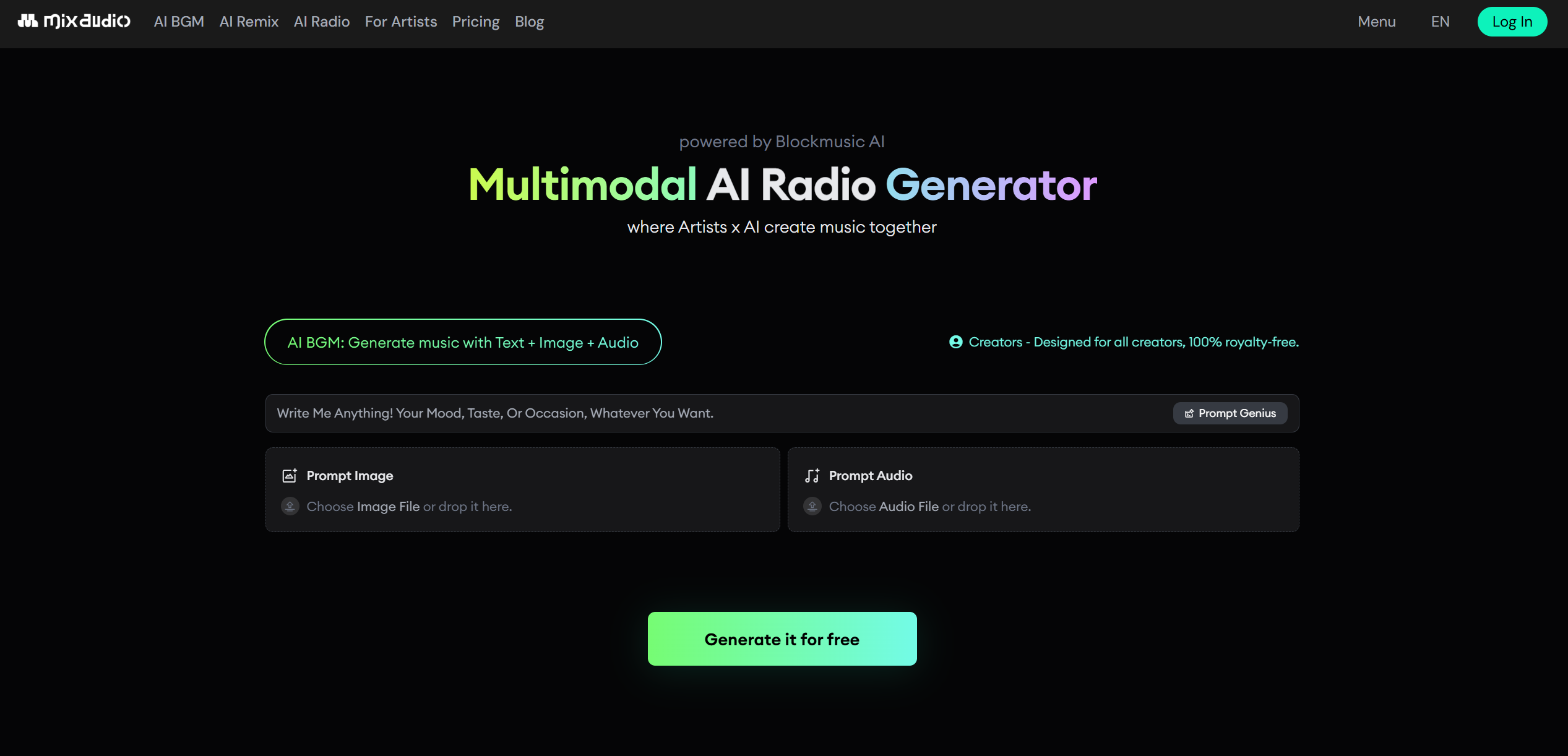
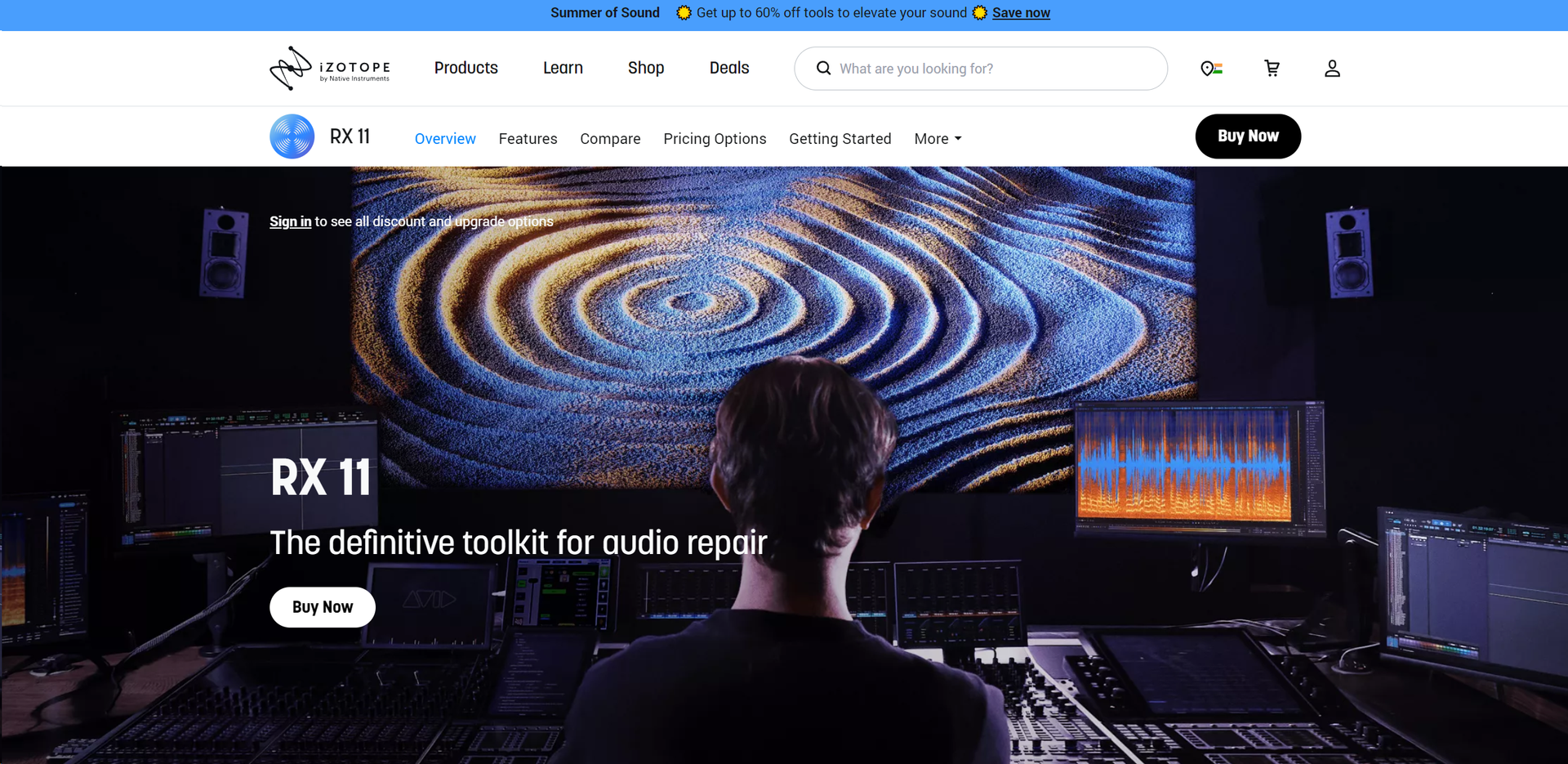
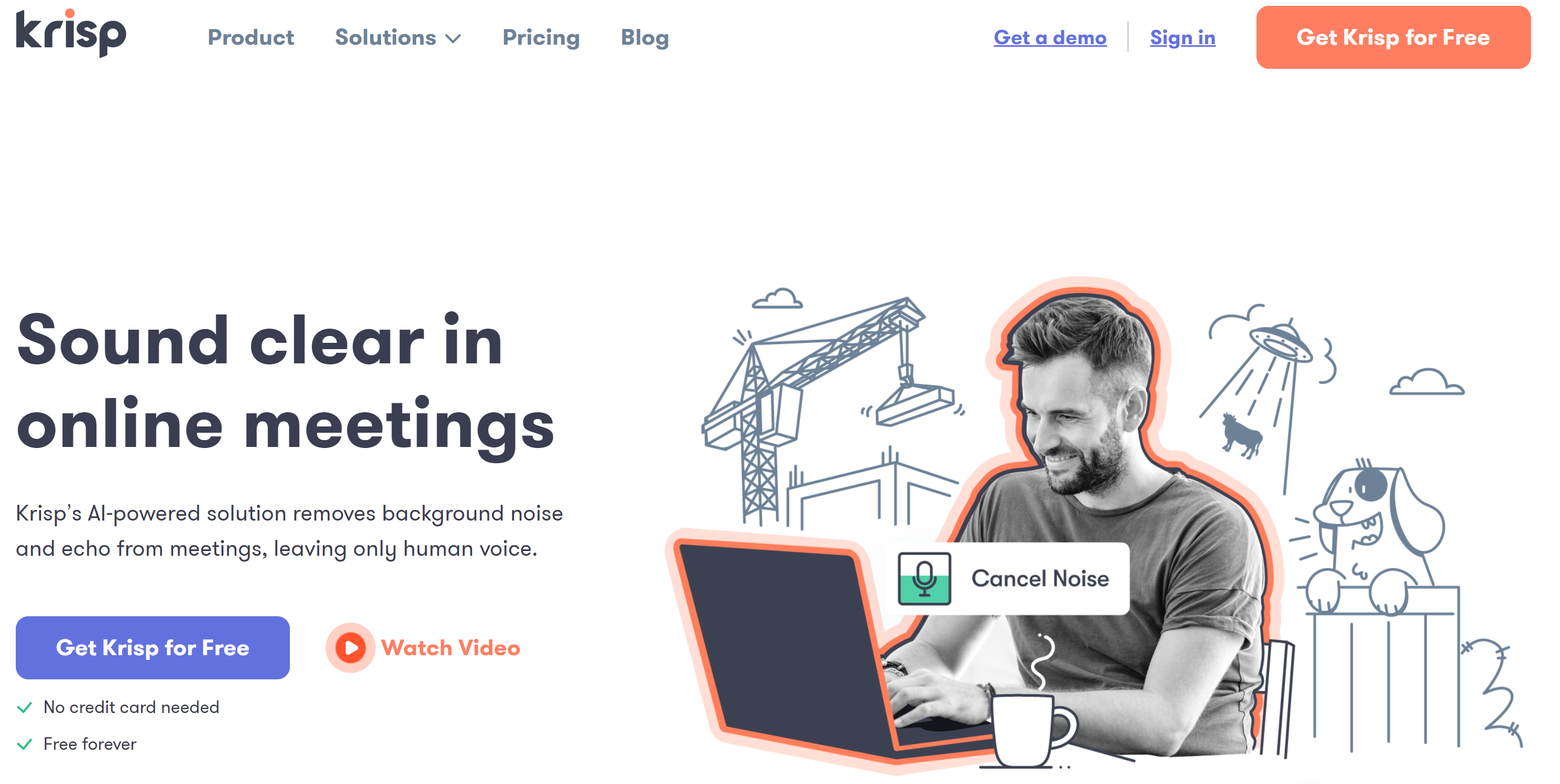
Similar Tools
Weekly Issue
⚡
Audio Editing tools · weekly digest
The AI Weekly — free in your inbox
New AI tools, pricing changes, expert picks, and hidden gems — curated by Mr. Spark every week. Join 5,000+ readers who stay ahead of the AI curve.
No spam, ever
Unsubscribe anytime
100% free