
Pricing Details
Starter Plan: Free, with up to 4 free generations by signing up. Downloads come with a watermark. Lite Plan: $6.67 per month, offering high-quality downloads without watermark and up to 20 generations for various services. Pro Plan: $16.67 per month, designed for professionals, providing extensive generation options and high-quality downloads. Pro Plus Plan: $33.33 per month, best for high volume orders with the most comprehensive features. Disclaimer: For the most accurate and current pricing details, refer to the official AI Home Design website. Discover: Marketing AI Tools AI Summarizers Video Enhancers for AI
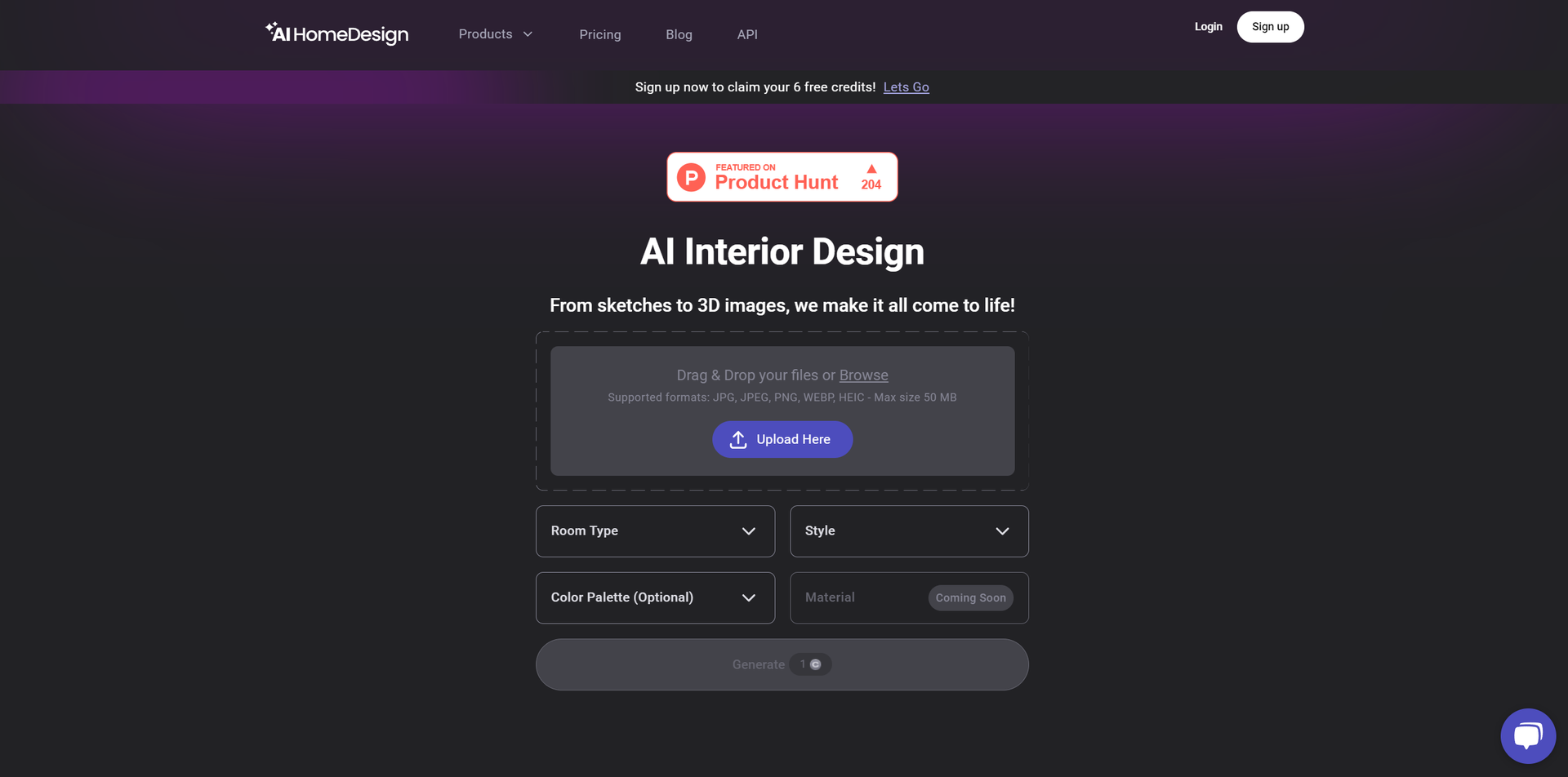
Product Visuals (1 images)
Strengths
- Cost-Effective Solutions: Competitive pricing models that cater to individual users, design enthusiasts, and professionals.
- High-Quality, Listing-Ready Results: Generate visually compelling images that are ready for real estate listings.
- User-Friendly Interface: Intuitive design that makes it easy to use for both novices and professionals.
- Fast and Reliable: Quick turnaround times for generating design visuals and editing images.
Limitations
- Learning Curve: New users may require some time to fully explore and utilize all the available features.
- Limited Physical Interaction: While AI Home Design offers a comprehensive digital solution, some users may miss the hands-on advice from human experts.
- Dependency on Digital Representations: The accuracy of virtual staging and renovations relies on the quality of digital models and images.
Building your AI toolkit?
Save AI Home Design and 1,000+ tools — free with Google, no spam
What You Get
Key Features
- Virtual Staging: Instantly furnish empty spaces with a wide range of styles to suit your preferred aesthetic.
- Interior Design: Utilize AI to redesign rooms, incorporating full creativity and freedom to explore different layouts and decor options.
- Photo Editing: Enhance property photos with high-quality editing tools, including AI Item Removal and AI Image Enhancement.
- Home Renovation: Plan and visualize home renovation projects with the help of AI, from small updates to full-scale remodels.
- ProsCost-Effective Solutions: Competitive pricing models that cater to individual users, design enthusiasts, and professionals.High-Quality, Listing-Ready Results: Generate visually compelling images that are ready for real estate listings.User-Friendly Interface: Intuitive design that makes it easy to use for both novices and professionals.Fast and Reliable: Quick turnaround times for generating design visuals and editing images.ConsLearning Curve: New users may require some time to fully explore and utilize all the available features.Limited Physical Interaction: While AI Home Design offers a comprehensive digital solution, some users may miss the hands-on advice from human experts.Dependency on Digital Representations: The accuracy of virtual staging and renovations relies on the quality of digital models and images.
Best For
- Real Estate Agents: Enhancing property listings with virtual staging and photo editing.
- Interior Designers: Exploring design possibilities and presenting concepts to clients.
- Homeowners: Planning renovations and redecorations of their spaces.
- Stagers: Creating visually appealing spaces for open houses and listings.
- Uncommon Use Cases: Educational institutions incorporate it into the design curriculum, and DIY enthusiasts use it for personal project planning.
Integrations
Similar Tools



Design tools · weekly digest
The AI Weekly — free in your inbox
New AI tools, pricing changes, expert picks, and hidden gems — curated by Mr. Spark every week. Join 5,000+ readers who stay ahead of the AI curve.