
Pricing Details
Free Tier: Start with basic features and a limited monthly token allowance. Pro Tier: $9.99 per month for additional tokens and features. Premium Tier: $29.99 per month for extensive tokens, full integration capabilities, and professional support. Disclaimer: Pricing information is accurate as of the last update. For the latest details, please visit the AI Perfect Assistant website.
Product Visuals (1 images)
Strengths
- Enhanced Productivity: Significantly reduces the time spent on creating documents, presentations, and communications.
- Ease of Use: The intuitive interface and seamless integration make it user-friendly, even for beginners.
- Versatility: Suitable for a wide range of tasks, from professional writing to casual chats.
- Affordable Pricing: Offers a free version and cost-effective subscription plans for advanced features.
Limitations
- Learning Curve: Some users may need time to familiarize themselves with the full range of tools and features.
- Token Limits: The free and lower-tier plans have limitations on the number of tokens available for use.
- Internet Dependency: Requires a stable internet connection for optimal performance.
Building your AI toolkit?
Save AI Perfect Assistant and 1,000+ tools — free with Google, no spam
What You Get
Key Features
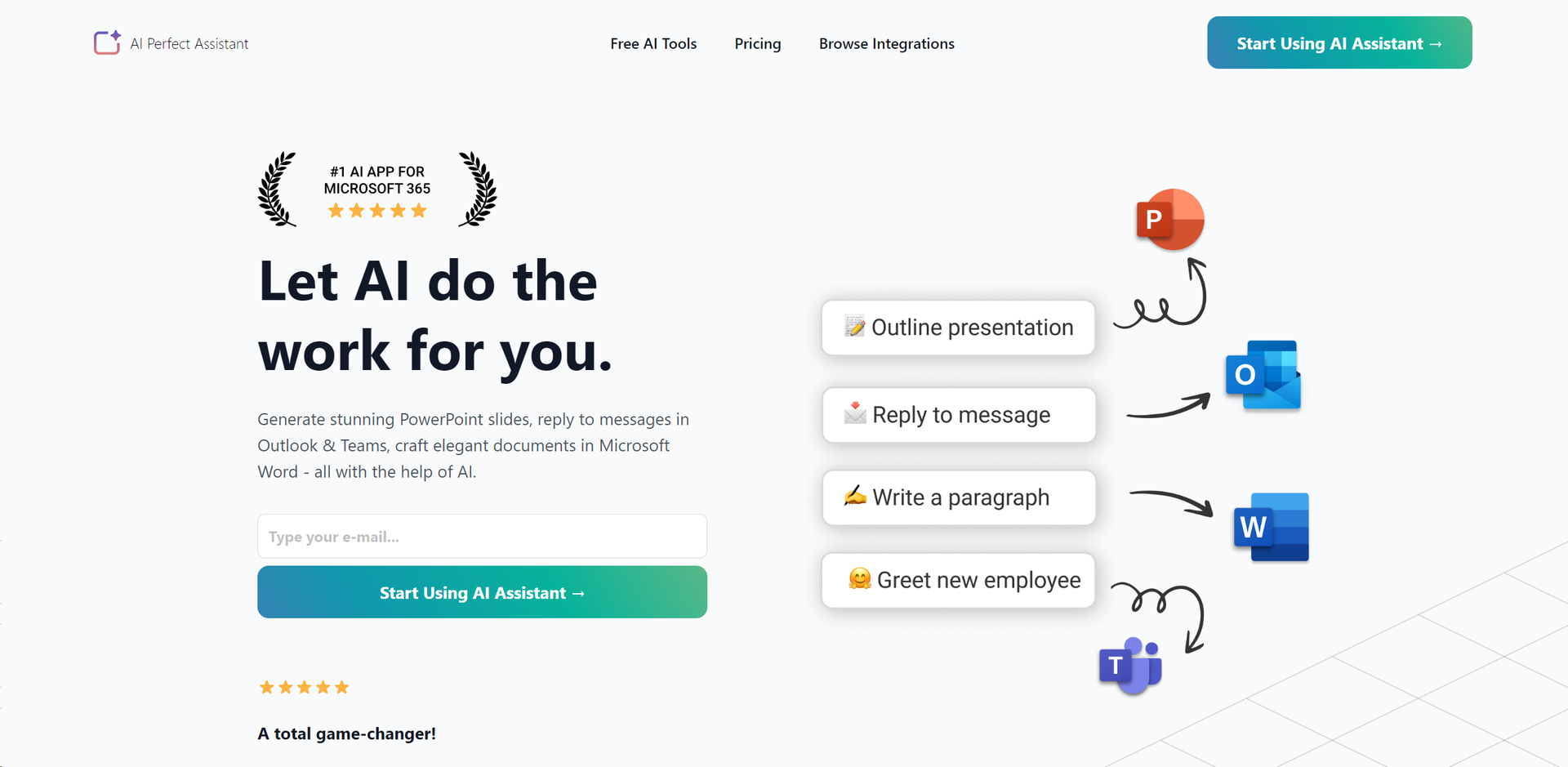
- Microsoft Office Integration: Seamlessly works with PowerPoint, Word, Outlook, and Teams to automate tasks.
- Content Generation: Offers over 40 AI tools for creating presentations, email messages, chat messages, and more.
- Language Tools: Includes features for grammar checking, language simplification, paraphrasing, and translation.
- Customizable Templates: Provides prompt templates with adjustable language preferences, writing styles, and tones.
- Browser and Telegram Integration: Available as a Chrome Extension and a Telegram Web App for enhanced accessibility.
- ProsEnhanced Productivity: Significantly reduces the time spent on creating documents, presentations, and communications.Ease of Use: The intuitive interface and seamless integration make it user-friendly, even for beginners.Versatility: Suitable for a wide range of tasks, from professional writing to casual chats.Affordable Pricing: Offers a free version and cost-effective subscription plans for advanced features.ConsLearning Curve: Some users may need time to familiarize themselves with the full range of tools and features.Token Limits: The free and lower-tier plans have limitations on the number of tokens available for use.Internet Dependency: Requires a stable internet connection for optimal performance.
Best For
- E-commerce Businesses: Employing the tool to generate product descriptions and email marketing content.
- Content Creators: Using it to streamline the writing process for blogs, social media posts, and video scripts.
- Corporate Professionals: Leveraging it to create presentations, draft reports, and manage email communications efficiently.
- Educational Institutions: Incorporating it into teaching methodologies for content creation and language learning.
- Uncommon Use Cases: Freelancers using it to enhance their productivity; Non-profits utilizing it for grant writing and communication.
Integrations
Microsoft Office Suite: Full integration with Word, PowerPoint, Outlook, and Teams. Chrome Extension & Telegram Web App: Extends its functionality to web browsing and mobile messaging. AI-Powered Tools: Over 40 AI functionalities to cater to diverse content creation and communication needs. Customizable Settings: Allows users to tailor the AI's output to their specific language and style preferences.
Similar Tools



Weekly Issue
⚡
Personal Assistant tools · weekly digest
The AI Weekly — free in your inbox
New AI tools, pricing changes, expert picks, and hidden gems — curated by Mr. Spark every week. Join 5,000+ readers who stay ahead of the AI curve.
No spam, ever
Unsubscribe anytime
100% free