
Pricing Details
Free Access: Sign up to receive 200 free credits weekly during the Beta testing period. Disclaimer: For the most current and accurate pricing details post-Beta, please refer to the official AI Photo Filter by Stylar website.
Product Visuals (1 images)
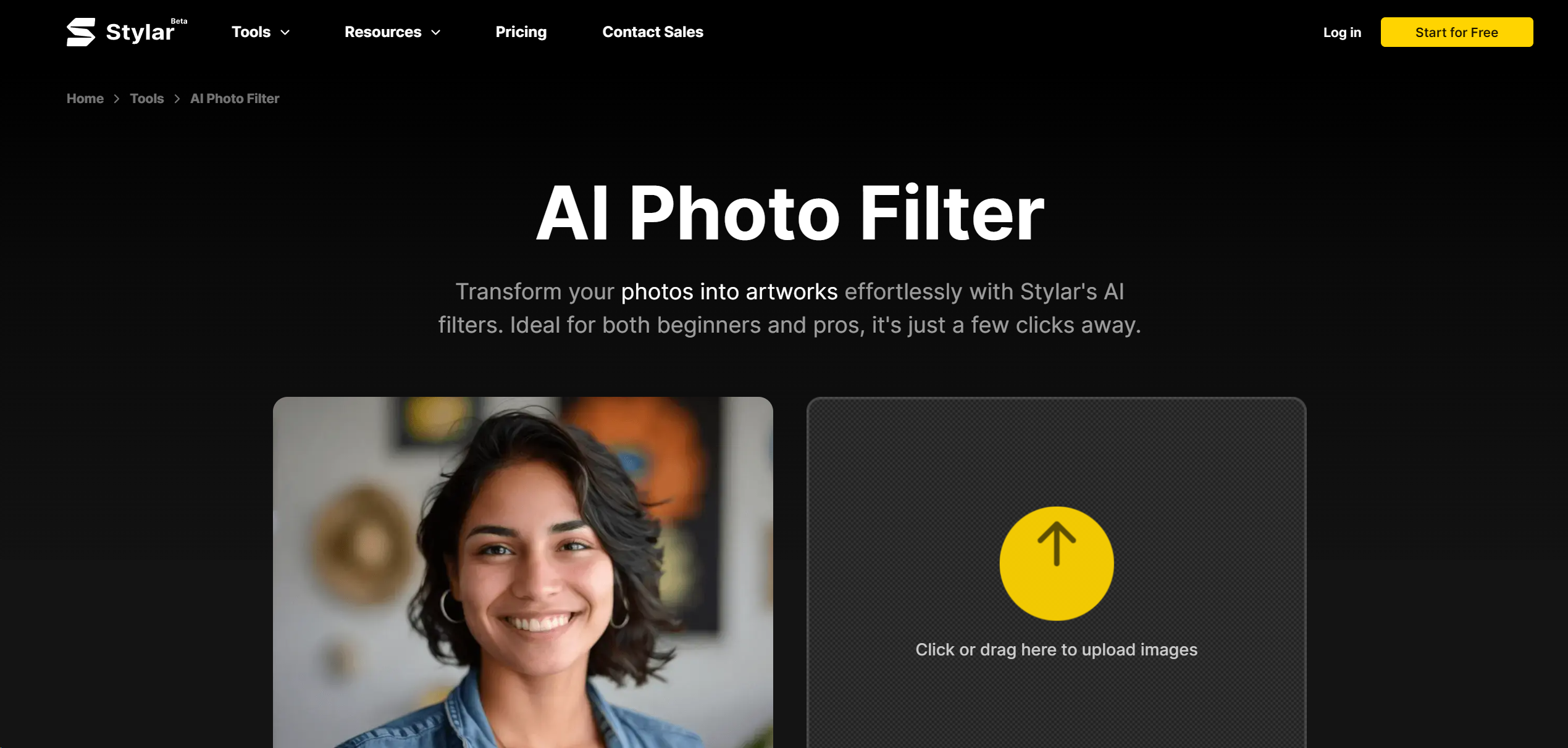
Strengths
- Creative Autonomy: Offers unparalleled control over the composition and style of AI-generated images.
- Simplified Design Workflow: Facilitates easy customization for users of all skill levels with predefined styles and intuitive tools.
- High-Resolution Exports: Supports exporting images in high-definition formats, catering to diverse medium requirements.
- Free Credits: Provides 200 free credits weekly during the Beta period, allowing users to test and provide feedback.
Limitations
- Beta Phase Limitations: As the tool is in Beta, there may be occasional bugs or incomplete features.
- Learning Curve: Despite user-friendliness, new users may require time to fully exploit the tool's capabilities.
- Dependency on Credits: Post-Beta, the reliance on credits for tool usage could become a cost factor.
Building your AI toolkit?
Save AI Photo Filter and 1,000+ tools — free with Google, no spam
What You Get
Key Features
- Predefined Styles: Simplify design customization with a variety of preset styles, eliminating the need for complex prompts.
- Layer-Based Composition: Utilize a drag-and-drop interface for precise layout adjustments and composition control.
- Sketching Tools: Sketch and position elements to create complex compositions with accuracy.
- Enhance Functionality: Improve image clarity and fix common issues with AI-generated faces and hands using specialized tools.
- User-Friendly Interface: Navigate an intuitive platform suitable for all levels of design experience.
- ProsCreative Autonomy: Offers unparalleled control over the composition and style of AI-generated images.Simplified Design Workflow: Facilitates easy customization for users of all skill levels with predefined styles and intuitive tools.High-Resolution Exports: Supports exporting images in high-definition formats, catering to diverse medium requirements.Free Credits: Provides 200 free credits weekly during the Beta period, allowing users to test and provide feedback.ConsBeta Phase Limitations: As the tool is in Beta, there may be occasional bugs or incomplete features.Learning Curve: Despite user-friendliness, new users may require time to fully exploit the tool's capabilities.Dependency on Credits: Post-Beta, the reliance on credits for tool usage could become a cost factor.
Best For
- E-commerce Businesses: Enhancing product visuals for online stores.
- Digital Marketing Agencies: Creating compelling content for marketing campaigns.
- Social Media Influencers: Crafting standout posts for follower engagement.
- Graphic Designers: Streamlining the design process for various projects.
- Uncommon Use Cases: Assisting in educational settings for design-related courses; Facilitating the workflow of hobbyist photographers.
Integrations
High-Resolution Support: Compatible with various mediums through HD exports. Stylar Assistant: Integrates conversational AI to assist in prompt optimization. Layer Exportation: Allows for easy saving and reusing of image components as assets. Enhance Tool Integration: Seamlessly improves image quality with one-click functionality.
Similar Tools



Weekly Issue
⚡
Design tools · weekly digest
The AI Weekly — free in your inbox
New AI tools, pricing changes, expert picks, and hidden gems — curated by Mr. Spark every week. Join 5,000+ readers who stay ahead of the AI curve.
No spam, ever
Unsubscribe anytime
100% free