
Pricing Details
Free Plan: $0 per month. Includes 20 credits per day, basic AI music tools, 1-minute custom uploads, 1 concurrent generation, and 30-day cloud storage. No downloads, commercial use, or full song access. Basic Plan: $9.99 per month. Includes 500 monthly credits, 2-minute uploads, 1 concurrent generation, MP3/WAV downloads, private generation, commercial license, and 365-day storage. No priority support. Standard Plan: $19.99 per month. Includes 1,500 monthly credits, 8-minute uploads, 10 concurrent generations, full feature access, unlimited storage, downloads, and commercial use. Priority support not included. Pro Plan: $59.99 per month. Includes 5,000 monthly credits, unlimited generations, all features unlocked, full commercial use, unlimited storage, downloads, and priority email support. Disclaimer: Please note that pricing information may not be up to date. For the most accurate and current pricing details, refer to the official AI Song Maker website.
Product Visuals (1 images)
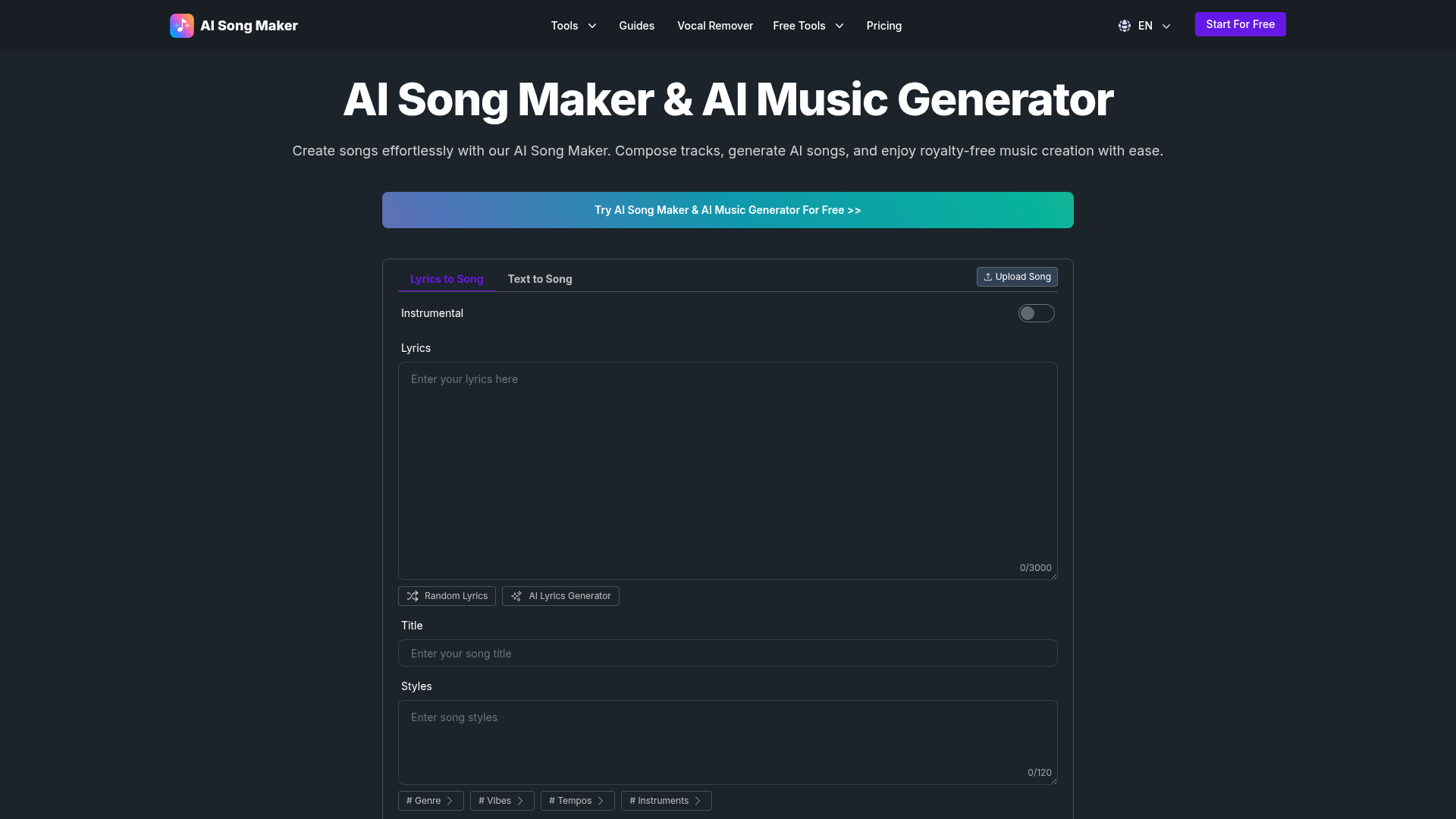
Strengths
- User-Friendly Interface: Designed for users of all skill levels, making music creation accessible and straightforward.
- Time and Cost Efficiency: Reduces production time and costs with AI-driven automation.
- Versatile Music Styles: Offers a variety of music styles, including pop, rock, and rap, to suit different creative needs.
- Royalty-Free Music: Generates music that can be used commercially without additional licensing fees.
Limitations
- Initial Learning Curve: Some users might need time to fully explore and utilize all advanced features.
- Internet Dependency: Requires a stable internet connection for optimal performance.
Building your AI toolkit?
Save AI Song Maker and 1,000+ tools — free with Google, no spam
What You Get
Key Features
- Text to Song: Convert any text into music, creating unique melodies and compositions.
- Lyrics to Song: Transform written lyrics into engaging melodies, perfect for songwriters and musicians.
- Vocal Remover: Easily remove vocals from existing tracks to create instrumental versions or karaoke tracks.
- Extend and Replace Music Sections: Customize your music by extending or replacing specific sections, such as intros, choruses, or outros.
- ProsUser-Friendly Interface: Designed for users of all skill levels, making music creation accessible and straightforward.Time and Cost Efficiency: Reduces production time and costs with AI-driven automation.Versatile Music Styles: Offers a variety of music styles, including pop, rock, and rap, to suit different creative needs.Royalty-Free Music: Generates music that can be used commercially without additional licensing fees.ConsInitial Learning Curve: Some users might need time to fully explore and utilize all advanced features.Internet Dependency: Requires a stable internet connection for optimal performance.
Best For
- Musicians and Songwriters: Craft melodies and harmonies quickly and explore new musical ideas.
- Content Creators and Podcasters: Produce custom jingles, intros, and background music for various media projects.
- Educators and Students: Use the tool for educational purposes, exploring music theory and composition.
- Social Media Creators and Indie Filmmakers: Enhance video content with high-quality, custom music tracks.
- Uncommon Use Cases: Used by therapists for music therapy sessions; adopted by event planners to create personalized event soundtracks.
Similar Tools
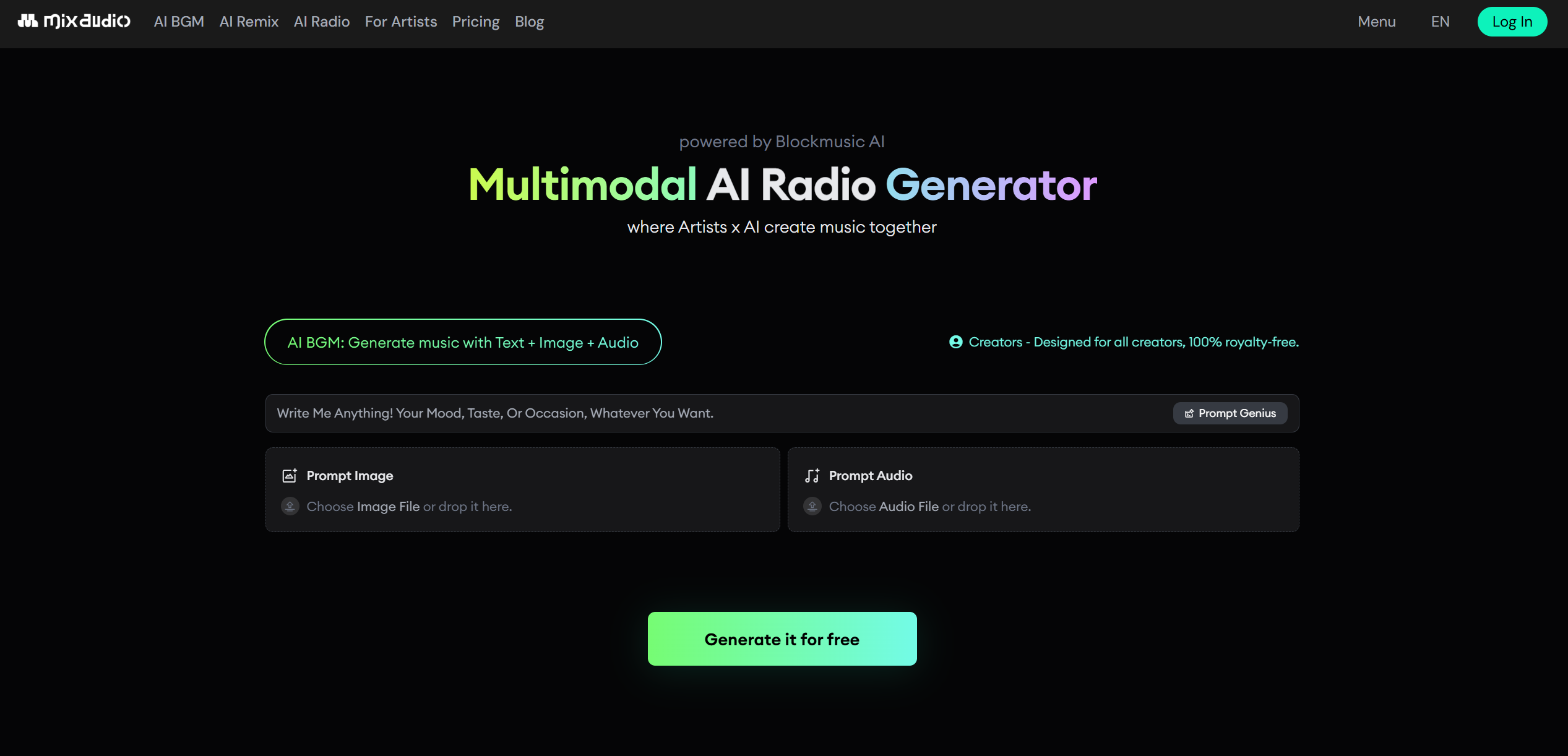
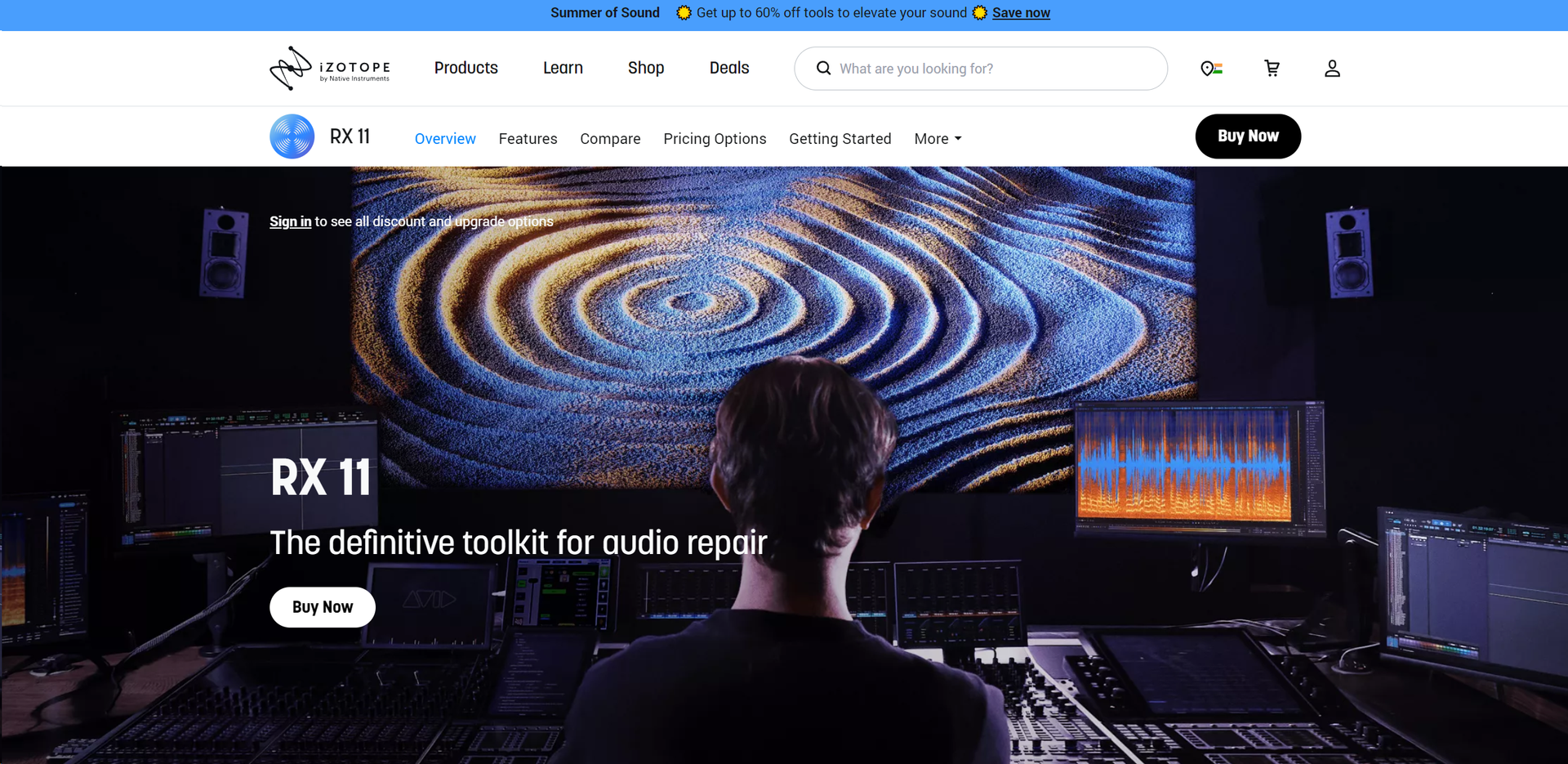
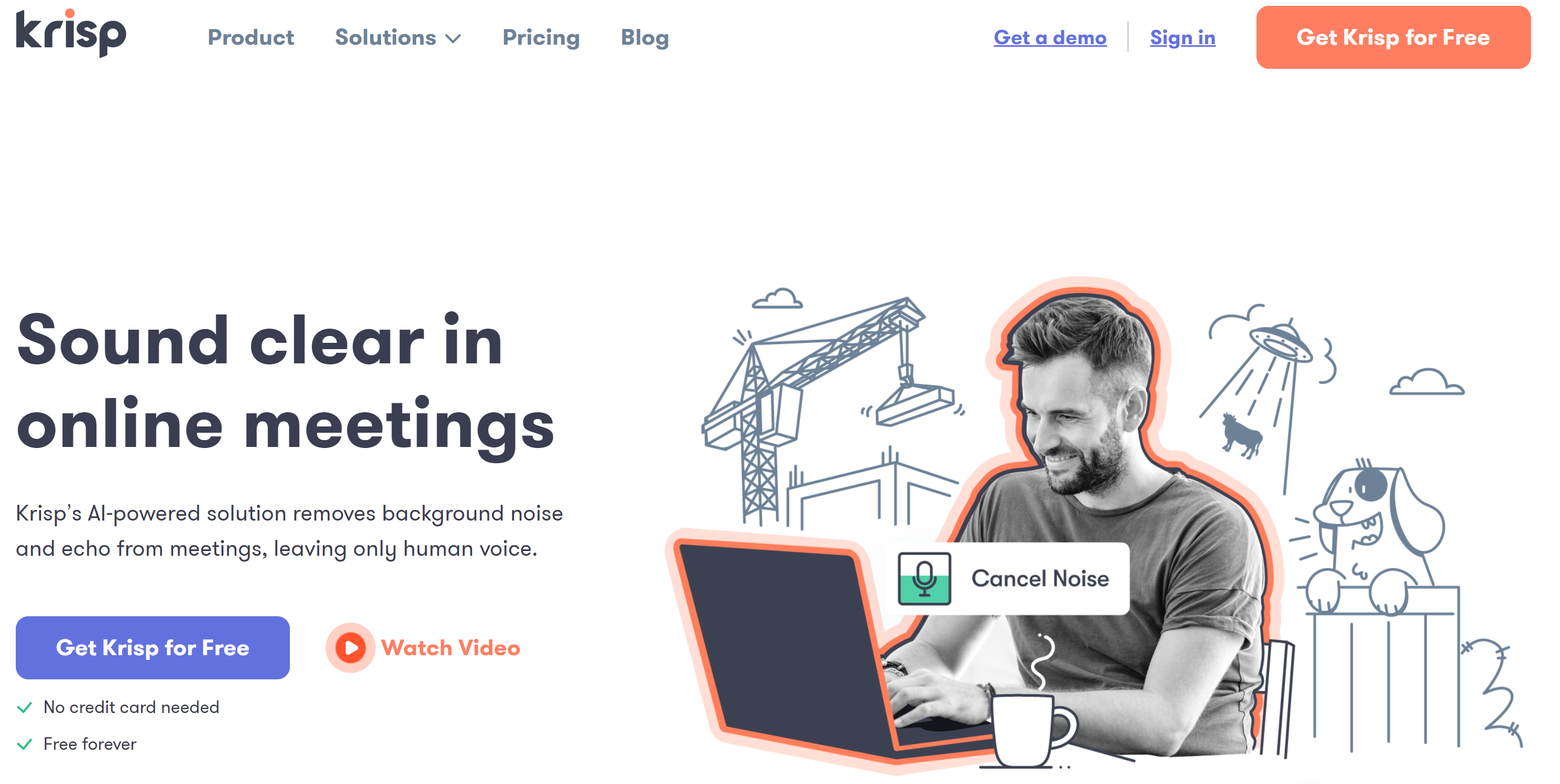
Audio Editing tools · weekly digest
The AI Weekly — free in your inbox
New AI tools, pricing changes, expert picks, and hidden gems — curated by Mr. Spark every week. Join 5,000+ readers who stay ahead of the AI curve.