
Pricing Details
Free Tier: Experience basic features of AirBrush AI Headshots with limited access. Disclaimer: Please note that pricing information may not be up to date. For the most accurate and current pricing details, refer to the official AirBrush AI Headshots website.
Product Visuals (1 images)
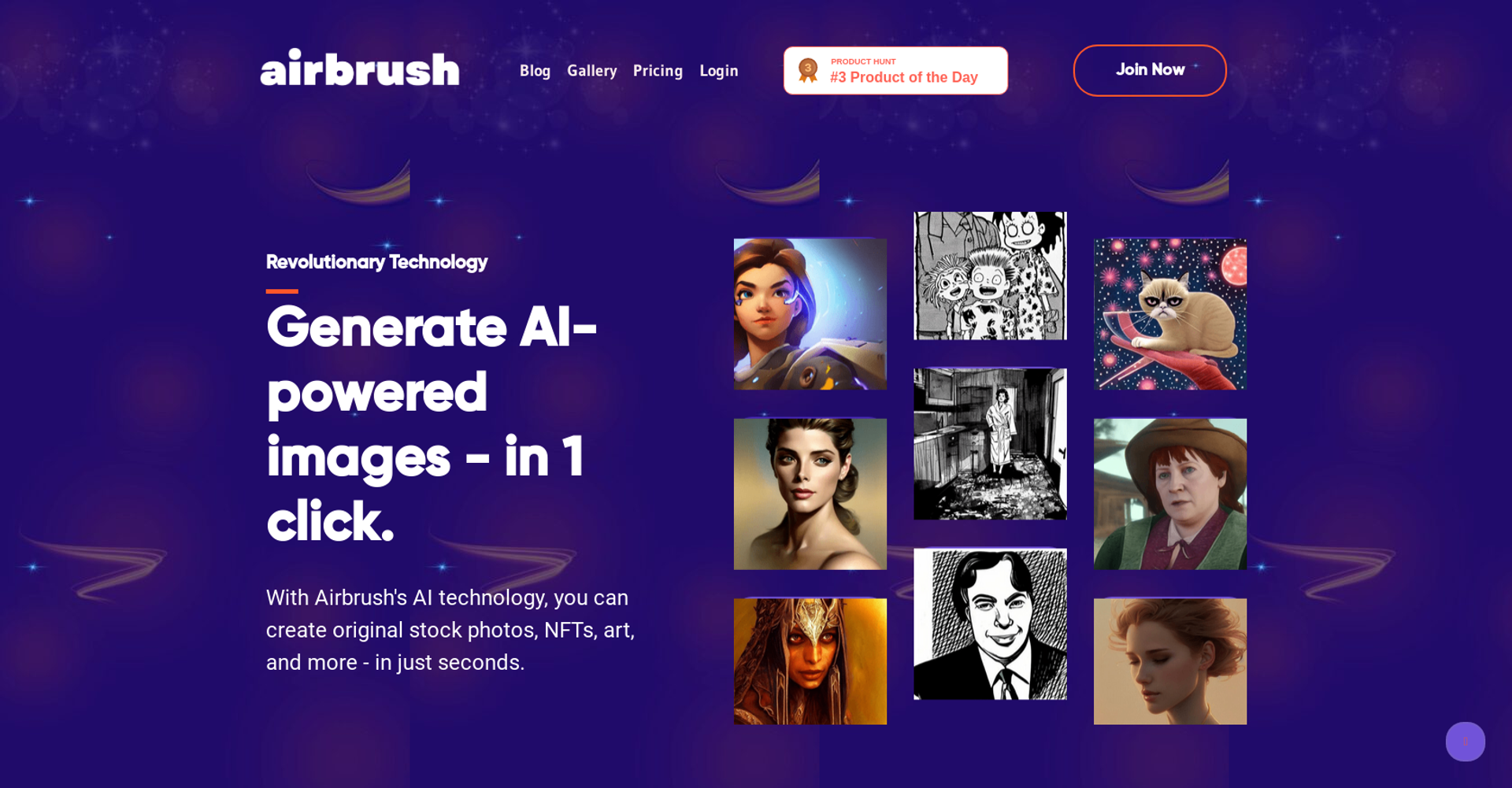
Strengths
- User-Friendly Interface: The intuitive design makes it accessible for users of all skill levels, from beginners to professionals.
- Time Efficiency: Significantly reduces the time required for photo editing, allowing for quicker turnarounds.
- Cost-Effective: Offers powerful editing tools without the hefty price tag associated with traditional software.
- Versatile Tools: Provides a wide range of features that cater to various editing needs, from simple retouches to complex transformations.
Limitations
- Limited Free Features: Some advanced functionalities require a paid subscription for full access.
- Initial Learning Curve: Users may need time to explore and become comfortable with all available tools.
- Internet Dependency: Online tools require a stable internet connection for optimal performance.
What You Get
Key Features
- AI-Powered Retouch: Utilize sophisticated AI algorithms to enhance portraits with precision and ease, ensuring high-quality, professional results.
- Photo Eraser: Effortlessly remove unwanted objects or people from your images, providing a clean and polished appearance.
- Image Background Remover: Seamlessly extract and replace backgrounds to create compelling and customized visuals.
- Face Swap: Innovatively swap faces in photos to create unique and engaging content.
- ProsUser-Friendly Interface: The intuitive design makes it accessible for users of all skill levels, from beginners to professionals.Time Efficiency: Significantly reduces the time required for photo editing, allowing for quicker turnarounds.Cost-Effective: Offers powerful editing tools without the hefty price tag associated with traditional software.Versatile Tools: Provides a wide range of features that cater to various editing needs, from simple retouches to complex transformations.ConsLimited Free Features: Some advanced functionalities require a paid subscription for full access.Initial Learning Curve: Users may need time to explore and become comfortable with all available tools.Internet Dependency: Online tools require a stable internet connection for optimal performance.
Best For
- Photographers: Leveraging the tool for efficient and professional photo editing.
- Social Media Influencers: Using it to enhance and perfect images for engaging online content.
- Creative Professionals: Employing the tool for versatile editing in various creative projects.
- Marketing Teams: Utilizing the tool for producing high-quality visual content for campaigns.
- Uncommon Use Cases: Adopted by educational institutions for teaching digital content creation; used by fashion designers for visualizing garment designs on models.
Similar Tools



Weekly Issue
⚡
Design tools · weekly digest
The AI Weekly — free in your inbox
New AI tools, pricing changes, expert picks, and hidden gems — curated by Mr. Spark every week. Join 5,000+ readers who stay ahead of the AI curve.
No spam, ever
Unsubscribe anytime
100% free