
Pricing Details
Starter Plan: $25 per month for basic features and limited designs. Pro Plan: $45 per month, offering advanced features, unlimited designs, and priority support. Enterprise Plan: Custom pricing for large teams or organizations needing extensive design capabilities. Disclaimer: Please note that pricing information may not be up to date. For the most accurate and current pricing details, refer to the official ArchitectGPT website.
Product Visuals (1 images)
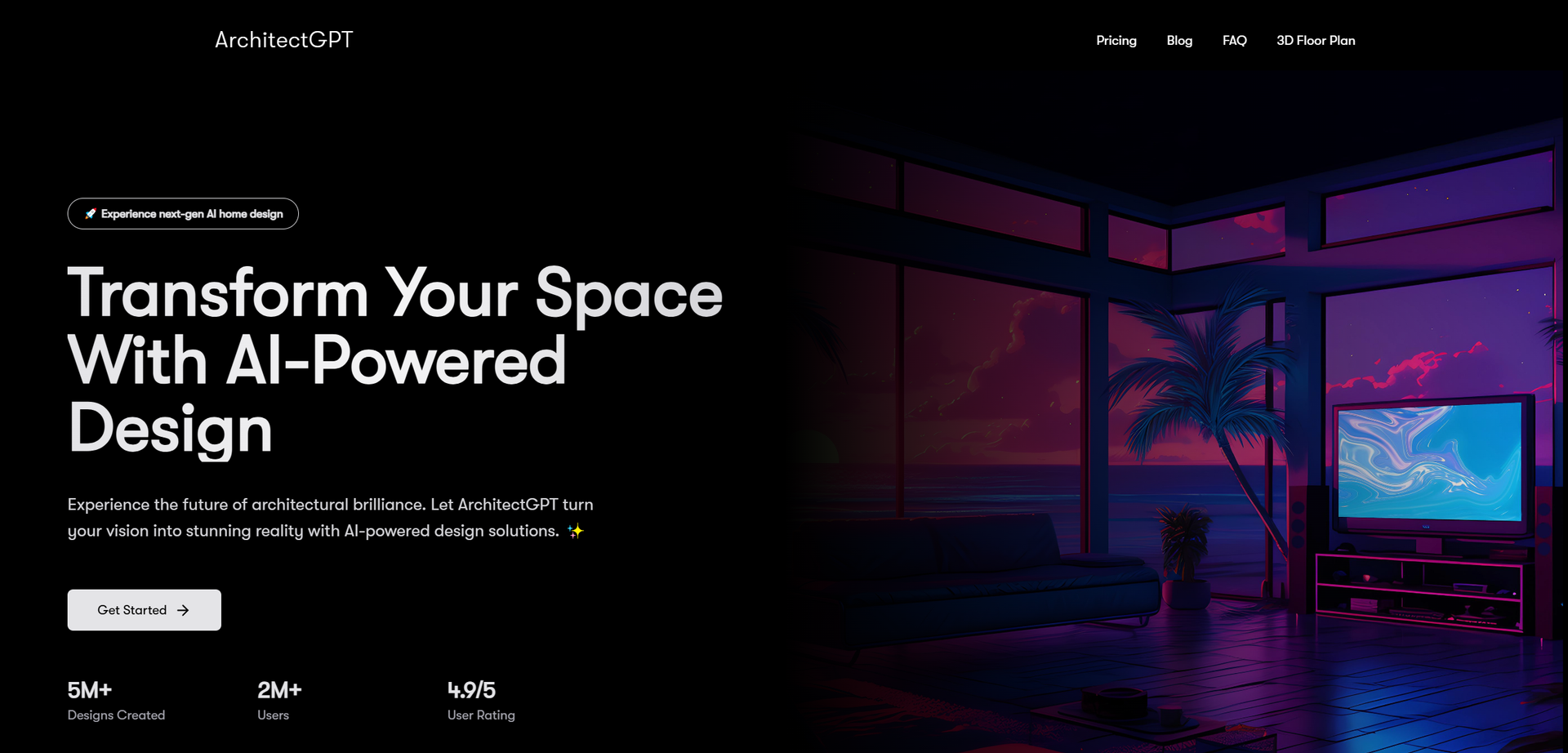
Strengths
- Time Efficiency: Quickly visualize and modify designs, significantly reducing the time spent on traditional design tasks.
- User-Friendly Interface: No technical expertise required—ideal for both professionals and beginners.
- Cost-Effective: Avoid costly design mistakes with accurate previews and adjustments before implementation.
- High-Quality Visuals: Generate ultra-sharp 4K resolution images with precise material rendering and natural lighting effects.
Limitations
- Initial Learning Curve: Some users may require time to fully explore and utilize all advanced features.
- Limited Integration: Currently, the tool may offer limited compatibility with some third-party design software.
- Subscription Costs: While cost-effective, subscription fees may be a consideration for small-scale users or hobbyists.
Building your AI toolkit?
Save ArchitectGPT and 1,000+ tools — free with Google, no spam
What You Get
Key Features
- AI-Powered Design: ArchitectGPT leverages advanced AI algorithms to create photorealistic designs based on user inputs, transforming spaces from ordinary to extraordinary.
- Smart Room Customization: Tailor every aspect of your space with intelligent design suggestions that suit your taste and requirements.
- Virtual Staging Plus: Save on staging costs with virtual visualization technology that provides a realistic preview of your future space.
- Text-to-Design Feature: Describe your ideal space, and watch as the AI brings your words to life, offering endless design possibilities.
- ProsTime Efficiency: Quickly visualize and modify designs, significantly reducing the time spent on traditional design tasks.User-Friendly Interface: No technical expertise required—ideal for both professionals and beginners.Cost-Effective: Avoid costly design mistakes with accurate previews and adjustments before implementation.High-Quality Visuals: Generate ultra-sharp 4K resolution images with precise material rendering and natural lighting effects.ConsInitial Learning Curve: Some users may require time to fully explore and utilize all advanced features.Limited Integration: Currently, the tool may offer limited compatibility with some third-party design software.Subscription Costs: While cost-effective, subscription fees may be a consideration for small-scale users or hobbyists.
Best For
- Interior Designers: Utilizing the tool for crafting detailed and visually stunning design layouts.
- Architects: Employing ArchitectGPT to convert technical designs into photorealistic renders for presentations.
- Real Estate Agents: Leveraging virtual staging to enhance property listings and attract potential buyers.
- Homeowners: Experimenting with design changes and visualizing renovations before committing to them.
- Uncommon Use Cases: Adopted by landscape architects for visualizing garden designs; used by film set designers for creating realistic set environments.
Similar Tools



Weekly Issue
⚡
Design tools · weekly digest
The AI Weekly — free in your inbox
New AI tools, pricing changes, expert picks, and hidden gems — curated by Mr. Spark every week. Join 5,000+ readers who stay ahead of the AI curve.
No spam, ever
Unsubscribe anytime
100% free