
Pricing Details
Free Trial: Start with ArkDesign for free and explore its capabilities without any upfront cost. Pro Plan: Detailed pricing available upon request, tailored to the scale and scope of the project needs. Disclaimer: For the most accurate and current pricing details, refer to the official ArkDesign website.
Product Visuals (1 images)
Strengths
- Increased Efficiency: Reduces the time required to generate initial design studies dramatically.
- Cost-Effective: Minimizes the need for multiple revisions by getting it right the first time.
- Enhanced Profitability: Optimizes designs for maximum saleable area and unit count.
- Scalability: Capable of handling projects from small to large scales without compromising on speed or quality.
Limitations
- Learning Curve: New users may require some time to fully grasp all functionalities.
- Dependency on Updates: Relies on continuous updates to maintain compliance with changing regulations.
- Limited Customization: While highly efficient, options for customization might be restricted compared to traditional methods.
Building your AI toolkit?
Save ArkDesign and 1,000+ tools — free with Google, no spam
What You Get
Key Features
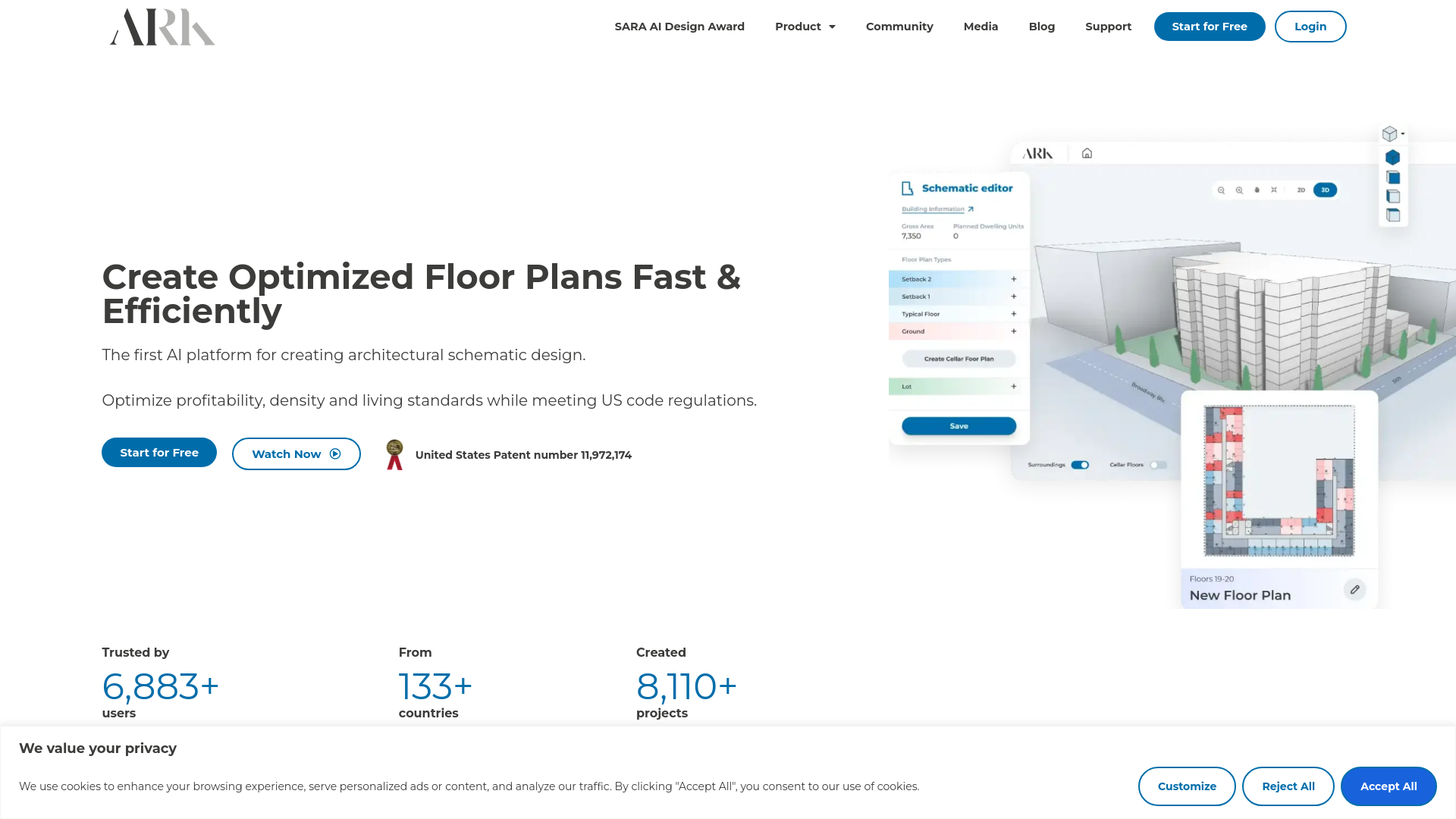
- AI-Powered Schematic Generation: Automatically creates building designs that optimize space and profitability.
- Compliance with Local Regulations: Ensures all designs adhere to local building codes and ordinances.
- Rapid Feasibility Studies: Generates detailed feasibility studies for large scale projects in minutes.
- User-Friendly Interface: Simplifies the design process with an intuitive platform that's easy to navigate.
- ProsIncreased Efficiency: Reduces the time required to generate initial design studies dramatically.Cost-Effective: Minimizes the need for multiple revisions by getting it right the first time.Enhanced Profitability: Optimizes designs for maximum saleable area and unit count.Scalability: Capable of handling projects from small to large scales without compromising on speed or quality.ConsLearning Curve: New users may require some time to fully grasp all functionalities.Dependency on Updates: Relies on continuous updates to maintain compliance with changing regulations.Limited Customization: While highly efficient, options for customization might be restricted compared to traditional methods.
Best For
- Architectural Firms: Utilizing the tool to streamline the creation of building schematics.
- Real Estate Developers: Employing the platform to assess project feasibility and optimize layouts.
- Educational Institutions: Integrating ArkDesign into curriculum to teach students about architectural design and optimization.
- Urban Planners: Using the tool to plan and visualize urban development projects.
- Uncommon Use Cases: Used by government agencies for planning public housing projects; utilized by researchers for studying urban density and its impact.
Integrations
Cloud-Based Platform: Accessible from anywhere, facilitating remote and collaborative workflows. Data Import/Export: Supports various data formats for seamless integration with other architectural software. Scalable Infrastructure: Easily handles projects of varying sizes, from small residential buildings to large commercial developments. Continuous Updates: Regularly updated to ensure compatibility with the latest regulations and standards.
Similar Tools



Weekly Issue
⚡
Design tools · weekly digest
The AI Weekly — free in your inbox
New AI tools, pricing changes, expert picks, and hidden gems — curated by Mr. Spark every week. Join 5,000+ readers who stay ahead of the AI curve.
No spam, ever
Unsubscribe anytime
100% free