
Pricing Details
Free Trial: Experience Audioshake with a limited-time free trial. Subscription Plans: Starting at $19.99 per month for basic access, with advanced features available in higher-tier plans. Disclaimer: Please note that pricing information may not be up to date. For the most accurate and current pricing details, refer to the official Audioshake website.
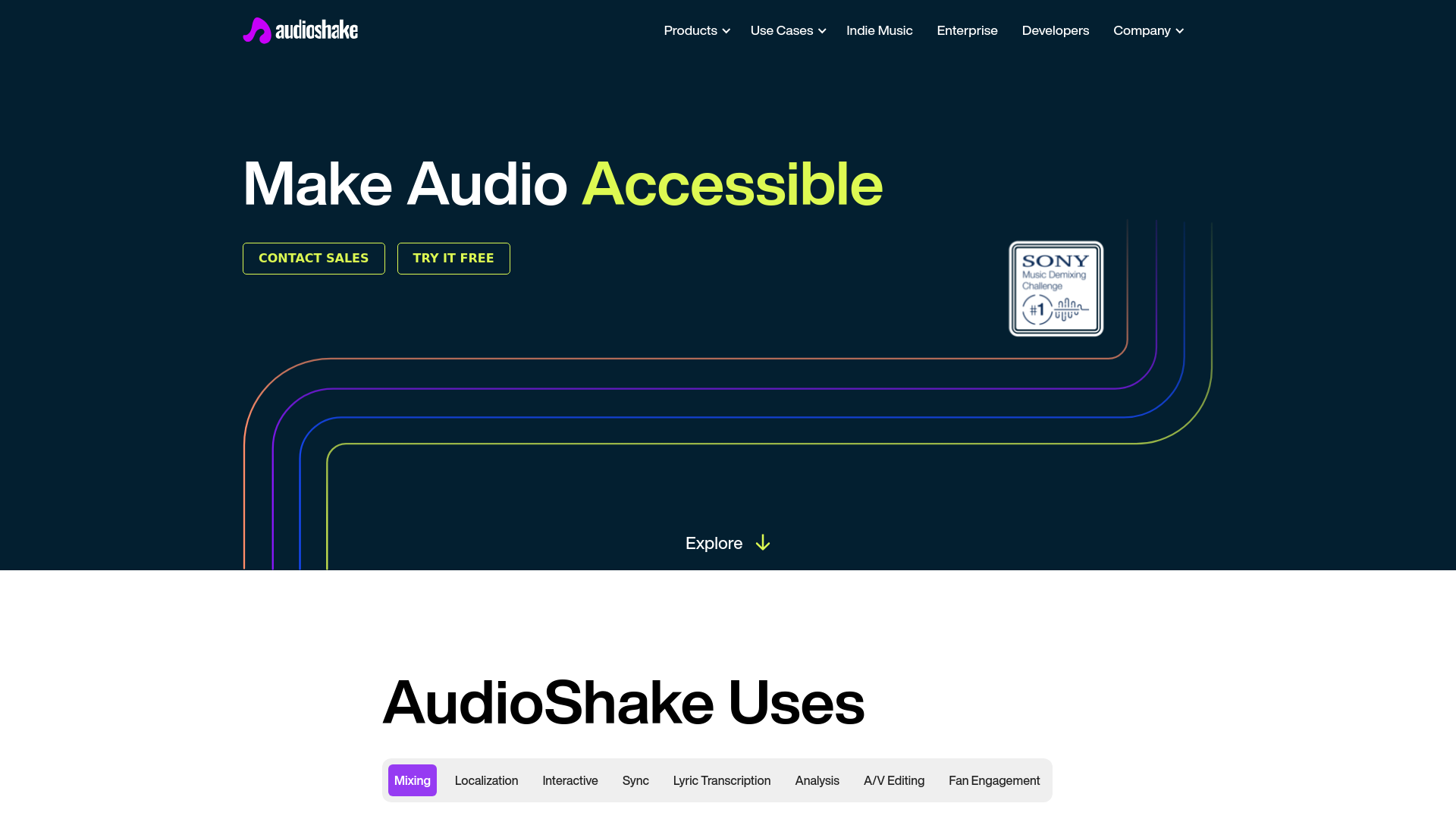
Product Visuals (1 images)
Strengths
- Enhanced Audio Quality: Provides clean separation of audio components, significantly improving the end product's clarity and depth.
- Time Efficiency: Reduces the time required for complex audio editing tasks, enabling quick turnaround times for projects.
- Innovative Features: Offers features like real-time audio adaptation and lyric synchronization that are cutting-edge in the audio industry.
- Broad Application: Useful across various sectors including entertainment, education, and digital marketing, demonstrating its versatility.
Limitations
- Complexity for Beginners: The high-tech features may require a learning curve for those new to audio editing software.
- Dependency on Quality Inputs: The effectiveness of audio separation can depend on the original recording's quality.
- Limited Free Trial: While there is a free trial available, extended exploration of all features necessitates a paid plan.
Building your AI toolkit?
Save AudioShake and 1,000+ tools — free with Google, no spam
What You Get
Key Features
- Dialogue, Music & Effects Separation: Isolates specific audio elements, enhancing clarity and quality for tasks such as dubbing and mixing.
- Lyric Transcription & Alignment: Automates the transcription of lyrics and aligns them perfectly with the music, saving time and enhancing the accuracy of outputs.
- Instrument Stem Separation: Allows users to decompose a music track into its individual instrumental components, facilitating easier remixing and mastering.
- Interactive Audio for Gaming and Social Media: Adapts music dynamically to user interactions or environmental changes in real-time applications.
- ProsEnhanced Audio Quality: Provides clean separation of audio components, significantly improving the end product's clarity and depth.Time Efficiency: Reduces the time required for complex audio editing tasks, enabling quick turnaround times for projects.Innovative Features: Offers features like real-time audio adaptation and lyric synchronization that are cutting-edge in the audio industry.Broad Application: Useful across various sectors including entertainment, education, and digital marketing, demonstrating its versatility.ConsComplexity for Beginners: The high-tech features may require a learning curve for those new to audio editing software.Dependency on Quality Inputs: The effectiveness of audio separation can depend on the original recording's quality.Limited Free Trial: While there is a free trial available, extended exploration of all features necessitates a paid plan.
Best For
- Music Producers: Utilizing the tool for remixing and mastering tracks.
- Film and TV Studios: Employing the tool for audio editing in post-production.
- Digital Content Creators: Leveraging the tool to enhance audio quality for podcasts and videos.
- Game Developers: Using the tool to create dynamic audio environments.
- Uncommon Use Cases: Academic researchers analyzing music composition; DJs creating custom tracks for live performances.
Integrations
Multi-platform Support: Compatible with major operating systems including Windows and macOS. Software Integration: Seamlessly works with popular digital audio workstations (DAWs) like Ableton Live and Pro Tools. API Access: Offers developers the ability to integrate Audioshake's functionalities into custom applications. Cloud-Based: Ensures easy access and collaboration via cloud storage integrations.
Similar Tools
Weekly Issue
⚡
Audio Editing tools · weekly digest
The AI Weekly — free in your inbox
New AI tools, pricing changes, expert picks, and hidden gems — curated by Mr. Spark every week. Join 5,000+ readers who stay ahead of the AI curve.
No spam, ever
Unsubscribe anytime
100% free