
Pricing Details
Free Tier: Start for free with unlimited diagrams, AI-powered generation, and all export formats. Plus Tier: At $9.99 per month, this plan offers higher rate limits and priority support. Enterprise Tier: Tailored for teams needing advanced features, pricing is available upon request. Disclaimer: Please note that pricing information may not be up to date. For the most accurate and current pricing details, refer to the official Bhava website.
Product Visuals (1 images)
Strengths
- Time Efficiency: Create complex diagrams in minutes, drastically reducing the time spent on manual diagramming.
- Ease of Use: The intuitive interface and AI assistance make it accessible for users of all skill levels.
- Versatility: Supports a wide range of diagram types, from mind maps to network maps.
- Collaboration Features: Work alongside AI to enhance creativity and productivity.
Limitations
- Initial Learning Curve: Despite its user-friendly design, new users might need some time to fully leverage its advanced features.
- Limited Free Features: The free plan offers basic functionalities, but higher limits and features require a paid subscription.
What You Get
Key Features
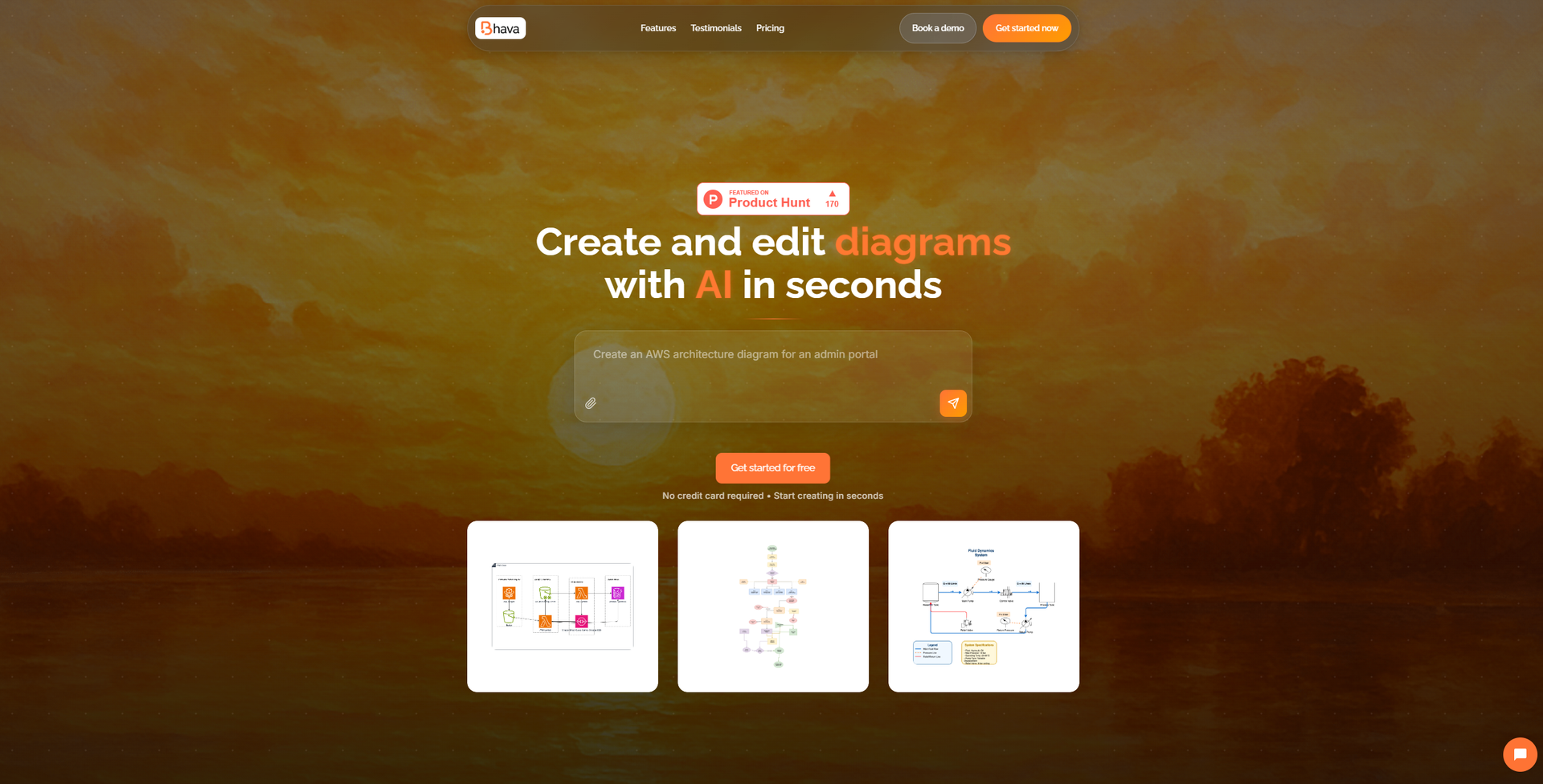
- AI-Powered Diagram Generation: Instantly create diagrams from text or images, with automatic icon recognition for services like AWS, GCP, and Azure.
- Smart Layouts and Connectors: Spend less time adjusting elements with intelligent positioning and linking.
- Import and Export Flexibility: Bring in existing diagrams from platforms like draw.io or Mermaid and export to popular formats like PNG and SVG.
- All-In-One Editor: Edit styles, layers, and groups with ease, ensuring everything remains flexible and modifiable.
- ProsTime Efficiency: Create complex diagrams in minutes, drastically reducing the time spent on manual diagramming.Ease of Use: The intuitive interface and AI assistance make it accessible for users of all skill levels.Versatility: Supports a wide range of diagram types, from mind maps to network maps.Collaboration Features: Work alongside AI to enhance creativity and productivity.ConsInitial Learning Curve: Despite its user-friendly design, new users might need some time to fully leverage its advanced features.Limited Free Features: The free plan offers basic functionalities, but higher limits and features require a paid subscription.
Best For
- Engineers: Utilizing the tool for system architecture and hardware schematics.
- Product Managers: Employing it to communicate complex ideas visually.
- Educators: Using Bhava to illustrate concepts and facilitate learning.
- Freelancers: Adopting the tool for client presentations and project planning.
- Uncommon Use Cases: Employed by non-profits for strategic planning; Used by hobbyists for personal projects like game design.
Similar Tools



Weekly Issue
⚡
Design tools · weekly digest
The AI Weekly — free in your inbox
New AI tools, pricing changes, expert picks, and hidden gems — curated by Mr. Spark every week. Join 5,000+ readers who stay ahead of the AI curve.
No spam, ever
Unsubscribe anytime
100% free