
Pricing Details
Free Trial: Available to get started with BlinkVideo. Subscription Plans: Detailed pricing plans can be found on the BlinkVideo website. Disclaimer: For the latest and most accurate pricing details, please check the official BlinkVideo website.
Product Visuals (1 images)
Strengths
- Efficiency in Video Production: Significantly reduces editing and post-production time.
- Ease of Use: Features an intuitive interface suitable for both beginners and professionals.
- Versatility: Useful across different social media platforms.
- Enhanced Engagement: Customizable captions and dynamic content features boost viewer interaction.
Limitations
- Feature Overload: New users may initially find the range of features overwhelming.
- Language Limitations: Auto-captioning is available in only 10 languages, which might not cover all user needs.
- Platform Dependency: Optimized for short-form video platforms, potentially less suitable for longer video formats.
Building your AI toolkit?
Save BlinkVideo and 1,000+ tools — free with Google, no spam
What You Get
Key Features
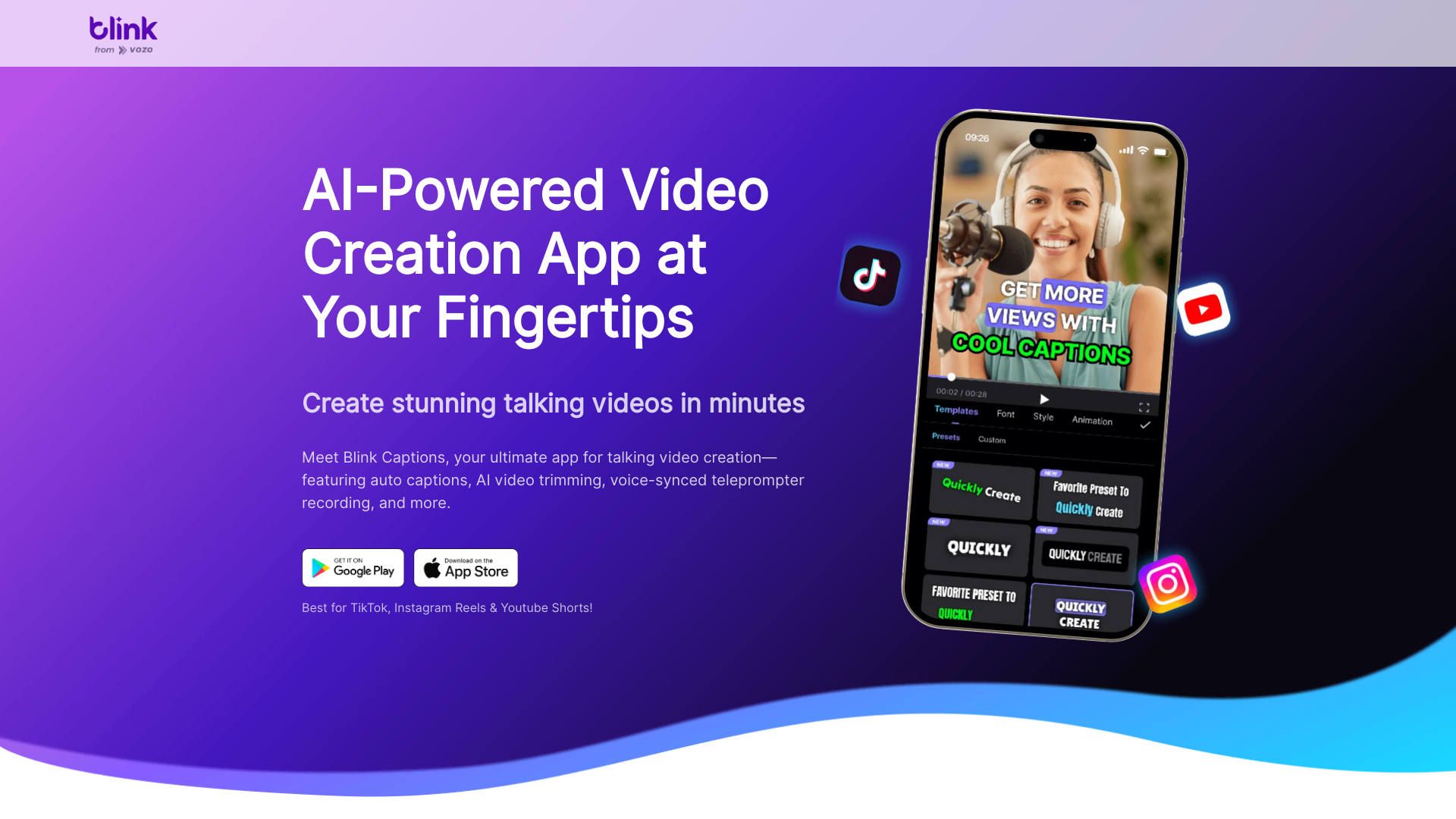
- Auto-Generated Accurate Subtitles: Adds subtitles in 10 languages automatically, saving time on post-production.
- Customizable Captions: Provides over 200 styles for personalized captions, including different fonts, colors, and backgrounds.
- AI-Powered Video Trimming: Facilitates easy video trimming by editing the transcribed text and removing silence or filler words.
- Voice-Controlled Teleprompter: Syncs with your voice to scroll the teleprompter, ensuring smooth recording.
- AI-Script Writing: Converts rough ideas into polished scripts, improving content quality effortlessly.
- Dynamic Content Enhancement: Adds emojis, GIFs, and sound effects with a click to increase video engagement.
- Real-Time Background Swap: Uses Chromakey technology for instant background changes during recording.
- Beauty Filters: Offers a variety of filters to enhance appearance on camera.
- ProsEfficiency in Video Production: Significantly reduces editing and post-production time.Ease of Use: Features an intuitive interface suitable for both beginners and professionals.Versatility: Useful across different social media platforms.Enhanced Engagement: Customizable captions and dynamic content features boost viewer interaction.ConsFeature Overload: New users may initially find the range of features overwhelming.Language Limitations: Auto-captioning is available in only 10 languages, which might not cover all user needs.Platform Dependency: Optimized for short-form video platforms, potentially less suitable for longer video formats.
Best For
- Social Media Influencers: Creating engaging content for their followers.
- Digital Marketers: Producing effective video ads quickly.
- Educators and Trainers: Enhancing instructional videos with clear captions and visuals.
- Freelancers: Providing professional video editing services efficiently.
- Uncommon Use Cases: Non-profits creating awareness videos; startups using it for pitch videos.
Integrations
Social Media Integration: Directly publishes videos to platforms like TikTok, Instagram, and YouTube. Cloud Storage Services: Integrates with popular cloud storage providers for easy saving and retrieval of videos. Mobile Compatibility: Fully functional on both iOS and Android devices. Third-Party Software: Compatible with various video editing and production tools.
Similar Tools



Weekly Issue
⚡
Video Editing tools · weekly digest
The AI Weekly — free in your inbox
New AI tools, pricing changes, expert picks, and hidden gems — curated by Mr. Spark every week. Join 5,000+ readers who stay ahead of the AI curve.
No spam, ever
Unsubscribe anytime
100% free