
Pricing Details
Free Tier: Experience BrainyPDF with a limited feature set to explore its capabilities. Pro Tier: The Pro Tier starts at $3 per month, offering full access to all features. Disclaimer: Please note that pricing information may not be up to date. For the most accurate and current pricing details, refer to the official BrainyPDF website.
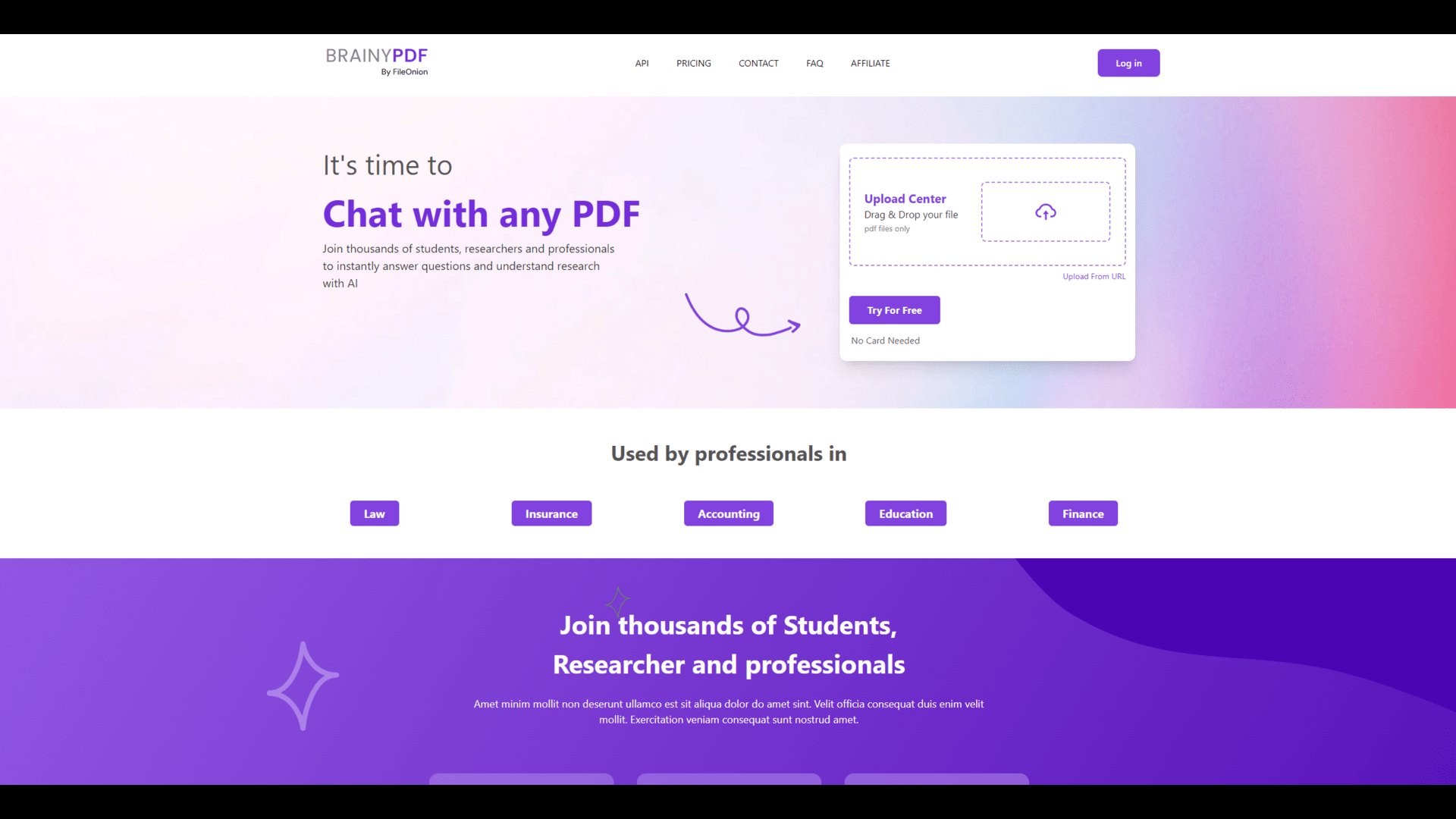
Product Visuals (1 images)
Strengths
- Time Efficiency: Significantly reduces the time spent on manual data extraction and document summarization.
- High Accuracy: Ensures precise data extraction, minimizing the risk of errors in critical information.
- Versatile Application: Suitable for various industries, from legal to finance, due to its robust feature set.
- Enhanced Productivity: Allows users to allocate more time to strategic tasks by automating routine document processing.
Limitations
- Initial Learning Curve: Some users may require time to fully grasp all the advanced features.
- Limited Customization Options: Customization for specific industry needs might be somewhat restricted.
Building your AI toolkit?
Save BrainyPDF and 1,000+ tools — free with Google, no spam
What You Get
Key Features
- Intelligent Data Extraction: Utilizes cutting-edge AI algorithms to accurately extract data from complex PDF documents.
- Automated Summarization: Generates concise summaries of lengthy documents, saving users time and effort.
- Multi-Platform Integration: Offers compatibility with popular platforms like Google Drive, Dropbox, and more for seamless workflow integration.
- User-Friendly Interface: Intuitive design ensures a smooth and efficient user experience, even for those with limited technical skills.
- ProsTime Efficiency: Significantly reduces the time spent on manual data extraction and document summarization.High Accuracy: Ensures precise data extraction, minimizing the risk of errors in critical information.Versatile Application: Suitable for various industries, from legal to finance, due to its robust feature set.Enhanced Productivity: Allows users to allocate more time to strategic tasks by automating routine document processing.ConsInitial Learning Curve: Some users may require time to fully grasp all the advanced features.Limited Customization Options: Customization for specific industry needs might be somewhat restricted.
Best For
- Legal Professionals: Leveraging the tool for efficient document review and data extraction.
- Financial Analysts: Utilizing it to quickly summarize financial reports and statements.
- Academic Researchers: Employing it for extracting data from research papers and generating summaries.
- Corporate Teams: Using it to manage large volumes of business documents and reports.
- Uncommon Use Cases:
- Adopted by non-profits for processing grant applications.
- Utilized by real estate agents for summarizing property documents.
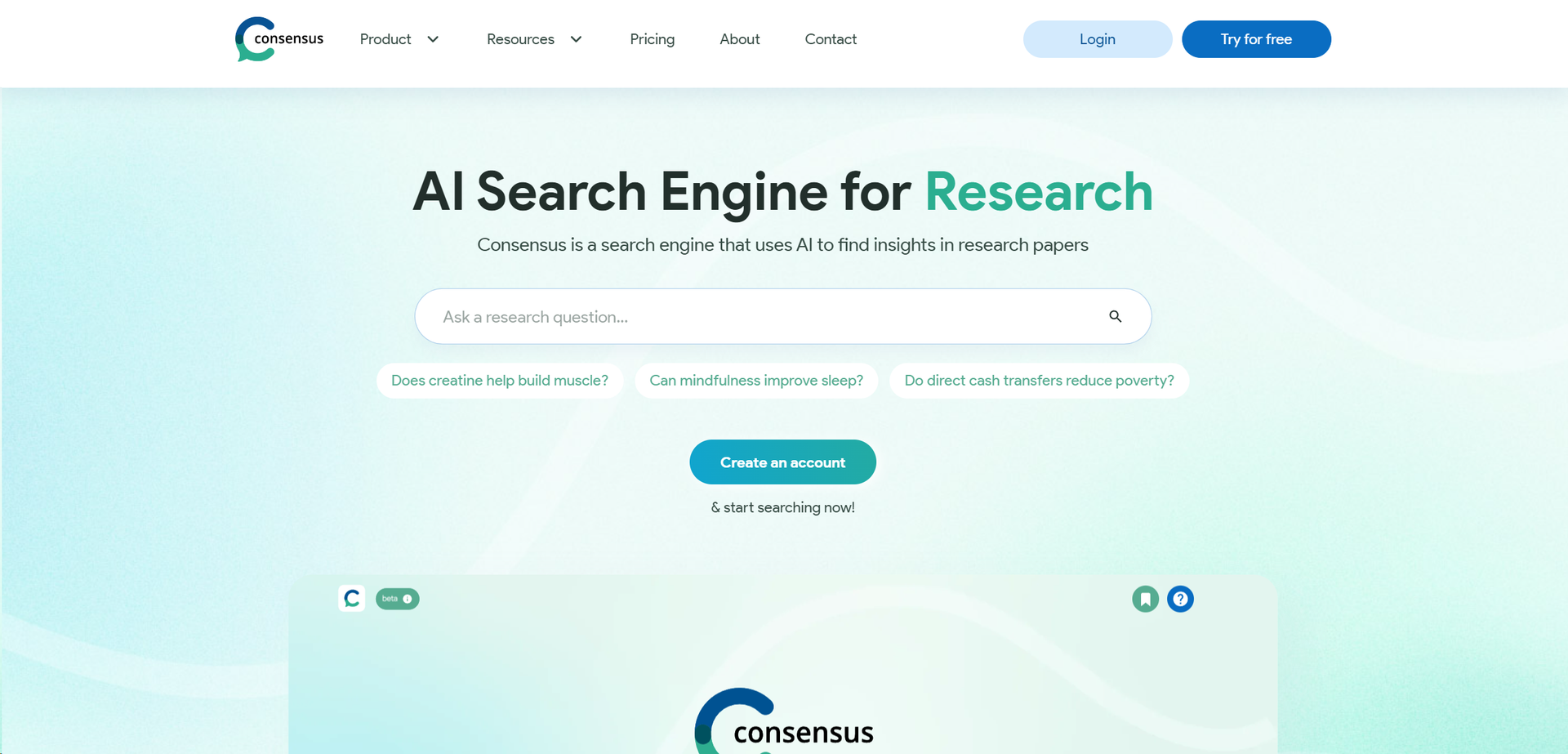
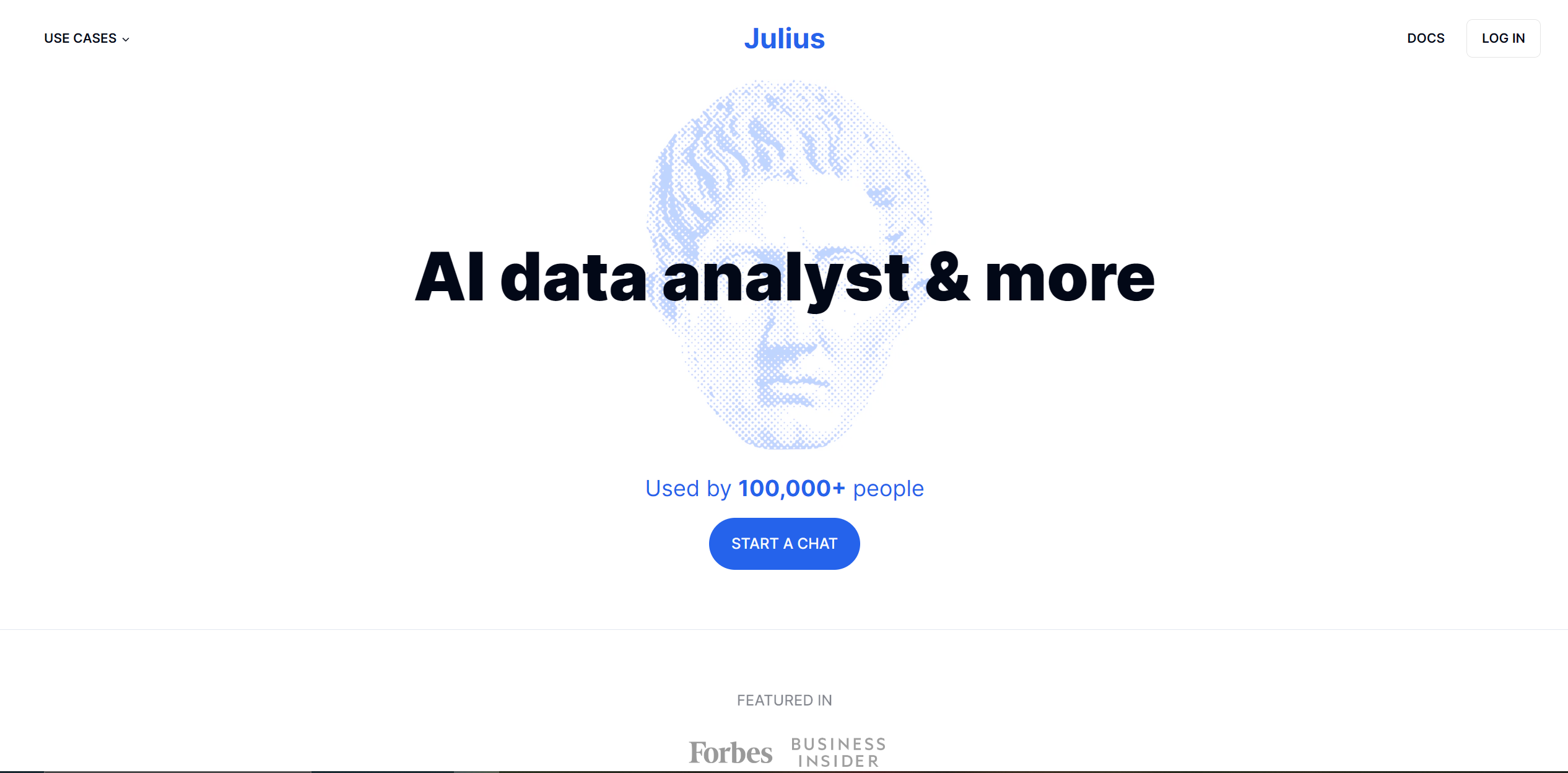
Similar Tools

Weekly Issue
⚡
Research tools · weekly digest
The AI Weekly — free in your inbox
New AI tools, pricing changes, expert picks, and hidden gems — curated by Mr. Spark every week. Join 5,000+ readers who stay ahead of the AI curve.
No spam, ever
Unsubscribe anytime
100% free