
Pricing Details
Free Tier: Start with ByteCap for free, with access to basic captioning features. Pro Tier: Advanced features and customization options are available for professional use; specific pricing details are available on the ByteCap website. Disclaimer: Please note that pricing information may not be up to date. For the most accurate and current pricing details, refer to the official ByteCap website.
Product Visuals (1 images)
Strengths
- Enhanced Accessibility: Makes videos more accessible to a broader audience, including the hearing impaired.
- Increased Engagement: Captions can significantly boost viewer retention and engagement rates.
- Ease of Use: The intuitive interface and automation save time and reduce the need for extensive video editing skills.
- Multilingual Support: Broadens the reach of content across global audiences with multi-language support.
Limitations
- Dependency on Internet Connectivity: Requires a stable internet connection for optimal functionality.
- Limited Offline Features: Lacks extensive offline capabilities, which might be a constraint in connectivity-limited scenarios.
- Initial Setup Learning Curve: New users may need some time to familiarize themselves with all the customization features.
What You Get
Key Features
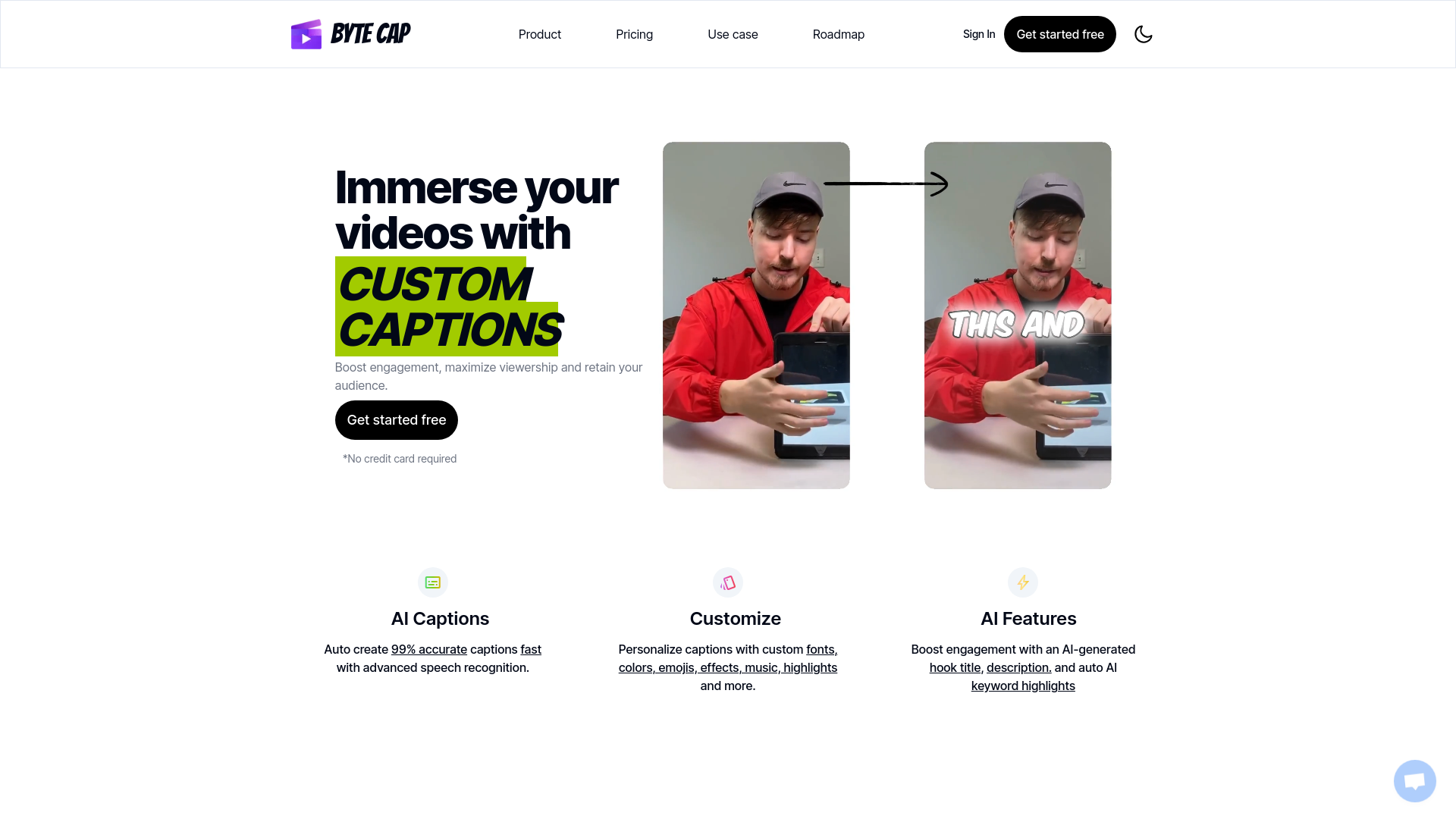
- AI-Driven Captions: Automatically creates captions with 99% accuracy using advanced speech recognition technology.
- Customization Options: Allows personalization of captions with various fonts, colors, emojis, and effects.
- Language Support: Supports over 99 languages and features automatic language detection.
- Integration with Trendy Sounds: Users can sync captions with background music and choose from multiple caption themes to enhance viewer engagement.
- Downloadable Formats: Captions can be downloaded in multiple formats, including .SRT, .VTT, .ASS, and .TXT.
- AI-Enhanced Features: Generates engaging hook titles and descriptions, along with keyword highlights to optimize video discoverability.
- ProsEnhanced Accessibility: Makes videos more accessible to a broader audience, including the hearing impaired.Increased Engagement: Captions can significantly boost viewer retention and engagement rates.Ease of Use: The intuitive interface and automation save time and reduce the need for extensive video editing skills.Multilingual Support: Broadens the reach of content across global audiences with multi-language support.ConsDependency on Internet Connectivity: Requires a stable internet connection for optimal functionality.Limited Offline Features: Lacks extensive offline capabilities, which might be a constraint in connectivity-limited scenarios.Initial Setup Learning Curve: New users may need some time to familiarize themselves with all the customization features.
Best For
- Video Editors: Save hours in video production with efficient auto-captioning.
- Content Creators: Enhance the accessibility and appeal of content without needing advanced editing skills.
- Podcasters: Expand audience reach by adding captions to podcast videos.
- Streamers: Engage more viewers by captioning live streaming highlights.
- Uncommon Use Cases: Educational institutions use ByteCap for creating accessible educational content; marketing professionals leverage it to enhance video ad effectiveness.
Integrations
Wide Format Support: Compatible with various video and subtitle formats for broad application. Web-Based Interface: Accessible from any device with internet connectivity. Social Media Integration: Easily share captioned videos across social platforms to enhance reach. Third-Party Integration: Supports integration with major video editing and streaming platforms.
Similar Tools



Weekly Issue
⚡
Video Editing tools · weekly digest
The AI Weekly — free in your inbox
New AI tools, pricing changes, expert picks, and hidden gems — curated by Mr. Spark every week. Join 5,000+ readers who stay ahead of the AI curve.
No spam, ever
Unsubscribe anytime
100% free