
Pricing Details
Free Version: Canva offers a basic version of Text-to-Image that's included with the free Canva account. Subscription Plans: Additional features and capabilities are available through Canva Pro and Canva for Enterprise plans. Disclaimer: For the most accurate and current pricing details, please refer to the official Canva Text-to-Image website.
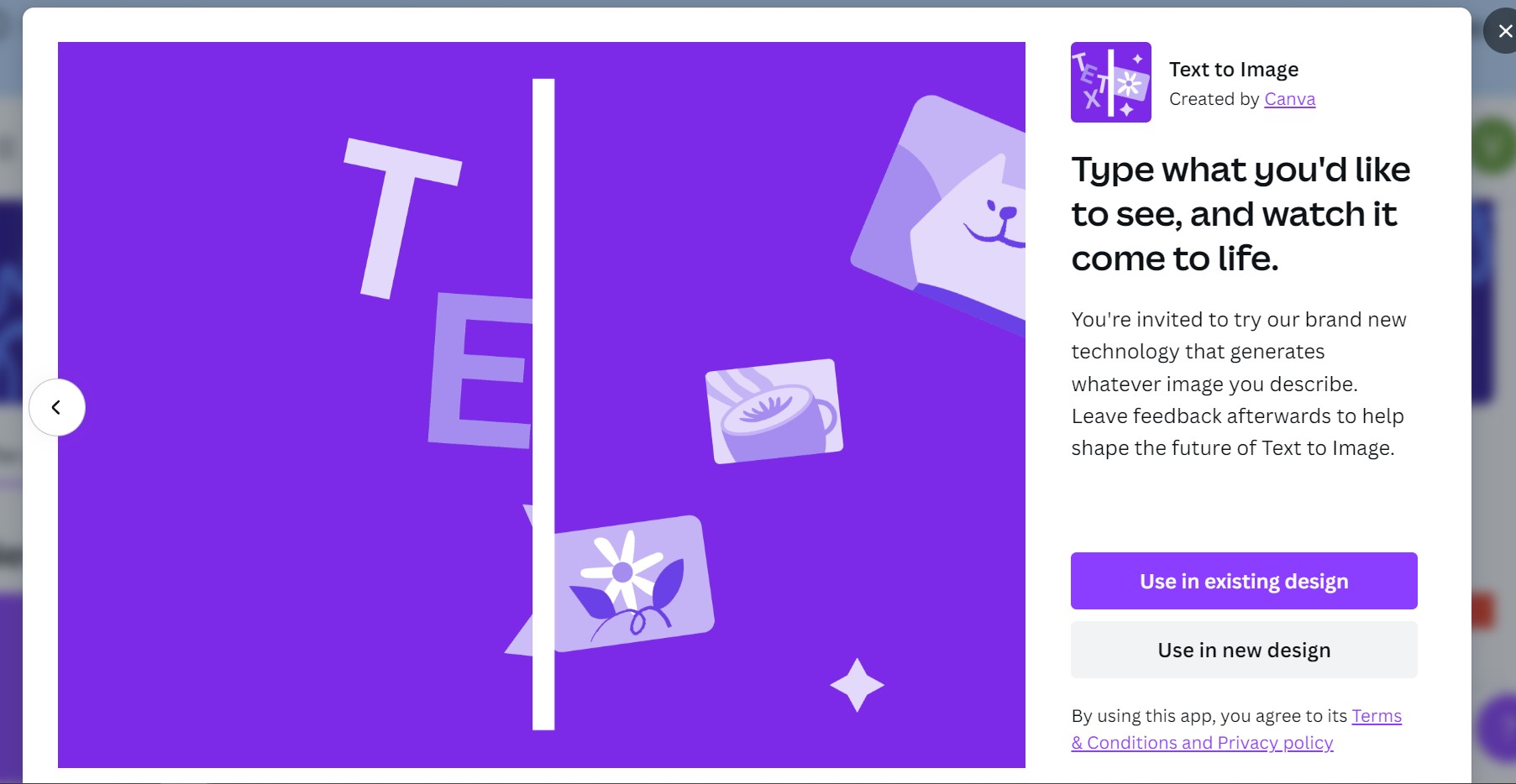
Product Visuals (1 images)
Strengths
- Enhanced Creativity: Sparks new design ideas with AI-generated imagery that can be used as a starting point.
- Time-Saving: Quickly produces images, reducing the time spent on conceptualization and design.
- Ease of Use: Intuitive interface requires no advanced design skills, making it accessible to a broader audience.
- Cost-Effective: Can help reduce expenses related to graphic design and content creation.
Limitations
- Predictability Limitations: While innovative, the AI may not always perfectly capture the nuance of the text input.
- Design Diversity: There may be limitations in the variety of styles the AI can produce compared to a human designer.
- Learning Curve: Users may need time to learn how to best input text to achieve the desired visual outcomes.
Building your AI toolkit?
Save Canva Text to Image and 1,000+ tools — free with Google, no spam
What You Get
Key Features
- AI-Powered Visual Generation: Transforms text descriptions into unique images using artificial intelligence.
- Integration with Canva Design Platform: Seamlessly works within the Canva ecosystem for a unified design experience.
- Customization Options: Provides tools to tweak and refine the AI-generated visuals to fit specific needs.
- Diverse Style Range: Capable of creating images in various styles, from photorealistic to abstract illustrations.
- ProsEnhanced Creativity: Sparks new design ideas with AI-generated imagery that can be used as a starting point.Time-Saving: Quickly produces images, reducing the time spent on conceptualization and design.Ease of Use: Intuitive interface requires no advanced design skills, making it accessible to a broader audience.Cost-Effective: Can help reduce expenses related to graphic design and content creation.ConsPredictability Limitations: While innovative, the AI may not always perfectly capture the nuance of the text input.Design Diversity: There may be limitations in the variety of styles the AI can produce compared to a human designer.Learning Curve: Users may need time to learn how to best input text to achieve the desired visual outcomes.
Best For
- Content Creators: For generating unique visuals to accompany blog posts and articles.
- Social Media Marketers: To create eye-catching graphics for social media campaigns.
- Small Business Owners: For designing promotional materials without the need for a professional designer.
- Educators: To produce visual aids that can help illustrate complex concepts.
- Uncommon Use Cases: Used by authors to visualize scenes or characters for their stories; adopted by event planners to quickly mockup theme concepts for clients.
Integrations
Canva Platform: Fully integrated within the Canva design suite. Social Media Platforms: Easy export options to various social media channels. Collaboration Tools: Facilitates team collaboration with shared access to designs. Extensive Asset Library: Access to Canva's vast library of fonts, templates, and design elements.
Similar Tools
Weekly Issue
⚡
Marketing tools · weekly digest
The AI Weekly — free in your inbox
New AI tools, pricing changes, expert picks, and hidden gems — curated by Mr. Spark every week. Join 5,000+ readers who stay ahead of the AI curve.
No spam, ever
Unsubscribe anytime
100% free