
Pricing Details
Free Tier: Users can experience the basic functionalities of ChatWithPDF without any cost. Premium Tier: For more advanced features and higher usage limits, users can opt for the premium version. Details are available on the ChatWithPDF website. Disclaimer: For the most accurate and current pricing details, please refer to the official ChatWithPDF website. Discover: AI Paraphrasers Best AI Text Generators AI Agents
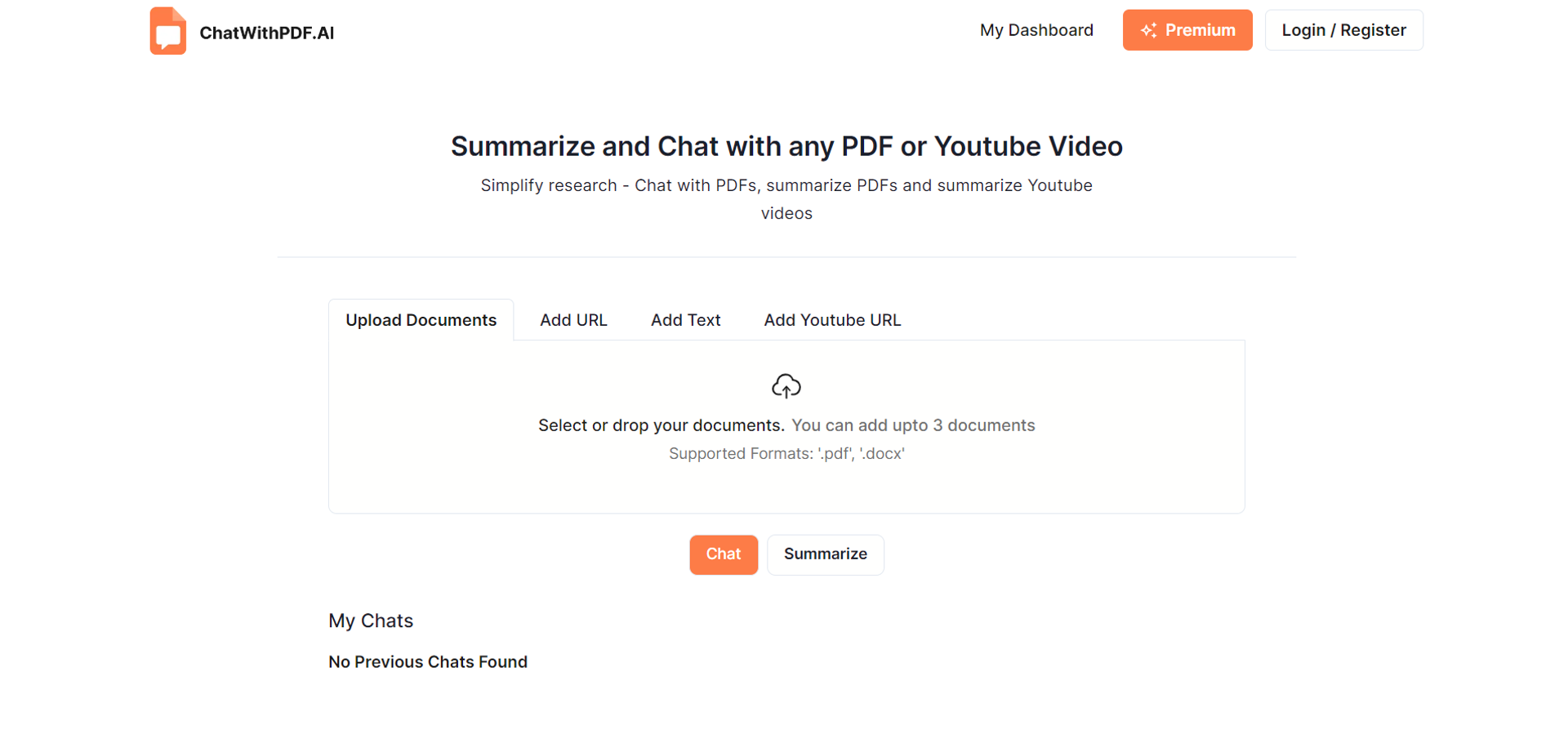
Product Visuals (1 images)
Strengths
- Efficiency in Learning and Research: Converts hours of document navigation into minutes of interactive engagement.
- User-Friendly Interface: Makes it easy for users of all skill levels to navigate and utilize the tool effectively.
- Versatility: Supports a broad range of users, including students, professionals, and researchers, by catering to diverse documentation needs.
- Privacy and Security: Ensures that documents are handled securely, with options to delete stored data permanently.
Limitations
- Daily Limitations: Users can interact with up to only 3 documents or YouTube videos per day in the free version.
- Chrome Extension Not Yet Available: Some features, like the Chrome Extension, are still in development and not immediately available.
- Learning Curve: New users may require some time to fully exploit the advanced features offered by ChatWithPDF.
Building your AI toolkit?
Save ChatWithPDF and 1,000+ tools — free with Google, no spam
What You Get
Key Features
- Chat With PDF or Document: Directly interact with your PDFs by asking questions and receiving instant AI-driven answers, eliminating the need to manually search through documents.
- Summarize YouTube Videos: Quickly obtain concise overviews and key insights from YouTube videos, complete with timestamps, using either a direct link or the upcoming Chrome Extension.
- Summarize PDFs or Documents: Transform lengthy documents into succinct summaries and key points, facilitating faster understanding and review.
- Knowledge Base Interaction: Query multiple documents simultaneously within your personalized knowledge base to get precise answers from various sources at once.
- Scientific Explanations: Simplify complex scientific concepts and calculations presented in your documents with easy-to-understand explanations.
- Chrome Extension: Enhance your browser functionality with the ability to interact with online PDFs and YouTube videos directly, without any downloads (coming soon).
- ProsEfficiency in Learning and Research: Converts hours of document navigation into minutes of interactive engagement.User-Friendly Interface: Makes it easy for users of all skill levels to navigate and utilize the tool effectively.Versatility: Supports a broad range of users, including students, professionals, and researchers, by catering to diverse documentation needs.Privacy and Security: Ensures that documents are handled securely, with options to delete stored data permanently.ConsDaily Limitations: Users can interact with up to only 3 documents or YouTube videos per day in the free version.Chrome Extension Not Yet Available: Some features, like the Chrome Extension, are still in development and not immediately available.Learning Curve: New users may require some time to fully exploit the advanced features offered by ChatWithPDF.
Best For
- Researchers: Quickly sift through extensive literature and extract vital data and insights efficiently.
- Professionals: Handle business documents, contracts, and reports by simplifying complex terms and extracting key points.
- Students: Interact with study materials dynamically, making learning more engaging and less daunting.
- Educational Institutions: Employ ChatWithPDF for teaching aids, providing students and educators with a powerful tool for study and explanation.
- Freelancers: Utilize the tool to manage and review extensive documents and materials with ease.
Integrations
Multiple Document Formats: Supports '.pdf' and '.docx' formats, ensuring a wide range of document compatibility. Upcoming Browser Extension: Future support for a Chrome Extension will further streamline user interaction directly on the web.
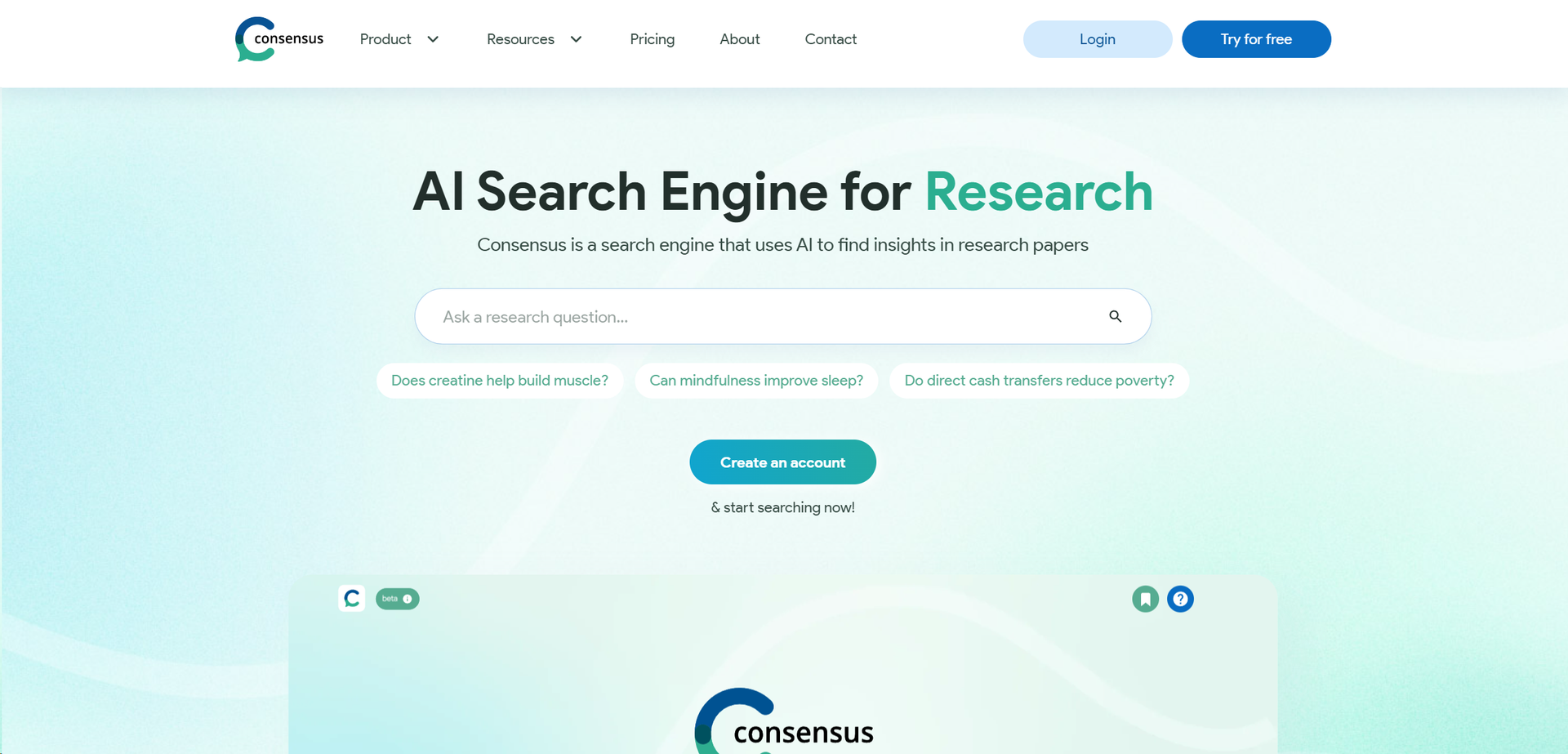
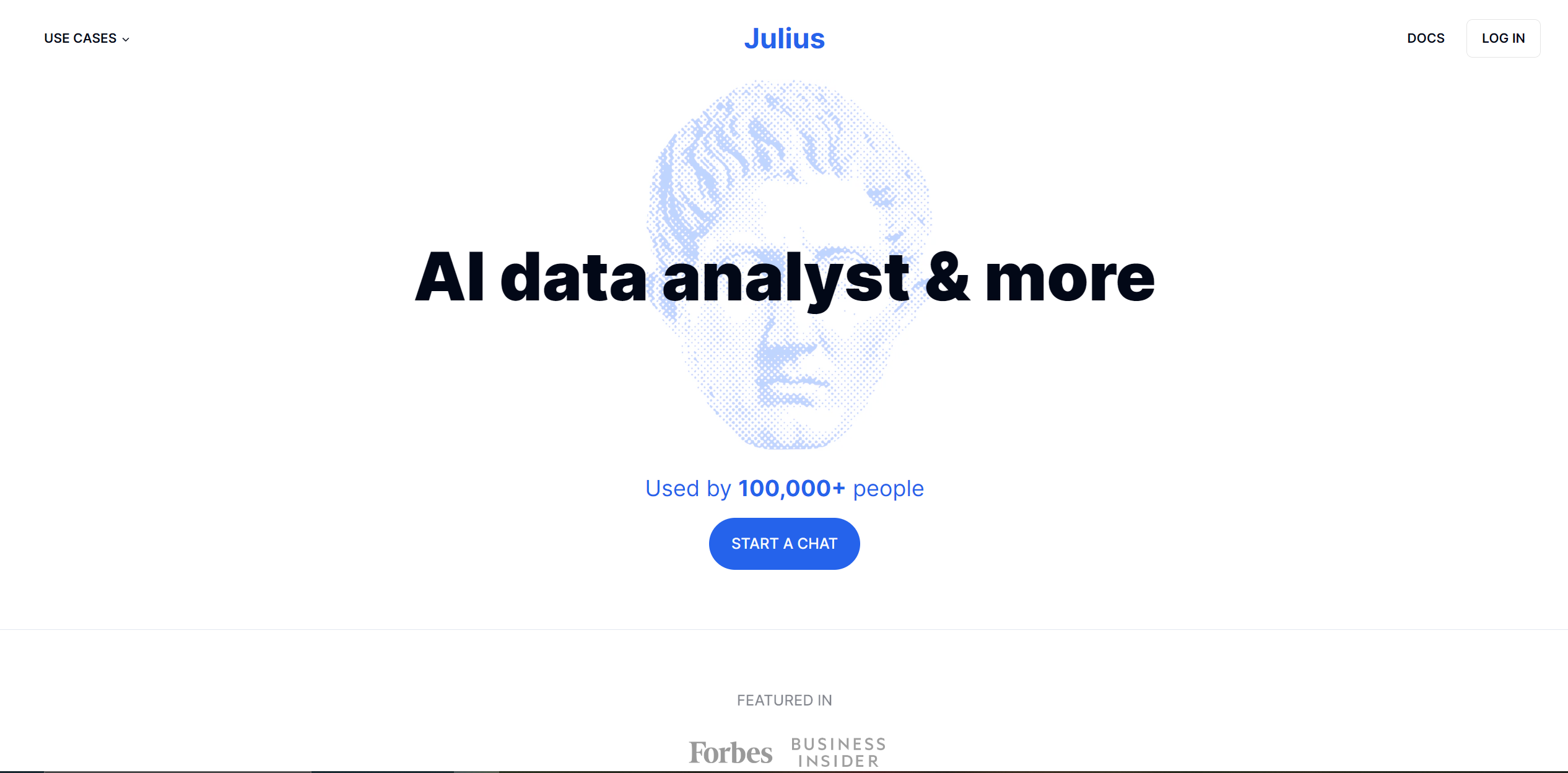
Similar Tools

Weekly Issue
⚡
Research tools · weekly digest
The AI Weekly — free in your inbox
New AI tools, pricing changes, expert picks, and hidden gems — curated by Mr. Spark every week. Join 5,000+ readers who stay ahead of the AI curve.
No spam, ever
Unsubscribe anytime
100% free