
Pricing Details
Free Tier: Offers a trial to experience features without commitment. Subscription Plans: Details available on the Clearword website. Disclaimer: For accurate pricing details, please refer to the official Clearword website.
Product Visuals (1 images)
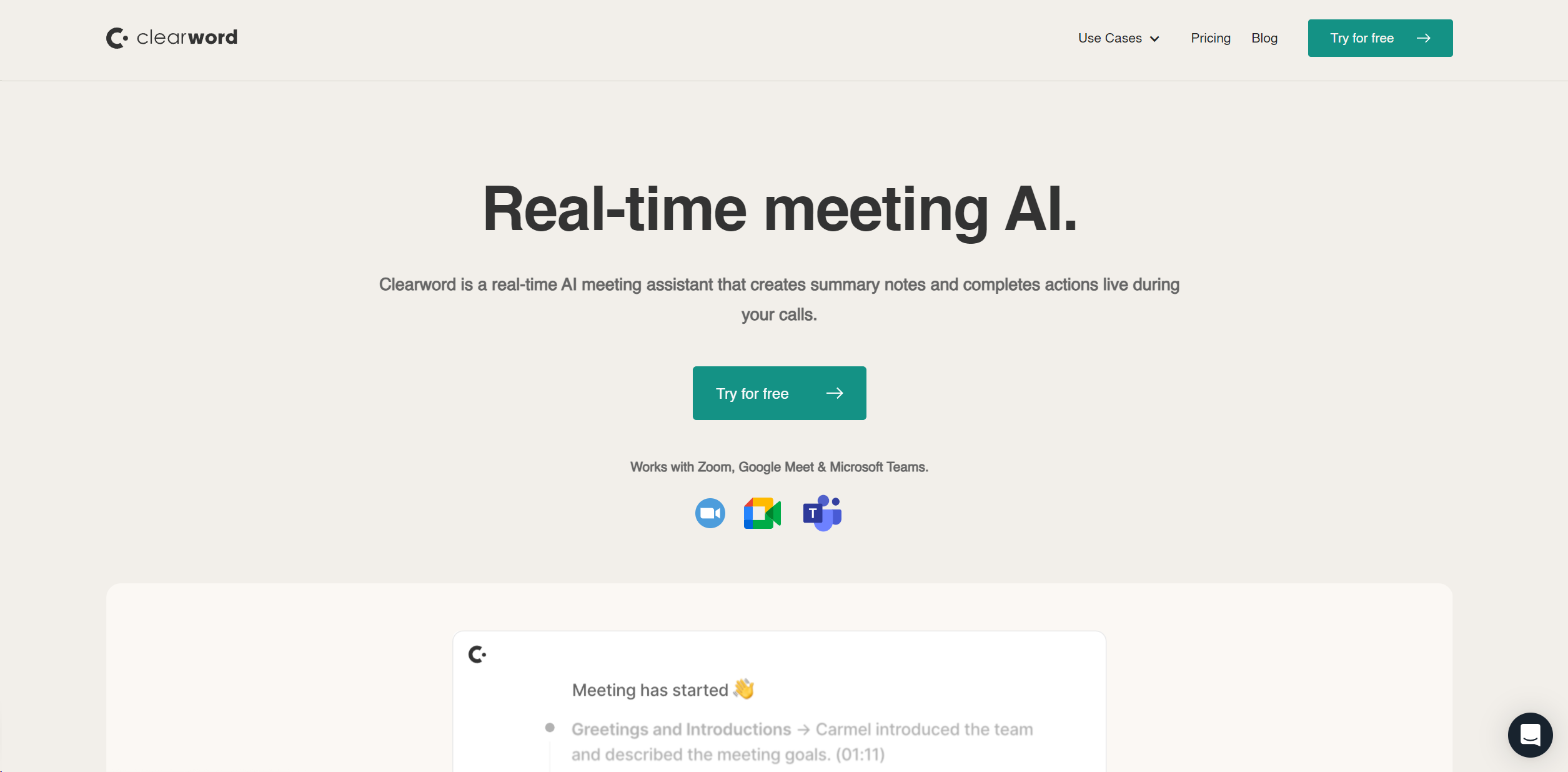
Strengths
- Enhanced Focus: Participants concentrate on conversation, not note-taking.
- Time-Saving: Automates post-meeting workflow, significantly reducing administrative tasks.
- Improved Meeting Outcomes: Ensures accurate capture and follow-up of action items and decisions.
- Seamless Integration: Effortlessly syncs with popular platforms like Zoom, Google Meet, and Microsoft Teams.
Limitations
- Dependency on Tech: Requires stable internet connection and compatibility with meeting platforms.
- Adaptation Time: Users may require time to acquaint themselves with AI functionality and features.
- Potential Privacy Concerns: Users must be vigilant with privacy settings, particularly in sensitive meetings.
Building your AI toolkit?
Save Clearword and 1,000+ tools — free with Google, no spam
What You Get
Key Features
- Automatic Meeting Summaries: Generates comprehensive summaries, including action items, video recordings, and transcripts.
- Live Productivity: Provides real-time note-taking, allowing full engagement in meetings.
- Action Item Export: Identifies and exports tasks to preferred management tools like Notion, Hubspot, or Jira.
- Searchable Knowledge Base: Establishes a centralized, searchable library for all meeting content, fostering team alignment and collaboration.
- Privacy First Platform: Grants complete control over meeting privacy settings, customizable to confidentiality needs.
- ProsEnhanced Focus: Participants concentrate on conversation, not note-taking.Time-Saving: Automates post-meeting workflow, significantly reducing administrative tasks.Improved Meeting Outcomes: Ensures accurate capture and follow-up of action items and decisions.Seamless Integration: Effortlessly syncs with popular platforms like Zoom, Google Meet, and Microsoft Teams.ConsDependency on Tech: Requires stable internet connection and compatibility with meeting platforms.Adaptation Time: Users may require time to acquaint themselves with AI functionality and features.Potential Privacy Concerns: Users must be vigilant with privacy settings, particularly in sensitive meetings.
Best For
- Agencies: Streamlining client interactions and ensuring no detail is overlooked.
- Founders & Leadership Teams: Capturing key decisions and action items in strategic meetings.
- Sales & Marketing Professionals: Focusing on client engagement without note-taking concerns.
- Product & Design Teams: Tracking feedback and iterations in real-time.
- Uncommon Use Cases: Educational institutions for administrative meetings; remote teams for cohesion across time zones.
Integrations
CRM Integration: Logs meeting notes and recordings in systems like Hubspot and Salesforce. Project Management Integration: Connects with tools like Jira and Notion for task tracking. Documentation Integration: Exports meeting outcomes to Google Docs and other platforms. Efficient Search: Powerful search capabilities enable quick retrieval of meeting details.
Similar Tools



Weekly Issue
⚡
Personal Assistant tools · weekly digest
The AI Weekly — free in your inbox
New AI tools, pricing changes, expert picks, and hidden gems — curated by Mr. Spark every week. Join 5,000+ readers who stay ahead of the AI curve.
No spam, ever
Unsubscribe anytime
100% free