
Pricing Details
Free Trial: Get started with a no-cost trial to explore basic features. Professional Plan: Begins at $50 per month for additional functionalities and support. Disclaimer: For the most accurate and current pricing details, refer to the official Collov AI website.
Product Visuals (1 images)
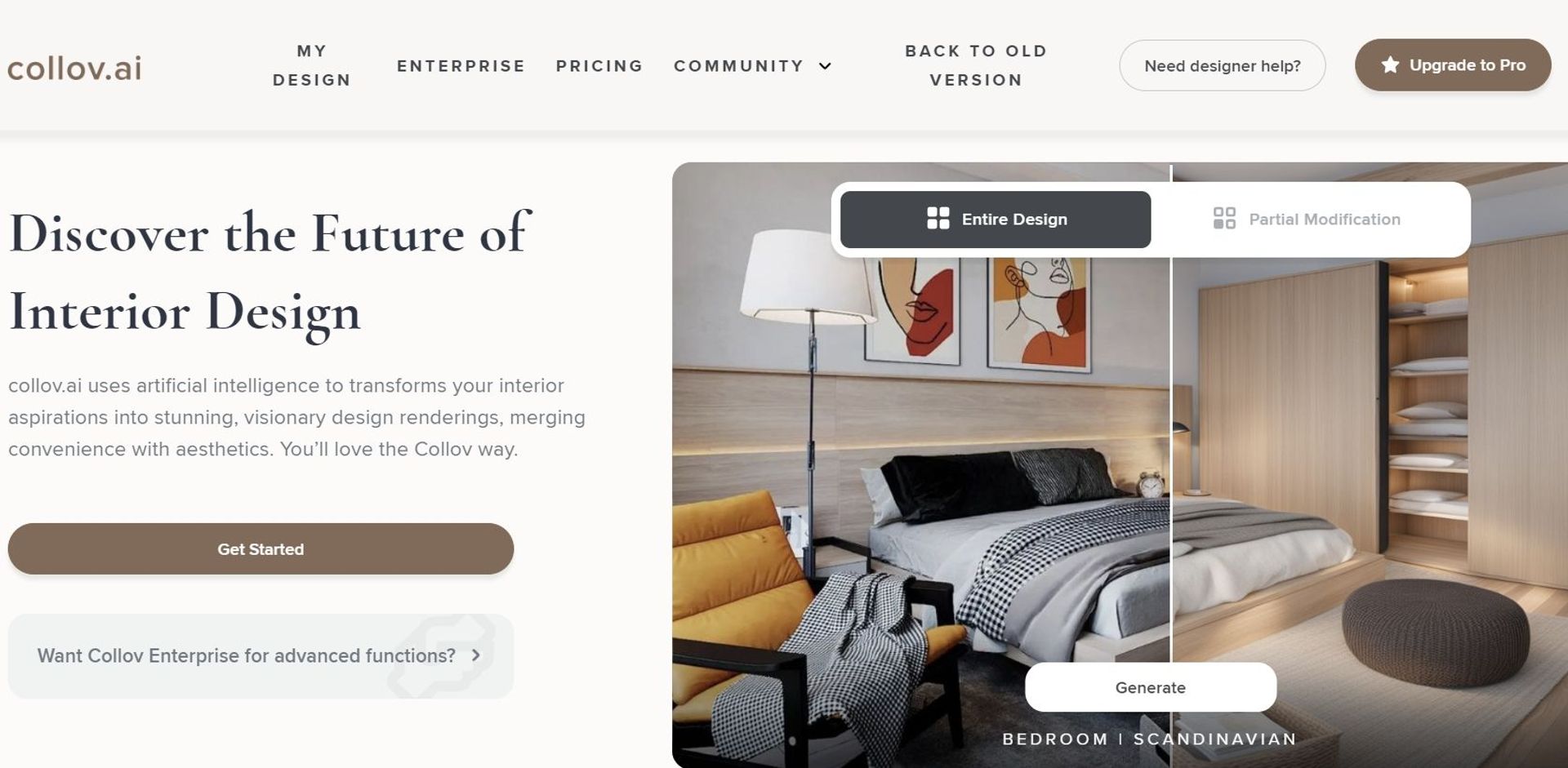
Strengths
- Enhanced Visual Sales Tools: Drastically improves the visual appeal of listings and designs, potentially increasing sales conversions.
- Time-Saving: Reduces the time required to stage properties or create design mockups manually.
- High Customizability: Allows users to tailor visual outputs to meet specific tastes and requirements.
- User-Friendly: Even those with minimal technical skills can easily navigate and utilize the tool effectively.
Limitations
- Learning Curve: New users may need some time to fully grasp all functionalities.
- Integration Limitations: Currently offers limited integration with other business tools and platforms.
- Resource Intensity: May require significant system resources for optimal performance, especially on less powerful devices.
Building your AI toolkit?
Save Collov AI and 1,000+ tools — free with Google, no spam
What You Get
Key Features
- Visual Transformation: Instantly converts standard images into highly engaging visuals that capture the essence of space and design.
- AI-Powered Staging: Offers virtual staging solutions that enhance property listings with elegant and realistic furnishing visuals.
- Custom Design Inspirations: Generates unique design inspirations rapidly, aiding interior designers in overcoming creative blocks.
- Interactive User Interface: Features an intuitive and user-friendly interface that simplifies the process of creating and customizing designs.
- ProsEnhanced Visual Sales Tools: Drastically improves the visual appeal of listings and designs, potentially increasing sales conversions.Time-Saving: Reduces the time required to stage properties or create design mockups manually.High Customizability: Allows users to tailor visual outputs to meet specific tastes and requirements.User-Friendly: Even those with minimal technical skills can easily navigate and utilize the tool effectively.ConsLearning Curve: New users may need some time to fully grasp all functionalities.Integration Limitations: Currently offers limited integration with other business tools and platforms.Resource Intensity: May require significant system resources for optimal performance, especially on less powerful devices.
Best For
- Real Estate Agents: Leveraging the tool to enhance online property listings.
- Interior Designers: Utilizing the platform to generate creative designs and presentations.
- Furniture Retailers: Using the tool to showcase products in various stylistic settings.
- Homeowners: Engaging in personal home redesign projects.
- Uncommon Use Cases: Event planners use it for visualizing event setups; photographers for creating virtual portfolios.
Integrations
Web-Based Platform: Easily accessible from any standard web browser. Mobile Responsiveness: Optimized for use on mobile devices, enhancing accessibility. Cloud Storage Integration: Supports seamless integration with popular cloud storage services. API for Custom Integration: Offers an API for developers to create bespoke integrations.
Similar Tools



Weekly Issue
⚡
Design tools · weekly digest
The AI Weekly — free in your inbox
New AI tools, pricing changes, expert picks, and hidden gems — curated by Mr. Spark every week. Join 5,000+ readers who stay ahead of the AI curve.
No spam, ever
Unsubscribe anytime
100% free