
Pricing Details
Standard Tier: Starts at $20.00 per user per month. Enterprise Tier: Custom pricing based on the organization's size and needs. Disclaimer: For the most accurate and current pricing details, refer to the official Copilot for Microsoft 365 website.
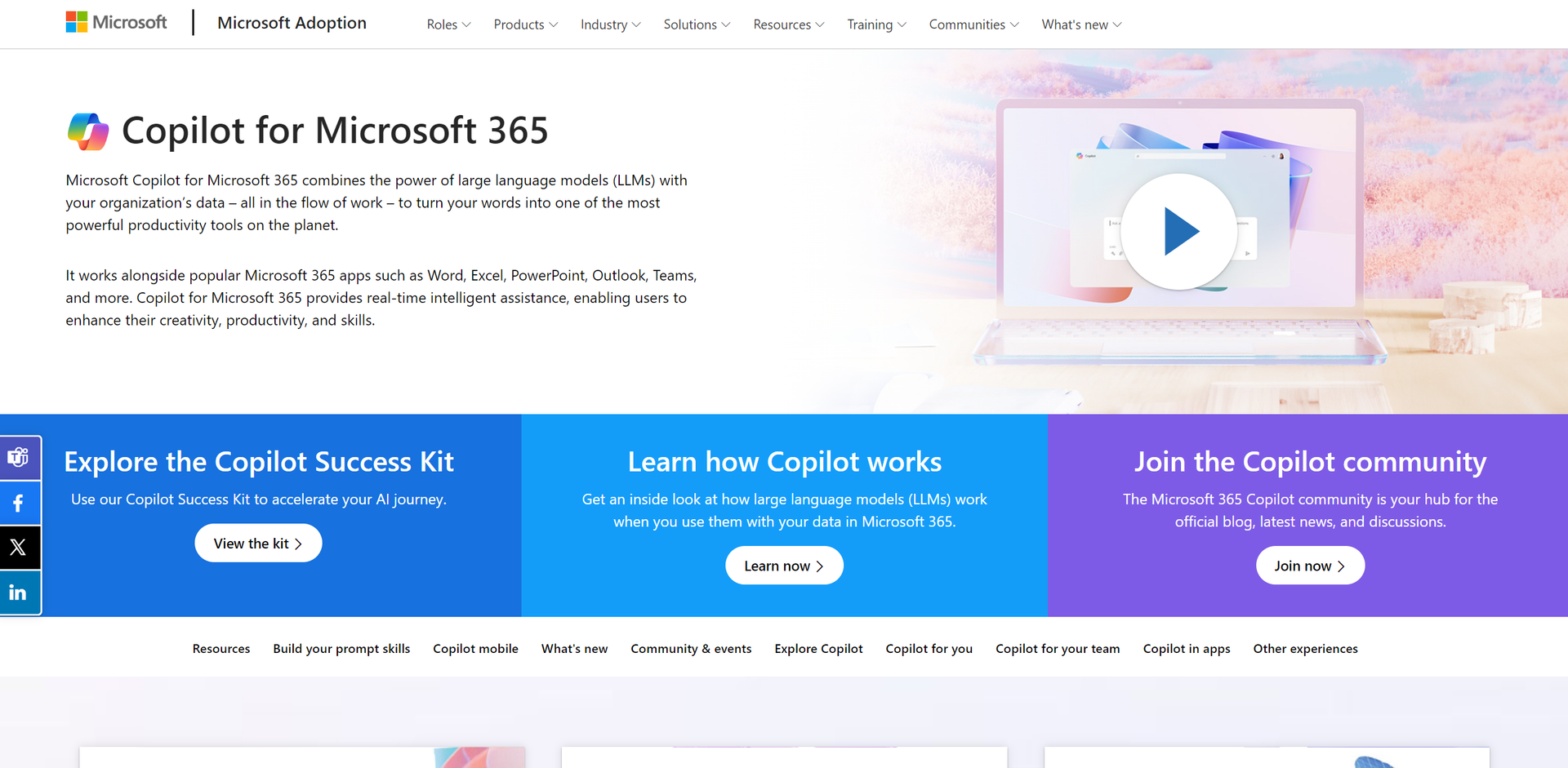
Product Visuals (1 images)
Strengths
- Enhanced Productivity: Significantly reduces the time required for document creation and data analysis.
- Seamless Integration: Smoothly functions within the Microsoft 365 ecosystem, ensuring a unified user experience.
- User-Friendly Interface: Intuitive design that is easy to navigate for users at all tech levels.
- Scalability: Suitable for various organizational sizes, from small businesses to large enterprises.
Limitations
- Learning Curve: New users may require time to fully utilize its advanced features.
- Dependency on Microsoft Ecosystem: Primarily designed for users deeply integrated into Microsoft's software.
- Potential Privacy Concerns: Handling sensitive data within AI tools could raise security questions.
Building your AI toolkit?
Save Copilot for Microsoft 365 and 1,000+ tools — free with Google, no spam
What You Get
Key Features
- Real-Time Assistance: Provides instant suggestions and content generation, enhancing workflow efficiency.
- Integration with Microsoft 365 Apps: Works cohesively with Word, Excel, PowerPoint, Outlook, and Teams.
- Intelligent Automation: Automates repetitive tasks and processes, saving valuable time.
- Customizability: Offers adaptable features and plugins to meet specific organizational needs.
- ProsEnhanced Productivity: Significantly reduces the time required for document creation and data analysis.Seamless Integration: Smoothly functions within the Microsoft 365 ecosystem, ensuring a unified user experience.User-Friendly Interface: Intuitive design that is easy to navigate for users at all tech levels.Scalability: Suitable for various organizational sizes, from small businesses to large enterprises.ConsLearning Curve: New users may require time to fully utilize its advanced features.Dependency on Microsoft Ecosystem: Primarily designed for users deeply integrated into Microsoft's software.Potential Privacy Concerns: Handling sensitive data within AI tools could raise security questions.
Best For
- Corporate Executives: Utilizing AI to streamline decision-making processes.
- IT Professionals: Employing AI to manage data and automate tasks efficiently.
- Project Managers: Leveraging AI for better project tracking and management.
- Content Creators: Using AI to generate and refine content swiftly.
- Uncommon Use Cases: Academics using it for research data analysis; Legal professionals for document automation.
Integrations
Microsoft Teams Compatibility: Enhances collaborative efforts within teams. Data Security: Incorporates Microsoft's robust security measures. Adaptive AI: Continuously learns and adapts to organizational needs. Extensive Plugin Ecosystem: Allows for customization and extended functionality.
Similar Tools



Weekly Issue
⚡
Personal Assistant tools · weekly digest
The AI Weekly — free in your inbox
New AI tools, pricing changes, expert picks, and hidden gems — curated by Mr. Spark every week. Join 5,000+ readers who stay ahead of the AI curve.
No spam, ever
Unsubscribe anytime
100% free