
Pricing Details
Free Tier: Experience CrystalSound with a limited free trial. Pro Tier: The Pro Tier starts at $4.8 per month. Disclaimer: Please note that pricing information may not be up to date. For the most accurate and current pricing details, refer to the official CrystalSound website.
Video Walkthrough
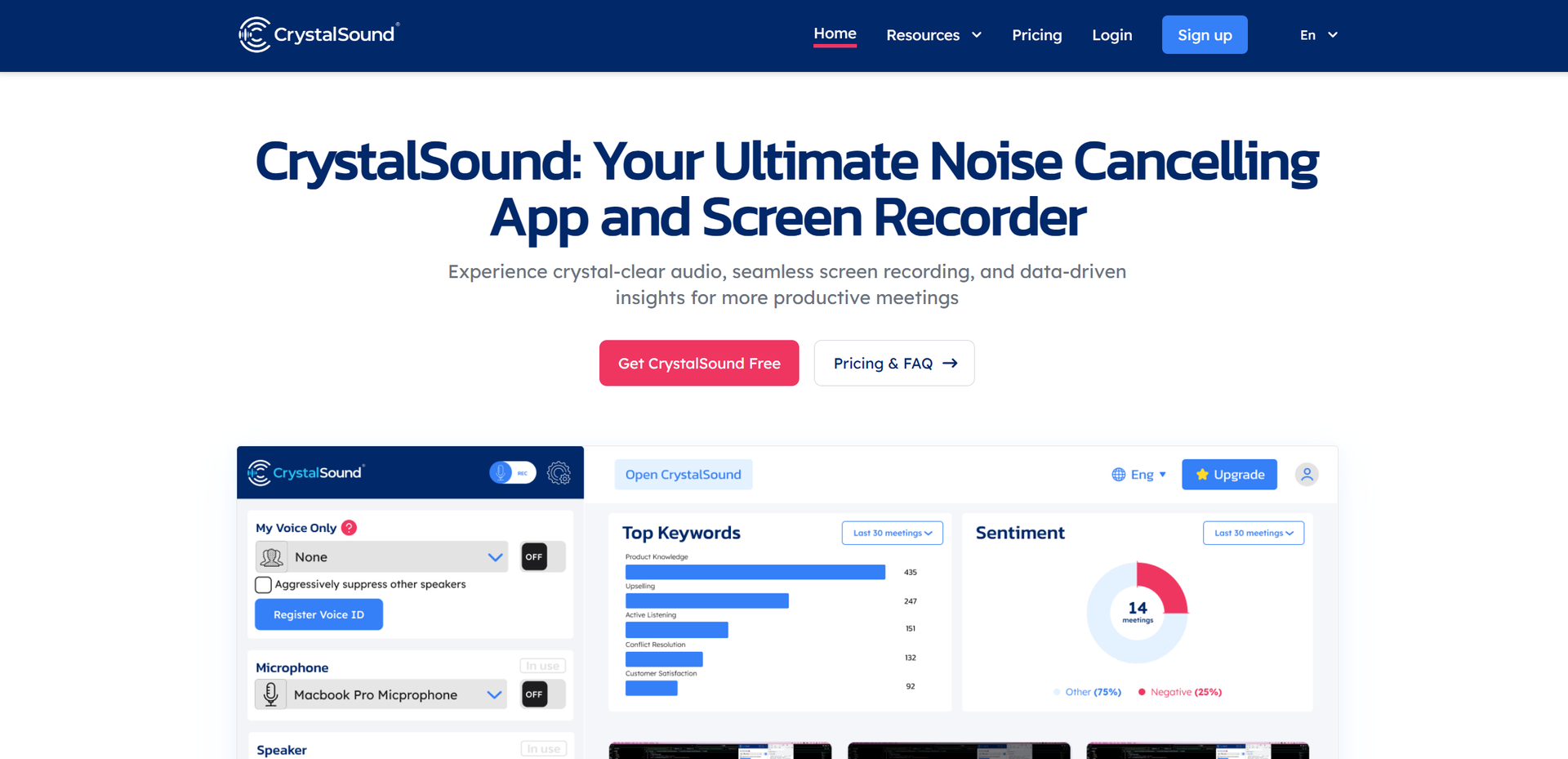
Product Visuals (1 images)
Strengths
- Enhanced Audio Clarity: The AI-driven noise cancellation technology drastically improves audio quality during calls and recordings.
- User-Friendly Integration: Easily integrates with existing conferencing tools, making it a convenient addition to any professional toolkit.
- Privacy-Focused: Processes audio on-device, ensuring user privacy by not sending data to external servers.
- Productivity Boost: By minimizing distractions and providing detailed meeting insights, it enhances overall meeting effectiveness.
Limitations
- Initial Setup Complexity: Some users may find the initial configuration slightly challenging without guidance.
- Limited Customization: While effective, there may be limited options for tailoring noise cancellation settings to individual preferences.
- Sound Leakage: Minor sound leakage has been reported, though improvements are expected in future updates.
Building your AI toolkit?
Save CrystalSound and 1,000+ tools — free with Google, no spam
What You Get
Key Features
- Advanced Noise Cancellation: CrystalSound utilizes cutting-edge AI technology to eliminate background noise from both ends of a call, ensuring that only the speaker’s voice is heard clearly.
- Bidirectional Audio Recording: Capture every detail with high-quality audio recording, allowing for accurate meeting minutes and insights.
- Seamless Integration: Works effortlessly with all major conference apps, centralizing your meeting recordings and enhancing workflow efficiency.
- Data-Driven Insights: Offers comprehensive meeting analysis, helping users optimize focus and reduce errors through actionable insights.
- ProsEnhanced Audio Clarity: The AI-driven noise cancellation technology drastically improves audio quality during calls and recordings.User-Friendly Integration: Easily integrates with existing conferencing tools, making it a convenient addition to any professional toolkit.Privacy-Focused: Processes audio on-device, ensuring user privacy by not sending data to external servers.Productivity Boost: By minimizing distractions and providing detailed meeting insights, it enhances overall meeting effectiveness.ConsInitial Setup Complexity: Some users may find the initial configuration slightly challenging without guidance.Limited Customization: While effective, there may be limited options for tailoring noise cancellation settings to individual preferences.Sound Leakage: Minor sound leakage has been reported, though improvements are expected in future updates.
Best For
- Corporate Teams: Streamlining virtual meetings for improved communication and productivity.
- Remote Workers: Enhancing the quality of home office communications.
- Podcasters and Content Creators: Utilizing superior audio quality for recordings.
- Educators and Trainers: Recording lectures and training sessions with clear audio.
- Uncommon Use Cases: Employed by writers in noisy environments to convert speech to text; used by therapists for clear telehealth sessions.
Similar Tools



Weekly Issue
⚡
Personal Assistant tools · weekly digest
The AI Weekly — free in your inbox
New AI tools, pricing changes, expert picks, and hidden gems — curated by Mr. Spark every week. Join 5,000+ readers who stay ahead of the AI curve.
No spam, ever
Unsubscribe anytime
100% free