
Pricing Details
Free Tier: Access to basic features with some limitations. Pro Tier: Advanced features and higher processing limits, starting at competitive prices. Disclaimer: Please refer to the Cutout.Pro website for the most accurate and current pricing details.
Product Visuals (1 images)
Strengths
- Efficiency Boost: Dramatically reduces the time required for editing images and videos, thanks to automated processes.
- High-Quality Outputs: Delivers superb cutout quality and enhanced visual details that rival professional editing work.
- Versatile Toolset: From removing unwanted objects to generating AI art, it caters to a wide range of design needs.
- User-Friendly Interface: Designed with simplicity in mind, it's accessible to users of all skill levels.
Limitations
- Learning Curve: New users might need time to familiarize themselves with the full range of features.
- Internet Dependency: Requires a stable internet connection for processing images and videos in the cloud.
- Limited Offline Functionality: Most features are not accessible without internet access.
Building your AI toolkit?
Save Cutout Pro and 1,000+ tools — free with Google, no spam
What You Get
Key Features
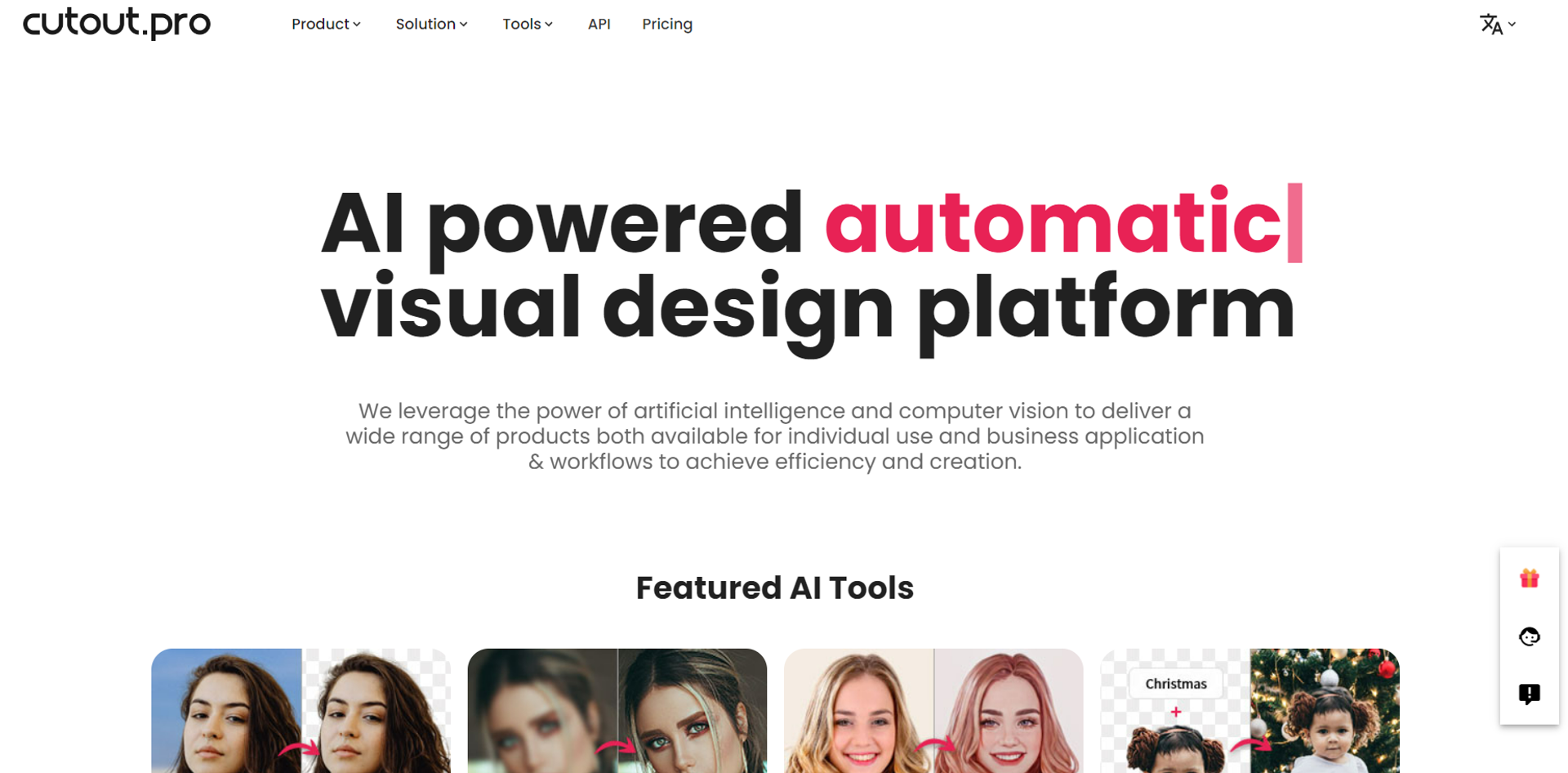
- AI-Powered Background Removal: Offers precise cutouts for photos and videos, eliminating the need for green screens or manual selection.
- Photo Enhancer & Upscaler: Improves photo resolution, quality, and detail automatically, breathing new life into every image.
- AI Art Generator: Unlocks creativity with unlimited access to AI art generation, allowing for unique and imaginative visuals.
- Face and Hair Segmentation: Provides detailed segmentation for humans and pets, ensuring fine details like hair are accurately captured.
- AI Video Enhancer: Enhances video quality up to 4K, making it possible to unblur and improve video resolution effectively.
- ProsEfficiency Boost: Dramatically reduces the time required for editing images and videos, thanks to automated processes.High-Quality Outputs: Delivers superb cutout quality and enhanced visual details that rival professional editing work.Versatile Toolset: From removing unwanted objects to generating AI art, it caters to a wide range of design needs.User-Friendly Interface: Designed with simplicity in mind, it's accessible to users of all skill levels.ConsLearning Curve: New users might need time to familiarize themselves with the full range of features.Internet Dependency: Requires a stable internet connection for processing images and videos in the cloud.Limited Offline Functionality: Most features are not accessible without internet access.
Best For
- E-commerce Businesses: Enhancing product images for online listings.
- Digital Marketing Agencies: Creating compelling content for campaigns.
- Social Media Managers: Designing engaging posts for various platforms.
- Graphic Designers: Streamlining their design workflows with efficient tools.
- Uncommon Use Cases: Educational institutions use it for teaching marketing and design courses; freelance videographers for quick background edits in video projects.
Integrations
API Access: Enables developers to integrate Cutout.Pro's functionalities into custom applications. Broad File Support: Works with a variety of image and video formats for seamless workflow integration. High-Volume Processing: Capable of handling large batches of images or videos quickly and efficiently. Secure and Reliable: Ensures user data privacy and security with a commitment to data protection.
Similar Tools



Weekly Issue
⚡
Video Editing tools · weekly digest
The AI Weekly — free in your inbox
New AI tools, pricing changes, expert picks, and hidden gems — curated by Mr. Spark every week. Join 5,000+ readers who stay ahead of the AI curve.
No spam, ever
Unsubscribe anytime
100% free