
Pricing Details
Free Tier: Test out Descript with basic features at no cost. Creator Tier: Starting at $12 per month for additional features and tools. Disclaimer: For the most accurate and current pricing details, please refer to the official Descript website.
Product Visuals (1 images)
Strengths
- Streamlined Workflow: Consolidates multiple production stages into one tool, enhancing workflow efficiency.
- User-Friendly Interface: Intuitive design that lowers the barrier to entry for video and podcast editing.
- AI-Driven Editing: Employs AI to allow for editing videos by editing the text transcript.
- Collaboration Features: Facilitates team collaboration with shared projects and concurrent editing.
Limitations
- Learning Curve: New users may require time to fully leverage the breadth of advanced features.
- Resource Intensity: May require a capable computer to run smoothly, especially for video-heavy projects.
- Subscription Cost: While there is a free tier, more advanced features are gated behind a subscription model.
What You Get
Key Features
- Transcription: Boasts industry-leading accuracy and speed, coupled with robust correction tools.
- Video Editing: Simplifies video editing, making it as easy as editing text in a document.
- Podcasting: Offers multitrack audio editing that's as straightforward as working on a word processor.
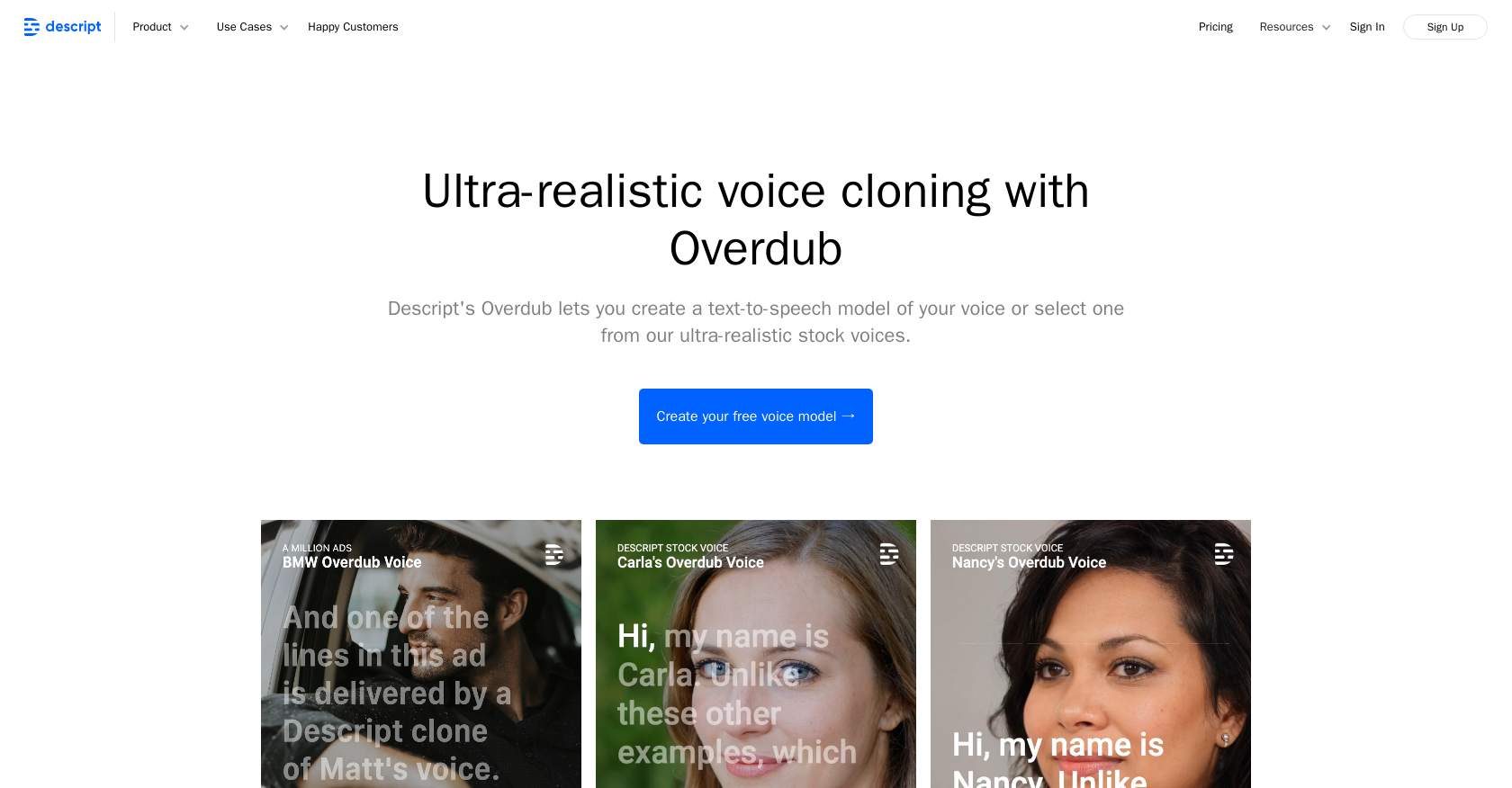
- AI Voices: Features voice cloning capabilities and a selection of stock AI voices for diverse projects.
- Remote Recording: Enables high-quality podcast and video recording with others, regardless of location.
- Screen Recording: Provides instant capture, edit, and sharing of screen/webcam recordings.
- ProsStreamlined Workflow: Consolidates multiple production stages into one tool, enhancing workflow efficiency.User-Friendly Interface: Intuitive design that lowers the barrier to entry for video and podcast editing.AI-Driven Editing: Employs AI to allow for editing videos by editing the text transcript.Collaboration Features: Facilitates team collaboration with shared projects and concurrent editing.ConsLearning Curve: New users may require time to fully leverage the breadth of advanced features.Resource Intensity: May require a capable computer to run smoothly, especially for video-heavy projects.Subscription Cost: While there is a free tier, more advanced features are gated behind a subscription model.
Best For
- Descript's user base spans a wide range of sectors, all finding unique value in its features:
- Content Creators: Using Descript to rapidly edit and publish podcasts and videos.
- Educators: Employing Descript for creating engaging multimedia educational content.
- Marketers: Leveraging Descript to produce marketing materials with speed and efficiency.
- Journalists: Utilizing the transcription and editing features for storytelling and interviews.
- Uncommon Use Cases: Nonprofits using Descript for advocacy videos; Legal professionals for transcribing and organizing deposition recordings.
Integrations
Cloud Storage Integration: Sync with cloud storage services for easy access to files. Collaborative Tools Compatibility: Works well with collaborative platforms for team projects. API Access: Offers API for custom integrations and extended functionality. Plugin Ecosystem: Supports an array of plugins to enhance its native capabilities.
Similar Tools



Weekly Issue
⚡
Video Editing tools · weekly digest
The AI Weekly — free in your inbox
New AI tools, pricing changes, expert picks, and hidden gems — curated by Mr. Spark every week. Join 5,000+ readers who stay ahead of the AI curve.
No spam, ever
Unsubscribe anytime
100% free