
Pricing Details
Starter Plan: $15 per month (or $5 per month when billed annually). Includes lifetime logo ownership, unlimited logo edits, high-resolution and vector files, plus access to business cards, social media post templates, letterheads, and over 50 design tools. Value Plan: $24 per month (or $6 per month billed annually). Includes everything in Starter plus a website—ideal for small businesses looking to establish a complete online brand presence. Premium Plan: $29 per month (or $7 per month billed annually). Adds link-in-bio and digital business card features on top of the Value plan—perfect for professionals and agencies managing brand identity and client interactions. Disclaimer: Please note that pricing information may not be up to date. For the most accurate and current pricing details, refer to the official Design.com website.
Product Visuals (1 images)
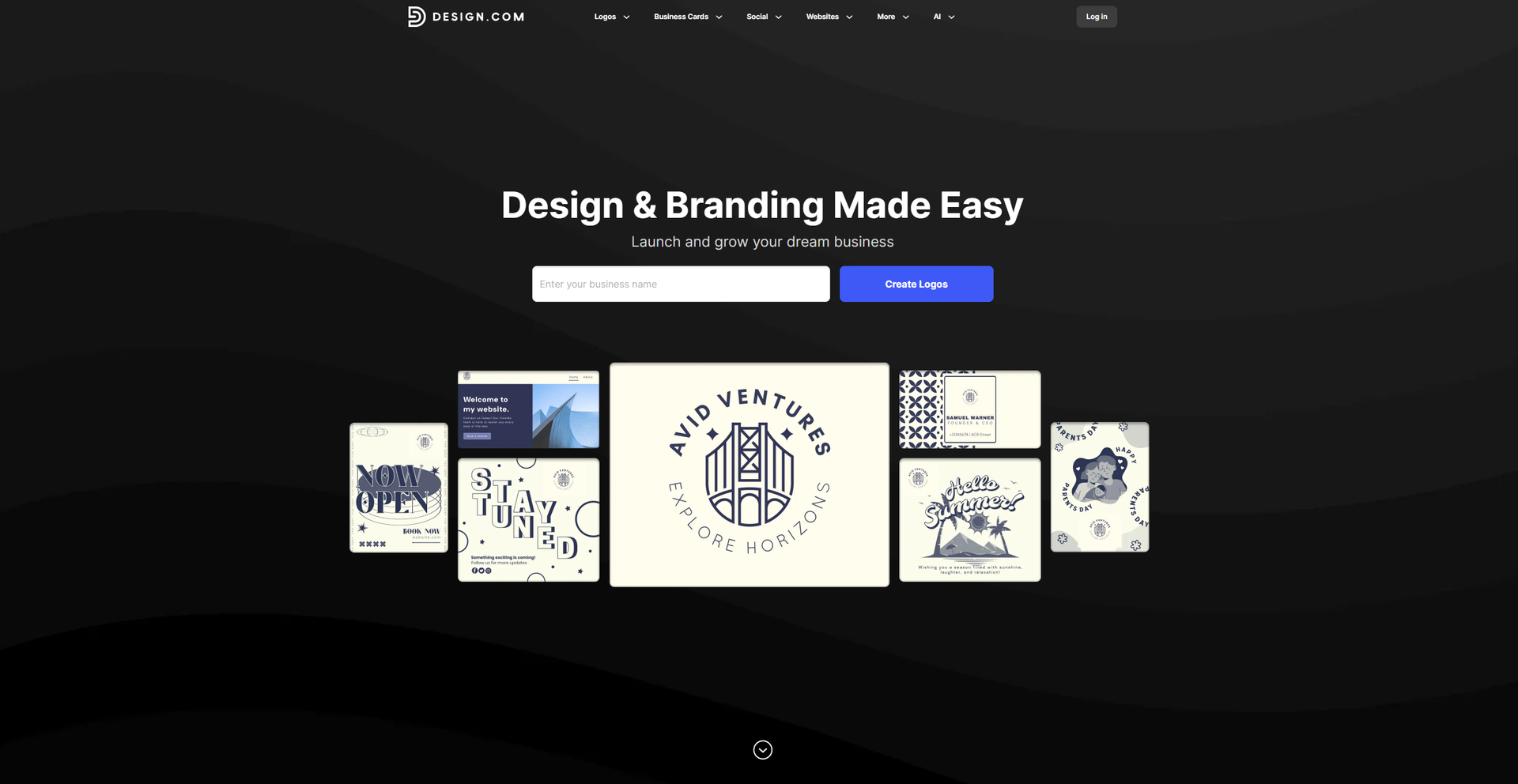
Strengths
- Time Efficiency: Streamlines the design process, allowing for rapid creation of professional-quality graphics.
- Cost-Effective: Offers a range of tools that reduce the need for expensive design software.
- User-Friendly Interface: Simplifies design tasks with an intuitive layout, making it accessible for users of all skill levels.
- Extensive Template Library: Provides a rich selection of templates for various design needs, from logos to social media posts.
Limitations
- Initial Learning Curve: Users may need some time to familiarize themselves with the full range of features.
- Limited Integration: Currently supports a limited number of third-party platforms.
Building your AI toolkit?
Save Design.com and 1,000+ tools — free with Google, no spam
What You Get
Key Features
- AI Logo Generator: Quickly create unique logos with AI-assisted customization options, including fonts, colors, and layouts.
- AI Background Remover: Effortlessly remove backgrounds from images, enhancing the focus on key design elements.
- AI Business Card Generator: Design professional business cards with customizable templates suited to various industries.
- AI Presentation Maker: Craft compelling presentations with smart design suggestions and a vast library of templates.
- ProsTime Efficiency: Streamlines the design process, allowing for rapid creation of professional-quality graphics.Cost-Effective: Offers a range of tools that reduce the need for expensive design software.User-Friendly Interface: Simplifies design tasks with an intuitive layout, making it accessible for users of all skill levels.Extensive Template Library: Provides a rich selection of templates for various design needs, from logos to social media posts.ConsInitial Learning Curve: Users may need some time to familiarize themselves with the full range of features.Limited Integration: Currently supports a limited number of third-party platforms.
Best For
- E-commerce Businesses: Enhancing product imagery and brand identity with professional designs.
- Digital Marketing Agencies: Creating visually appealing campaign content with ease.
- Social Media Managers: Developing engaging social media posts to boost audience interaction.
- Graphic Designers: Streamlining design workflows with powerful AI tools.
- Uncommon Use Cases: Employed by educational institutions for teaching design principles; adopted by event planners for crafting promotional materials.
Similar Tools



Design tools · weekly digest
The AI Weekly — free in your inbox
New AI tools, pricing changes, expert picks, and hidden gems — curated by Mr. Spark every week. Join 5,000+ readers who stay ahead of the AI curve.