
Pricing Details
Free: $0 per month, includes daily bonus credits with limited access. Basic: $18 per month for 1,010 credits, allowing up to 505 images or 42 videos. Removes watermarks, extends video length, increases resolution, and enables smoother videos up to 60 FPS. Standard: $42 per month for 4,040 credits, includes all Basic features with higher usage limits. Advanced: $84 per month for 13,110 credits, includes all Standard features with the best value per credit. Disclaimer: Please note that pricing information may not be up to date. For the most accurate and current pricing details, refer to the official Dreamina website.
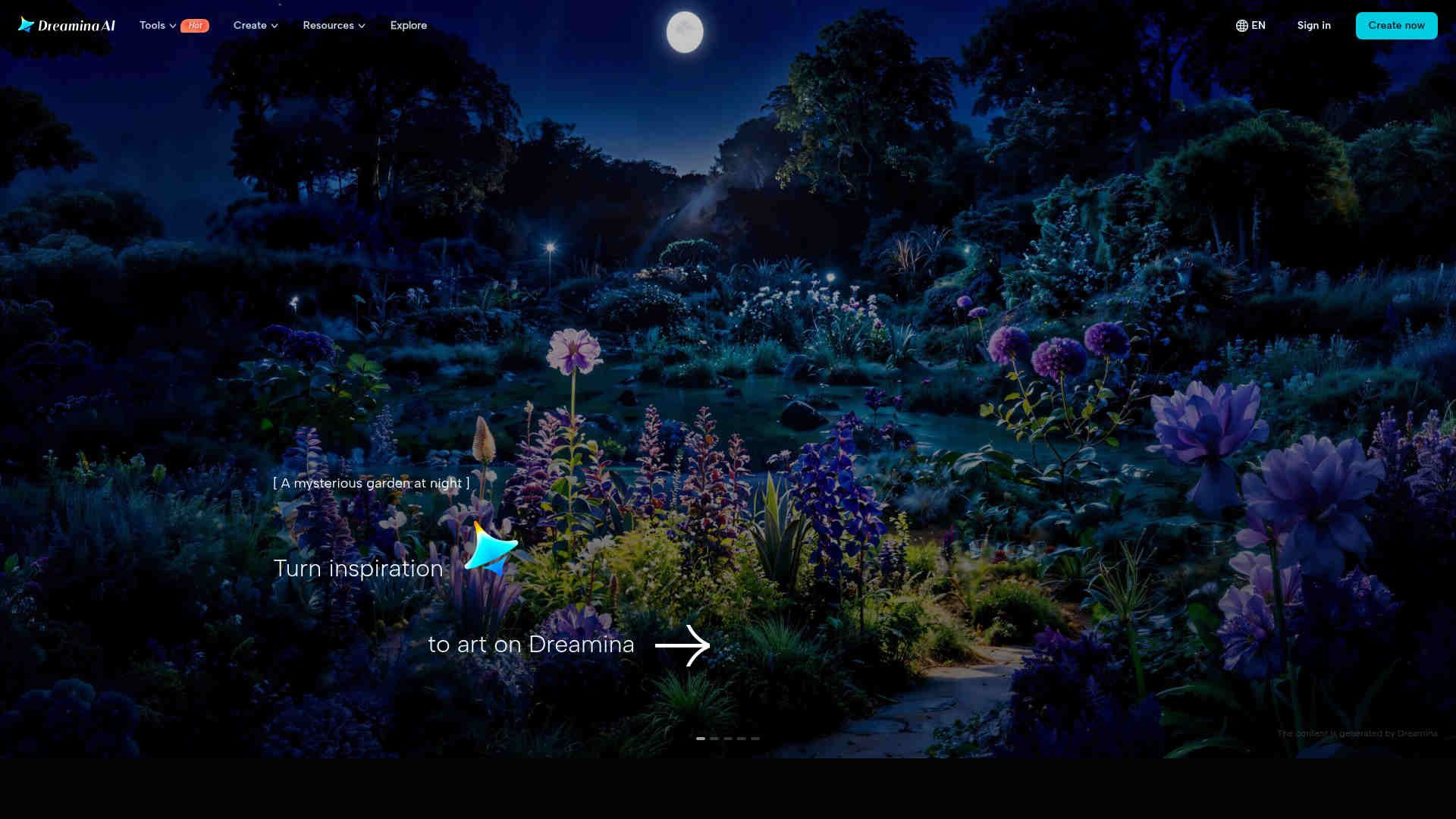
Product Visuals (1 images)
Strengths
- Creative Flexibility: Supports a wide range of artistic applications, making it suitable for various creative projects.
- User-Friendly Interface: Intuitive design ensures that even beginners can navigate and utilize the tool effectively.
- High-Quality Output: Generates visually appealing and professional-grade images.
- Community Inspiration: Users can explore creations from others for inspiration, fostering a collaborative creative environment.
Limitations
- Initial Learning Curve: New users might require some time to fully explore and utilize all available features.
- Limited Integration: Few options for integrating with external platforms or tools.
- Resource Intensive: May require significant system resources for optimal performance.
What You Get
Key Features
- Text-to-Image Generation: Dreamina excels at converting simple text prompts into visually captivating images, leveraging advanced semantic understanding to accurately represent user intentions.
- Image-to-Image Transformation: Users can creatively modify existing images by altering backgrounds, styles, and other key characteristics to suit diverse creative needs.
- Multi-Layer Editing: The canvas feature enables users to blend multiple AI-generated elements, offering tools like inpaint, expand, and remove for precision control.
- Diverse Application Support: Dreamina is versatile, catering to various artistic needs such as character design, fashion, game assets, marketing, and product photography.
- ProsCreative Flexibility: Supports a wide range of artistic applications, making it suitable for various creative projects.User-Friendly Interface: Intuitive design ensures that even beginners can navigate and utilize the tool effectively.High-Quality Output: Generates visually appealing and professional-grade images.Community Inspiration: Users can explore creations from others for inspiration, fostering a collaborative creative environment.ConsInitial Learning Curve: New users might require some time to fully explore and utilize all available features.Limited Integration: Few options for integrating with external platforms or tools.Resource Intensive: May require significant system resources for optimal performance.
Best For
- Digital Artists: Employing Dreamina for creating unique digital artworks and illustrations.
- Content Creators: Leveraging the tool for generating engaging visuals for social media platforms.
- Game Developers: Utilizing Dreamina to design game elements and assets.
- Marketing Professionals: Creating compelling imagery for advertising campaigns.
- Uncommon Use Cases: Adopted by educators for teaching art and design courses; utilized by hobbyists for personal creative projects.
Similar Tools
Image Gen tools · weekly digest
The AI Weekly — free in your inbox
New AI tools, pricing changes, expert picks, and hidden gems — curated by Mr. Spark every week. Join 5,000+ readers who stay ahead of the AI curve.