
Pricing Details
Free Tier: Offers basic features like subtitle editing and video downloads. Pro Tier: Paid subscriptions available for more advanced features, with flexible plans ranging from weekly to yearly options. Disclaimer: Please note that pricing information may not be up to date. For the most accurate and current pricing details, refer to the official Dubs website.
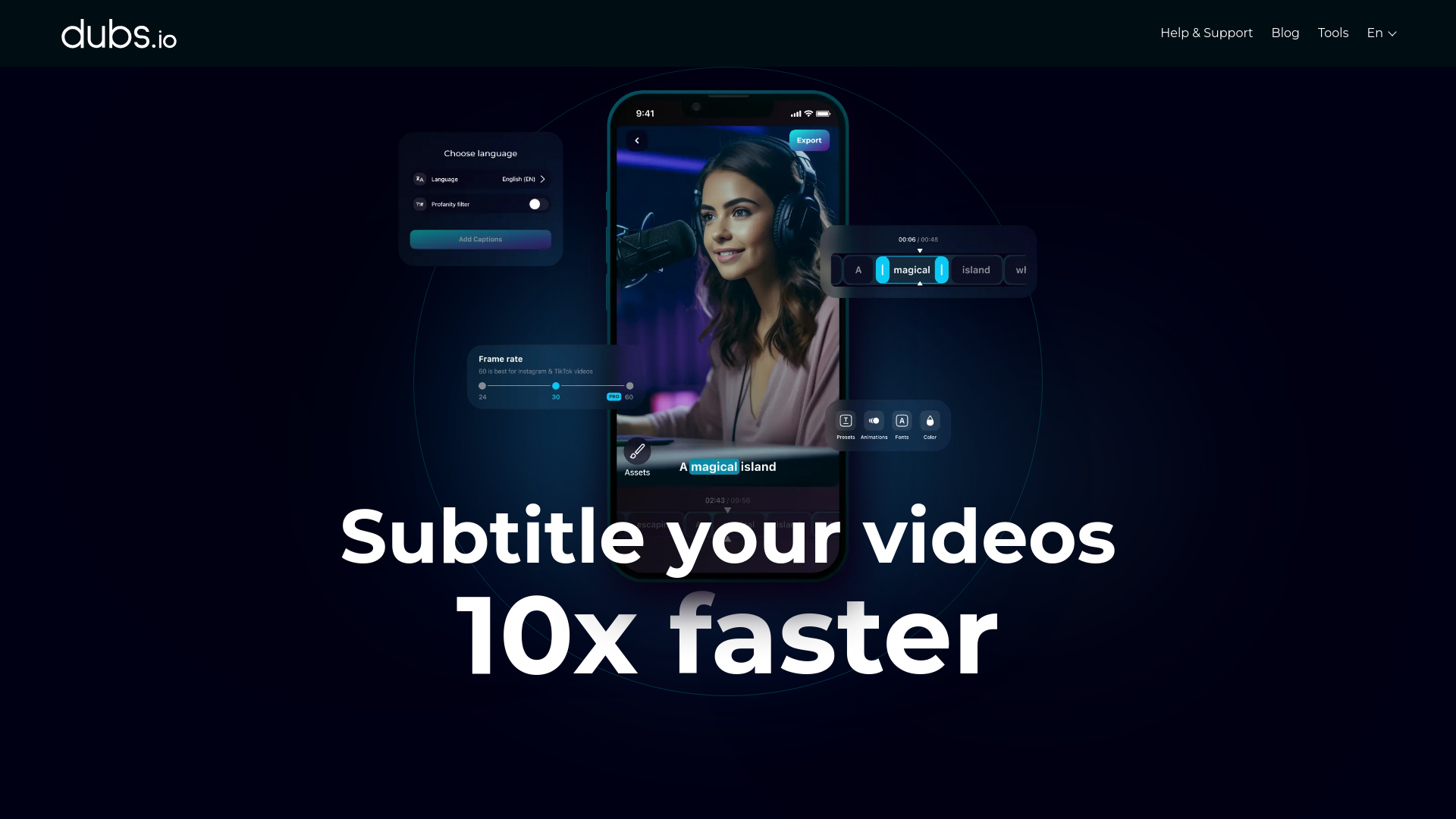
Product Visuals (1 images)
Strengths
- Time Efficiency: Streamlines the subtitle and dubbing process, reducing the time spent on manual editing.
- Global Reach: Supports multiple languages, enabling content to be accessible to a worldwide audience.
- User-Friendly Interface: Intuitive design ensures ease of use for both beginners and experienced users.
- Creative Enhancement: Offers tools like teleprompters and script generators to boost creativity and productivity.
Limitations
- Initial Learning Curve: Some users may need time to fully explore and utilize all advanced features.
- Platform Limitations: Primarily a mobile app, which may limit functionality for desktop users.
What You Get
Key Features
- AI Video Dubbing: No need for voice-over artists; dub your videos using AI technology across 100+ languages.
- Auto-Subtitle Generator: Quickly generate accurate subtitles with AI-driven speech recognition, boasting over 96% accuracy.
- Customizable Subtitles: Personalize your video subtitles with customizable fonts, sizes, colors, and positions for a unique viewing experience.
- Dynamic Animations: Add dynamic animations to your captions to capture viewer attention and increase engagement.
- ProsTime Efficiency: Streamlines the subtitle and dubbing process, reducing the time spent on manual editing.Global Reach: Supports multiple languages, enabling content to be accessible to a worldwide audience.User-Friendly Interface: Intuitive design ensures ease of use for both beginners and experienced users.Creative Enhancement: Offers tools like teleprompters and script generators to boost creativity and productivity.ConsInitial Learning Curve: Some users may need time to fully explore and utilize all advanced features.Platform Limitations: Primarily a mobile app, which may limit functionality for desktop users.
Best For
- Content Creators: Leveraging the tool for seamless video subtitle generation and dubbing.
- Digital Marketers: Utilizing AI dubbing to create multilingual marketing content.
- Educators: Employing the tool to make educational videos accessible to non-native speakers.
- Social Media Influencers: Using subtitles and animations to enhance video engagement.
- Uncommon Use Cases: Adopted by language tutors to create multilingual content; used by podcasters for video content expansion.
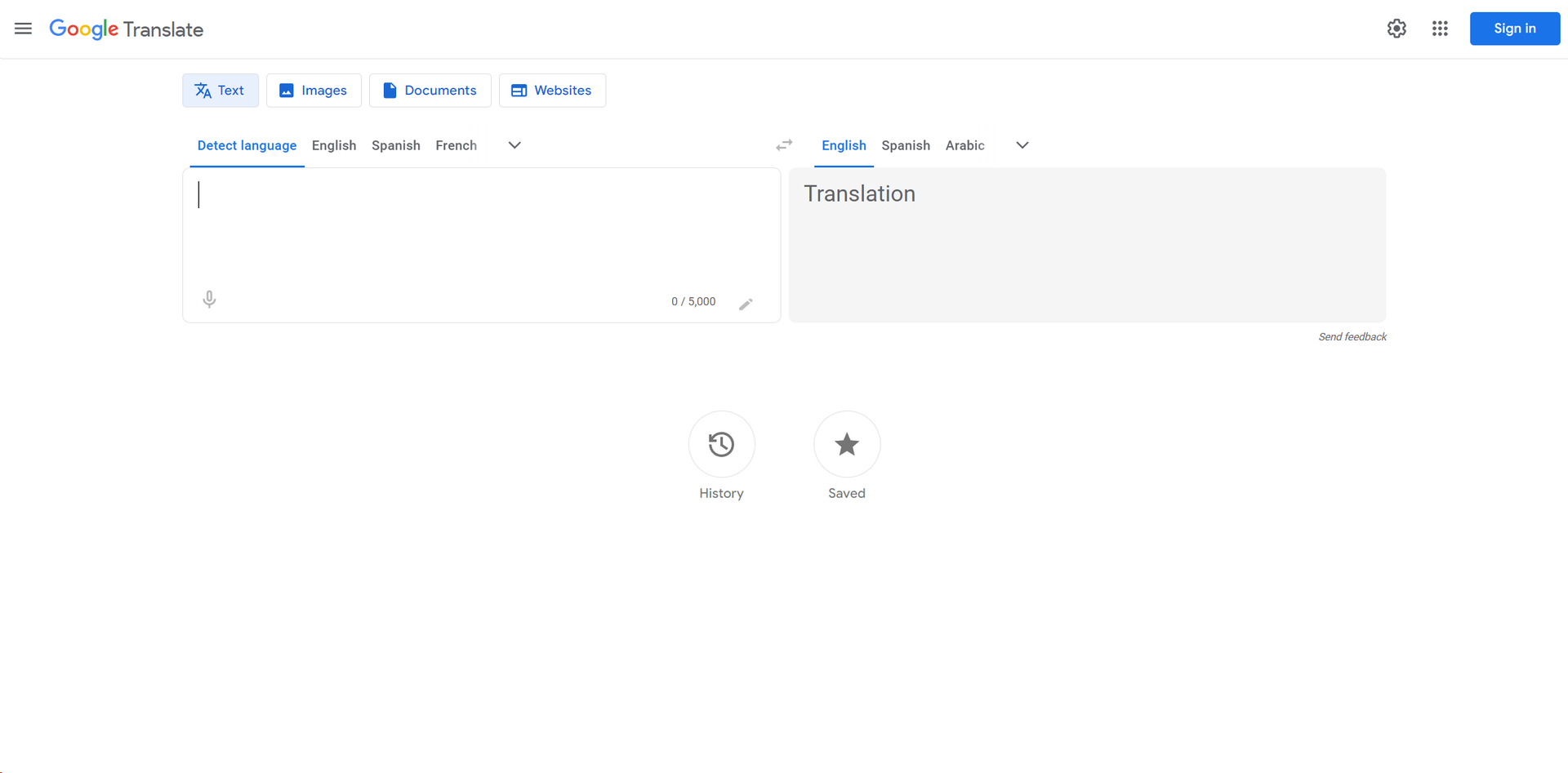
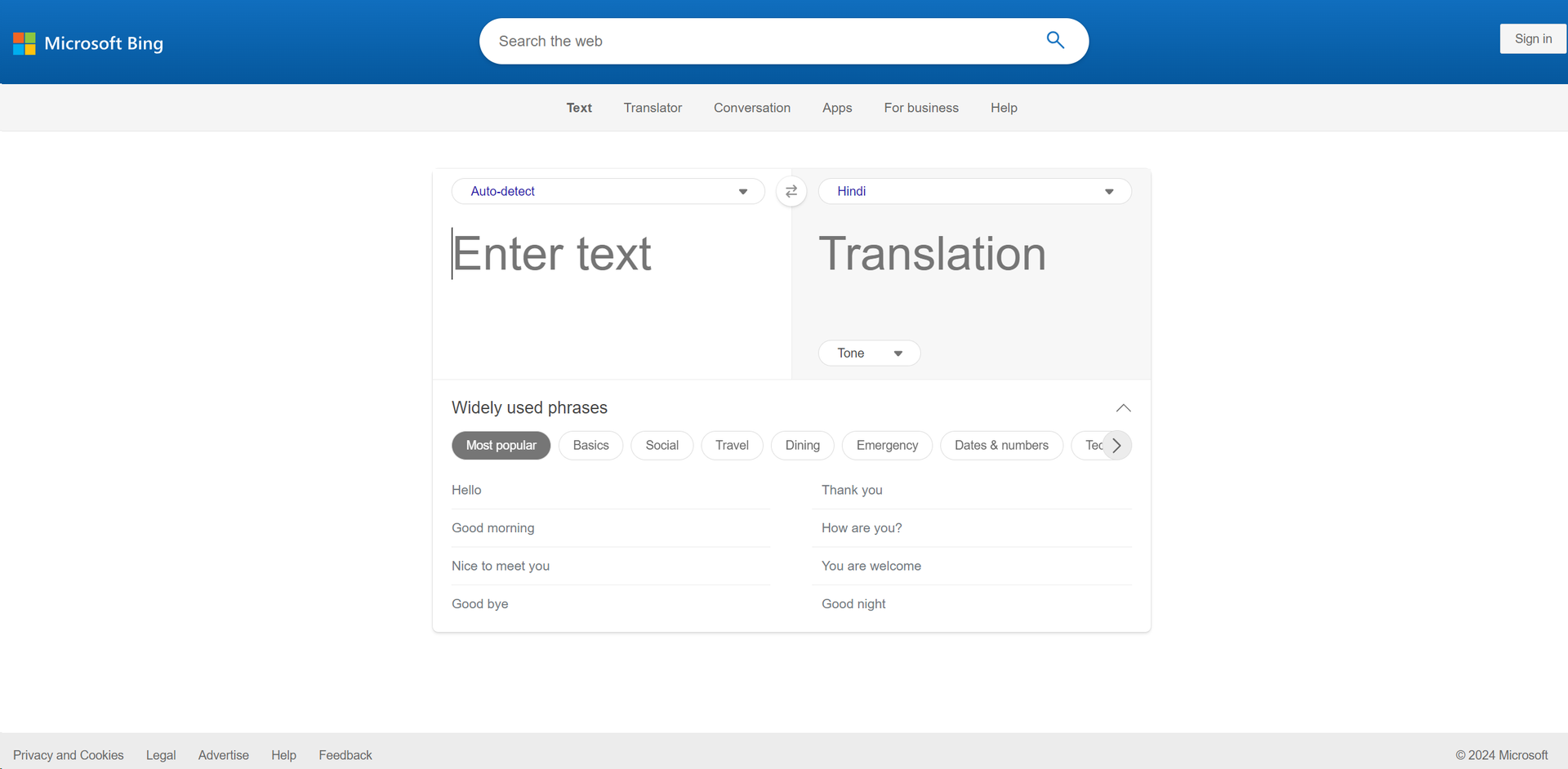
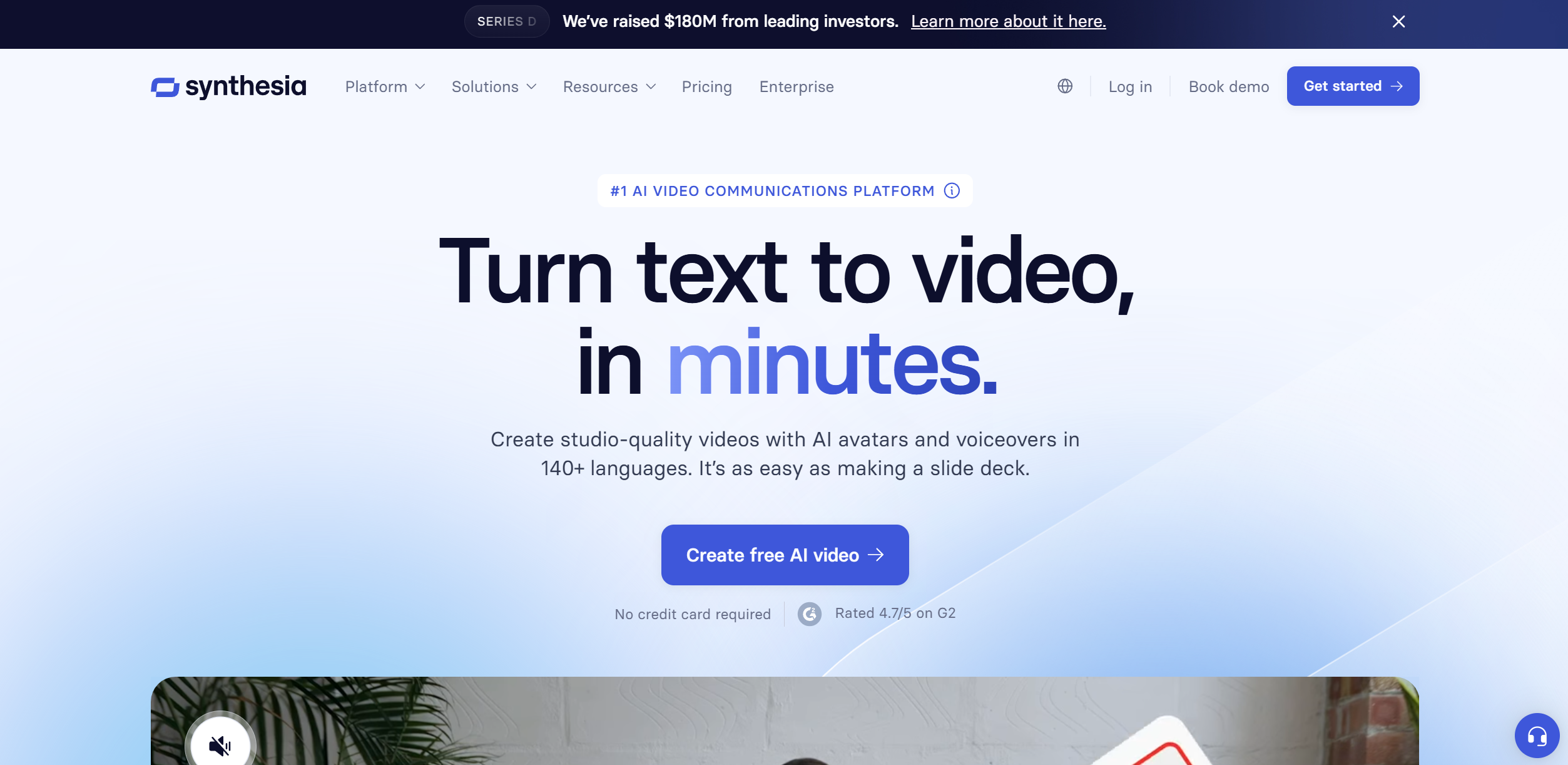
Similar Tools
Weekly Issue
⚡
Translator tools · weekly digest
The AI Weekly — free in your inbox
New AI tools, pricing changes, expert picks, and hidden gems — curated by Mr. Spark every week. Join 5,000+ readers who stay ahead of the AI curve.
No spam, ever
Unsubscribe anytime
100% free