
Pricing Details
Free Tier: Experience EbSynth with no time or functional limitations. Pro Tier: $20 per month for up to 4K video export, PNG sequence output, and priority processing. Studio Plan: Custom pricing for offline processing, complete data privacy, and dedicated support. Disclaimer: Please note that pricing information may not be up to date. For the most accurate and current pricing details, refer to the official EbSynth website.
Product Visuals (1 images)
Strengths
- Creative Freedom: Users can transform video into hand-drawn animations with ease, providing a unique artistic touch.
- Cost-Effective Plans: Offers a free tier that includes core functionalities, making it accessible to a wide audience.
- Efficient Workflow: Eliminates tedious manual tracking, streamlining the video editing process.
- Data Privacy: Projects remain on your computer, with no long-term storage on external servers.
Limitations
- Initial Learning Curve: New users might need some time to fully understand keyframe alignment and timing.
- Limited AI Features: The tool's AI capabilities are optional and not as extensive as some might expect.
- Desktop Only: EbSynth is not available on mobile devices, limiting access to desktop users.
What You Get
Key Features
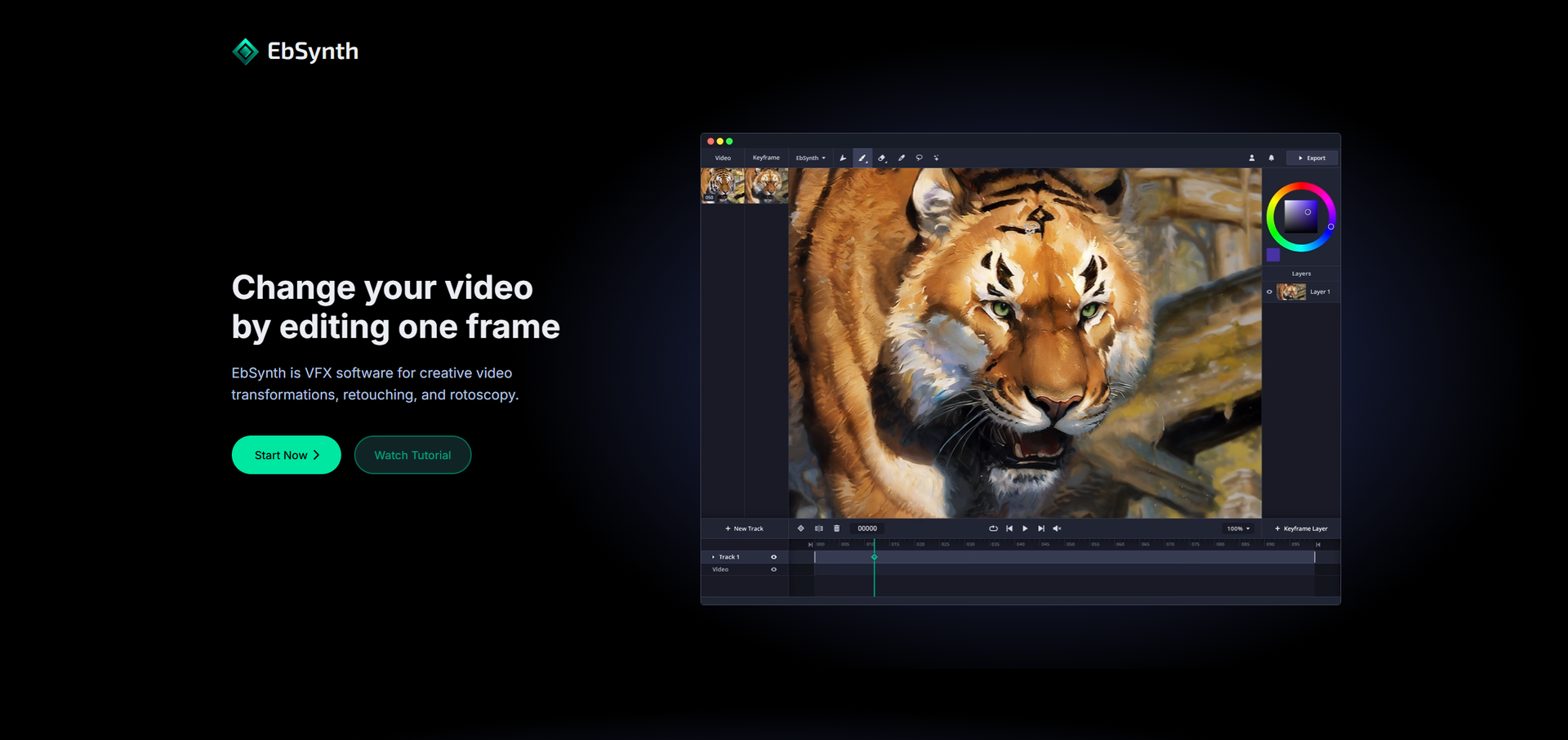
- Frame-Based Editing: EbSynth allows users to change videos by editing one frame, which then propagates changes throughout the sequence.
- Texture-Synthesis Algorithm: Unlike typical AI tools, EbSynth utilizes a texture-synthesis algorithm, ensuring the final output is based solely on the user's input video and keyframes.
- Retouching and Colorizing: This feature makes manual tracking obsolete, enabling fast and effective video touch-ups and colorization.
- Offline and Secure Processing: With the Studio plan, you can run EbSynth entirely offline, ensuring complete data privacy.
- ProsCreative Freedom: Users can transform video into hand-drawn animations with ease, providing a unique artistic touch.Cost-Effective Plans: Offers a free tier that includes core functionalities, making it accessible to a wide audience.Efficient Workflow: Eliminates tedious manual tracking, streamlining the video editing process.Data Privacy: Projects remain on your computer, with no long-term storage on external servers.ConsInitial Learning Curve: New users might need some time to fully understand keyframe alignment and timing.Limited AI Features: The tool's AI capabilities are optional and not as extensive as some might expect.Desktop Only: EbSynth is not available on mobile devices, limiting access to desktop users.
Best For
- Film and Animation Studios: Utilizing EbSynth for creative storytelling and unique visual effects.
- Independent Filmmakers: Employing the tool for cost-effective and visually engaging video transformations.
- Digital Artists: Leveraging EbSynth to add a hand-drawn touch to their video projects.
- Animators: Using the software for efficient rotoscopy and animation workflows.
- Uncommon Use Cases: Adopted by educators in visual arts courses for teaching video editing techniques; used by game developers for creating stylized cutscenes.
Similar Tools



Weekly Issue
⚡
Video Editing tools · weekly digest
The AI Weekly — free in your inbox
New AI tools, pricing changes, expert picks, and hidden gems — curated by Mr. Spark every week. Join 5,000+ readers who stay ahead of the AI curve.
No spam, ever
Unsubscribe anytime
100% free