
Pricing Details
Free Tier: Experience EditApp AI with a 7-day free trial. Pro Tier: The Pro Tier starts at $10 per month. Disclaimer: Please note that pricing information may not be up to date. For the most accurate and current pricing details, refer to the official EditApp AI website.
Product Visuals (1 images)
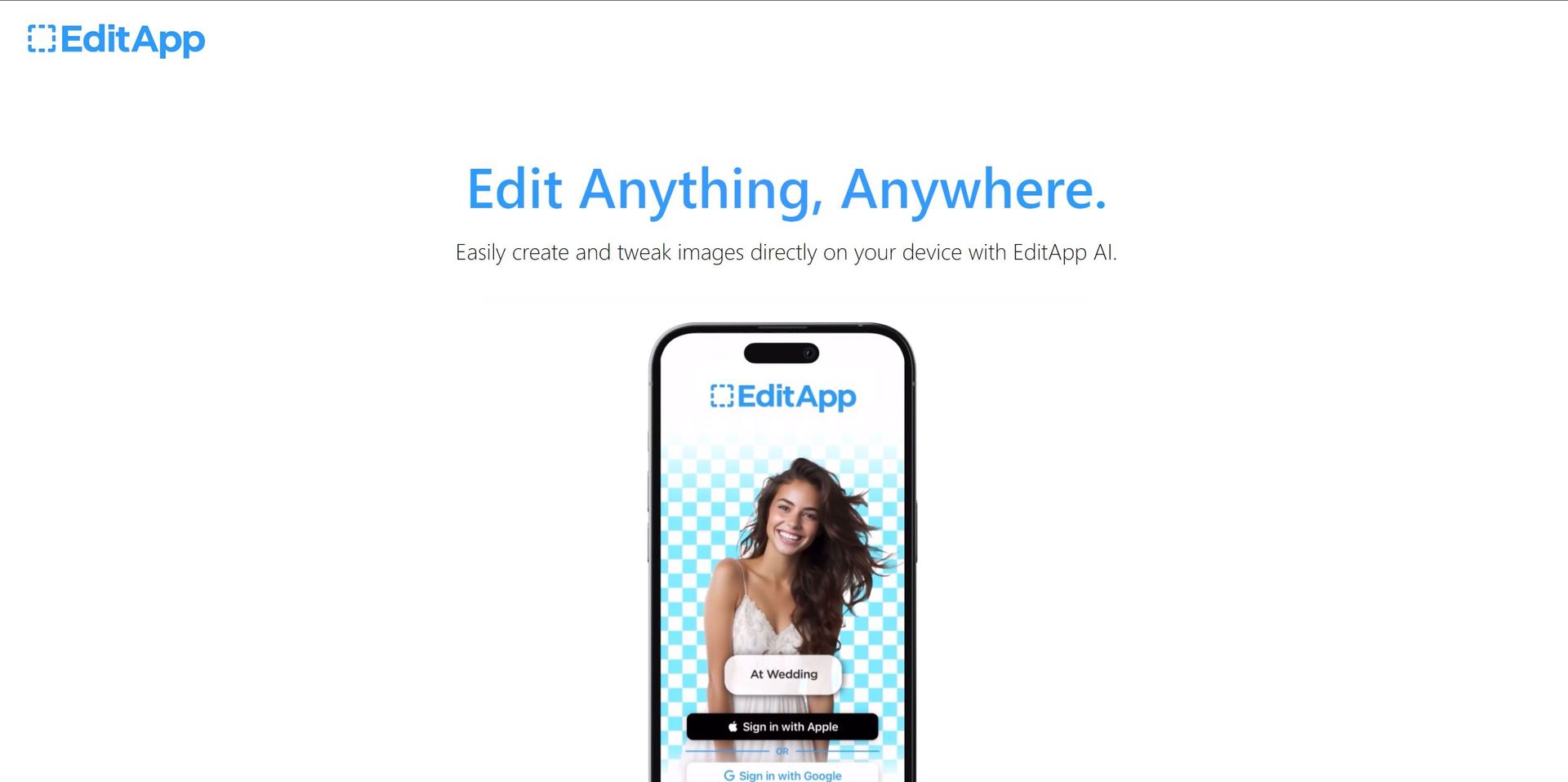
Strengths
- Saves Time: Automates complex editing tasks, reducing the time spent on manual editing.
- Enhances Creativity: With a wide range of tools and features, users can enhance their creative output.
- Encourages Collaboration: The tool's collaborative features make it easy for teams to work together on projects.
- Accessible Anywhere: Being a cloud-based platform, EditApp AI can be accessed from any device with an internet connection.
Limitations
- Requires a Steady Internet Connection: As a cloud-based platform, EditApp AI requires a stable internet connection to function smoothly.
- May Be Overwhelming for Beginners: The wide range of tools and features might be overwhelming for beginners.
Building your AI toolkit?
Save EditApp AI and 1,000+ tools — free with Google, no spam
What You Get
Key Features
- AI-Powered Editing: EditApp AI utilizes advanced AI algorithms to automate complex editing tasks, making it easier for users to create high-quality content.
- Versatile Toolset: It offers a wide range of tools for image manipulation, video editing, and graphic design, catering to various creative needs.
- Collaborative Features: Allows multiple users to work on the same project simultaneously, fostering teamwork and efficiency.
- Cloud-Based Platform: EditApp AI is based in the cloud, enabling users to access their projects from anywhere, at any time.
- ProsSaves Time: Automates complex editing tasks, reducing the time spent on manual editing.Enhances Creativity: With a wide range of tools and features, users can enhance their creative output.Encourages Collaboration: The tool's collaborative features make it easy for teams to work together on projects.Accessible Anywhere: Being a cloud-based platform, EditApp AI can be accessed from any device with an internet connection.ConsRequires a Steady Internet Connection: As a cloud-based platform, EditApp AI requires a stable internet connection to function smoothly.May Be Overwhelming for Beginners: The wide range of tools and features might be overwhelming for beginners.
Best For
- Content Creators: Using EditApp AI to automate their editing tasks and enhance their creative output.
- Marketing Professionals: Employing EditApp AI to create visually appealing marketing content.
- Graphic Designers: Leveraging the versatility of EditApp AI for their design projects.
- Video Editors: Using EditApp AI to streamline their video editing processes.
- Uncommon Use Cases: Used by non-profit organizations for creating promotional materials; Adopted by teachers for creating engaging educational content.
Integrations
Adobe Suite Compatibility: EditApp AI seamlessly integrates with Adobe Suite, enhancing the creative workflow. Google Drive Integration: Users can easily access and save their projects on Google Drive. Social Media Integration: Directly share your creations on social media platforms. API Access: Developers can harness EditApp AI's API for custom integrations.
Similar Tools



Weekly Issue
⚡
Video Editing tools · weekly digest
The AI Weekly — free in your inbox
New AI tools, pricing changes, expert picks, and hidden gems — curated by Mr. Spark every week. Join 5,000+ readers who stay ahead of the AI curve.
No spam, ever
Unsubscribe anytime
100% free