
Pricing Details
Free Tier: Offers the first 3 credits for free, perfect for personal use. Subscription Plans: Various plans available for commercial use, details and pricing can be found on the Erase.bg website. Disclaimer: Please refer to the Erase.bg website for the most current pricing information.
Product Visuals (1 images)
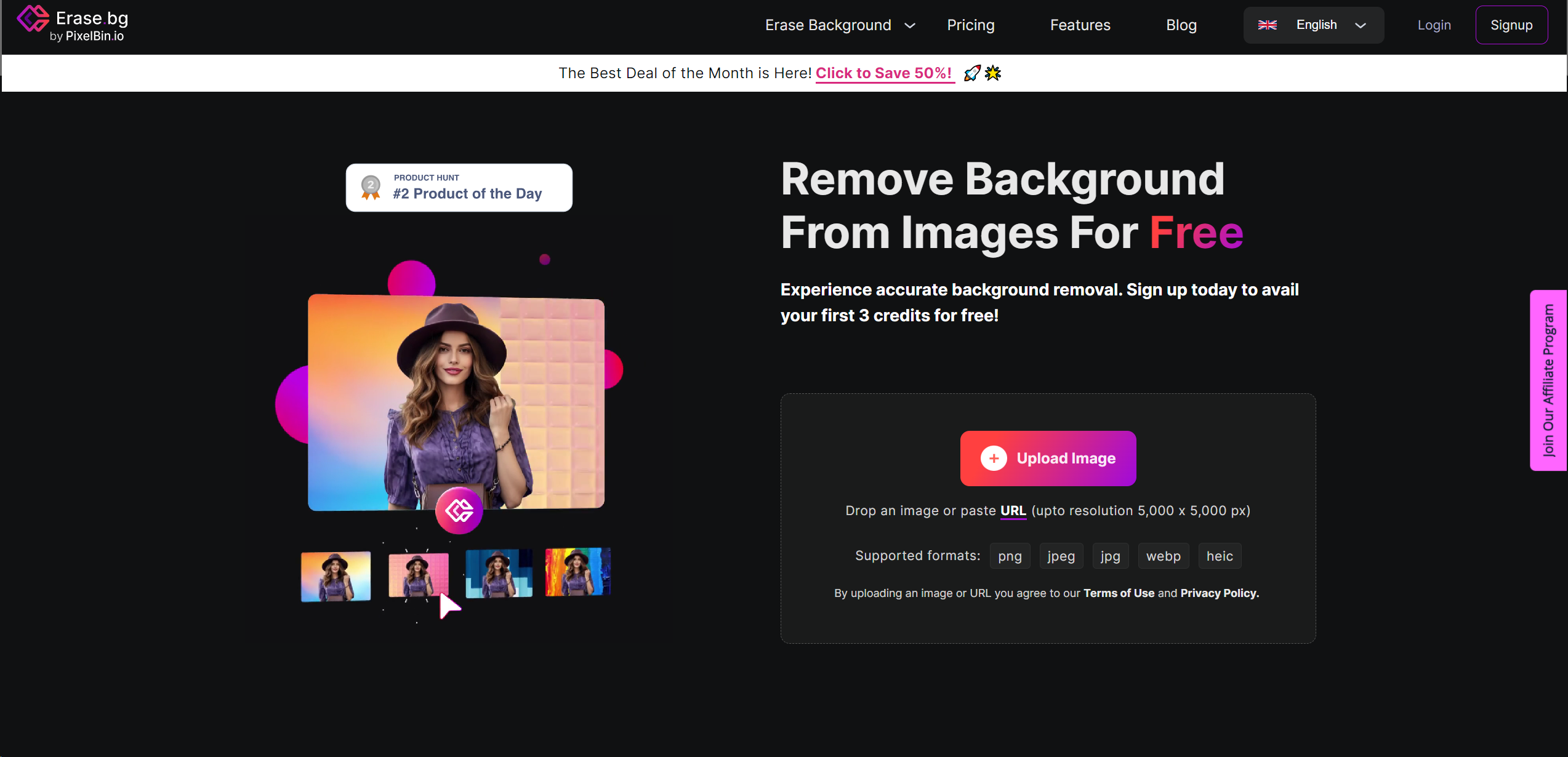
Strengths
- Efficiency: Instantly removes backgrounds, significantly reducing the time spent on manual editing.
- Ease of Use: Intuitive interface that requires no prior photo editing experience.
- Quality Preservation: Maintains the original image's resolution and quality after background removal.
- Cost-Effective: Free for personal use, with affordable plans for commercial applications.
Limitations
- Internet Dependency: Requires a stable internet connection to process images.
- File Size Limit: Maximum upload size is capped at 25 MB, which might restrict handling of exceptionally large files.
- Learning Curve: While user-friendly, new users may need time to familiarize themselves with all available features.
What You Get
Key Features
- High-Resolution Support: Handles images up to 5000 x 5000 px, ensuring your edits maintain the highest quality.
- Bulk Processing: Offers the capability to process multiple images simultaneously, saving time and boosting productivity.
- API Integration: Allows for seamless incorporation into existing workflows, making it an ideal solution for businesses and developers.
- Cross-Platform Compatibility: Works on various operating systems and devices, ensuring accessibility and convenience.
- Diverse File Type Support: Accepts and exports images in multiple formats, including PNG, JPG, JPEG, WEBP, and HEIC.
- ProsEfficiency: Instantly removes backgrounds, significantly reducing the time spent on manual editing.Ease of Use: Intuitive interface that requires no prior photo editing experience.Quality Preservation: Maintains the original image's resolution and quality after background removal.Cost-Effective: Free for personal use, with affordable plans for commercial applications.ConsInternet Dependency: Requires a stable internet connection to process images.File Size Limit: Maximum upload size is capped at 25 MB, which might restrict handling of exceptionally large files.Learning Curve: While user-friendly, new users may need time to familiarize themselves with all available features.
Best For
- Erase.bg caters to a wide audience, including:
- E-commerce Businesses: For creating clean product images.
- Graphic Designers: To streamline design processes.
- Photographers: For enhancing photo quality by removing distracting backgrounds.
- Marketing Professionals: In creating visually appealing campaign materials.
- Uncommon Use Cases: Educational institutions for digital art classes; Real Estate agents for improving property photos.
Integrations
Cross-Platform Support: Available on Windows, Mac, Linux, iOS, and Android. File Format Flexibility: Supports PNG, JPG, JPEG, WEBP, and HEIC formats. API for Developers: Allows for integration into existing systems or workflows. Bulk Processing Features: Enables efficient handling of multiple images at once.
Similar Tools



Weekly Issue
⚡
Design tools · weekly digest
The AI Weekly — free in your inbox
New AI tools, pricing changes, expert picks, and hidden gems — curated by Mr. Spark every week. Join 5,000+ readers who stay ahead of the AI curve.
No spam, ever
Unsubscribe anytime
100% free