
Pricing Details
Free Tier: Experience Excel Formula Bot with no cost or sign-up requirements.
Product Visuals (1 images)
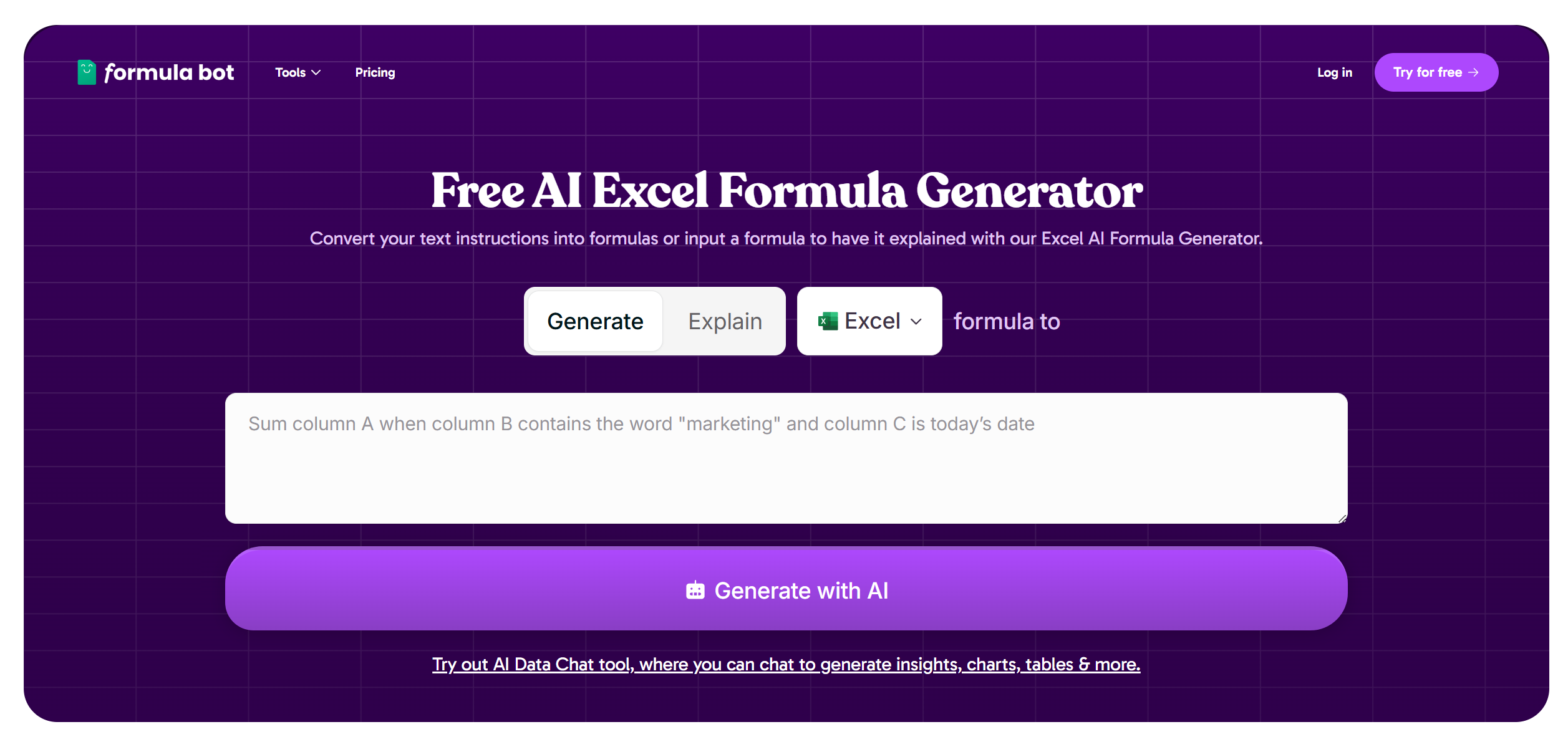
Strengths
- Time Efficiency: Dramatically reduces the time spent on creating complex Excel formulas.
- User-Friendly: Intuitive interface that requires no prior Excel expertise, making it accessible to all users.
- Cost-Effective: Offers a free AI-driven solution without the need for a subscription or sign-up.
- Enhanced Accuracy: Minimizes human error in formula creation, leading to more reliable data analysis.
Limitations
- Limited Customization: While efficient, the tool may not support highly specialized or customized formulas.
- Dependent on Internet Connection: Requires an active internet connection to function, which may limit use in offline scenarios.
Building your AI toolkit?
Save Excel Formula Bot and 1,000+ tools — free with Google, no spam
What You Get
Key Features
- AI-Driven Formula Generation: Automatically generates Excel formulas based on user input, eliminating the need for manual coding.
- Natural Language Processing: Allows users to describe their data needs in plain English, and the tool translates it into precise formulas.
- Wide Formula Support: Supports a wide range of Excel functions and formulas, catering to diverse data manipulation needs.
- Instant Results: Provides real-time formula suggestions, ensuring quick and accurate data handling.
- ProsTime Efficiency: Dramatically reduces the time spent on creating complex Excel formulas.User-Friendly: Intuitive interface that requires no prior Excel expertise, making it accessible to all users.Cost-Effective: Offers a free AI-driven solution without the need for a subscription or sign-up.Enhanced Accuracy: Minimizes human error in formula creation, leading to more reliable data analysis.ConsLimited Customization: While efficient, the tool may not support highly specialized or customized formulas.Dependent on Internet Connection: Requires an active internet connection to function, which may limit use in offline scenarios.
Best For
- Data Analysts: Utilizing the tool for efficient data manipulation and analysis.
- Small Business Owners: Employing it to streamline financial and operational spreadsheets without extensive Excel knowledge.
- Educators: Leveraging the tool to teach students about data management and Excel functionalities.
- Freelancers: Using the tool to handle client data projects swiftly and accurately.
- Uncommon Use Cases: Adopted by hobbyists for tracking and managing personal projects; Used by non-profits to manage donor and fundraising data efficiently.
Similar Tools



Weekly Issue
⚡
Personal Assistant tools · weekly digest
The AI Weekly — free in your inbox
New AI tools, pricing changes, expert picks, and hidden gems — curated by Mr. Spark every week. Join 5,000+ readers who stay ahead of the AI curve.
No spam, ever
Unsubscribe anytime
100% free