
Pricing Details
Free Versions: Some FineShare products are available as free downloads with basic features. Premium Plans: Upgraded plans with advanced features and capabilities are available for purchase. Disclaimer: For the most accurate and current pricing details, refer to the official FineShare website.
Product Visuals (1 images)
Strengths
- Ease of Use: Offers a user-friendly interface that requires no learning curve, making it accessible to all users.
- Leading AI Technology: Employs advanced AI algorithms to produce professional-grade results instantly.
- Resource-Rich: Comes with a vast library of images, sound effects, and templates for creative and impactful content creation.
- Mobile Compatibility: Utilizes mobile devices to their fullest potential, turning them into powerful tools for video and audio enhancement.
- Diverse Applications: Suitable for various settings, including online education, professional video conferencing, and creative multimedia projects.
Limitations
- Platform Dependency: Some features may rely on specific platforms or devices, which could limit accessibility for some users.
- Internet Requirement: As an AI-based tool, it may require a stable internet connection to function optimally, which could be a constraint in areas with poor connectivity.
- Learning Resources: While user-friendly, new users may still require tutorials or guides to unlock the full potential of advanced features.
Building your AI toolkit?
Save FineShare FineCam and 1,000+ tools — free with Google, no spam
What You Get
Key Features
- FineVoiceAI Voice Studio: Generate voiceovers with customizable characters, adding pauses, emphasis, and personality to voice content.
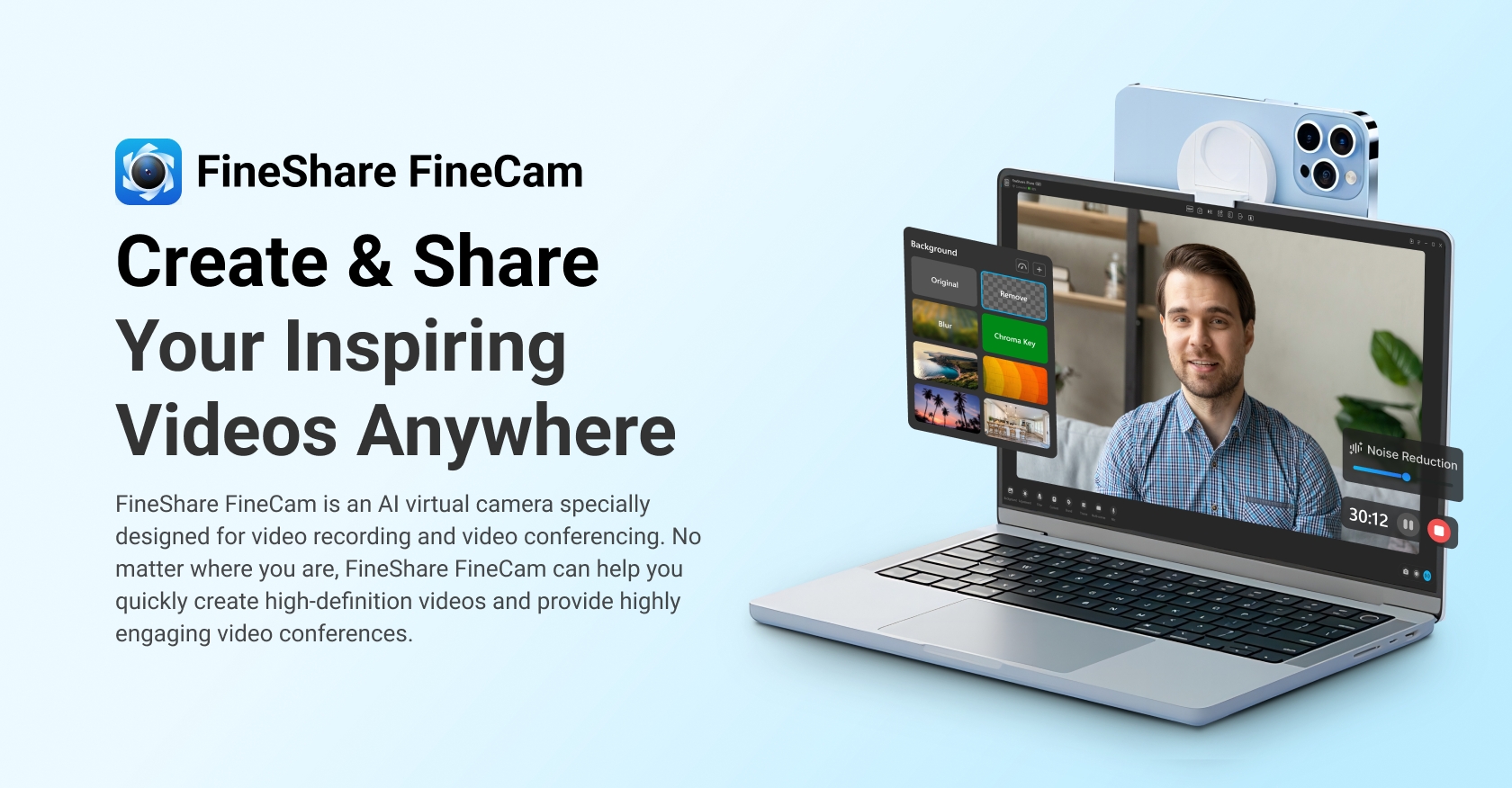
- FineCamAI Virtual Camera: An AI-powered virtual camera that facilitates high-definition video recording and engaging video conferencing.
- SingifyAI Song Cover: Enables users to create song covers with favorite AI vocals quickly and effortlessly.
- VoiceTransAI Voice Changer: Transforms one's voice into various character and celebrity voices for entertainment or anonymity.
- SonixTwAI Voice Cloning: Offers the capability to clone voices, providing a powerful tool for personalized audio content creation.
- ProsEase of Use: Offers a user-friendly interface that requires no learning curve, making it accessible to all users.Leading AI Technology: Employs advanced AI algorithms to produce professional-grade results instantly.Resource-Rich: Comes with a vast library of images, sound effects, and templates for creative and impactful content creation.Mobile Compatibility: Utilizes mobile devices to their fullest potential, turning them into powerful tools for video and audio enhancement.Diverse Applications: Suitable for various settings, including online education, professional video conferencing, and creative multimedia projects.ConsPlatform Dependency: Some features may rely on specific platforms or devices, which could limit accessibility for some users.Internet Requirement: As an AI-based tool, it may require a stable internet connection to function optimally, which could be a constraint in areas with poor connectivity.Learning Resources: While user-friendly, new users may still require tutorials or guides to unlock the full potential of advanced features.
Best For
- Content Creators: Leveraging the suite to produce engaging audio and video content for various platforms.
- Educational Professionals: Enhancing online teaching with high-quality course content and interactive learning materials.
- Podcasters and Voiceover Artists: Utilizing voice studio features for creating professional-grade voiceovers and podcasts.
- Gamers and Streamers: Employing voice changing tools to entertain and engage audiences during live streams.
- Uncommon Use Cases: Utilized by authors for creating audiobook narrations; Adopted by customer service centers for generating personalized automated responses.
Integrations
Mobile Device Integration: Turns smartphones into HD webcams for versatile video capturing. Audio and Video File Conversion: Offers transcription and text-to-speech services for a variety of formats. Multimedia Content Creation: Supports the inclusion of multimedia elements for enriched content sharing. Multi-Camera Support: Enables connection of multiple cameras for dynamic video creation.
Similar Tools



Weekly Issue
⚡
Video Editing tools · weekly digest
The AI Weekly — free in your inbox
New AI tools, pricing changes, expert picks, and hidden gems — curated by Mr. Spark every week. Join 5,000+ readers who stay ahead of the AI curve.
No spam, ever
Unsubscribe anytime
100% free