
Pricing Details
Free Tier: Experience GetFloorPlan with basic features at no cost. Premium Tiers: Advanced features and high-quality outputs available in subscription packages. Disclaimer: Please note that pricing information may not be up to date. For the most accurate and current pricing details, refer to the official GetFloorPlan website.
Product Visuals (1 images)
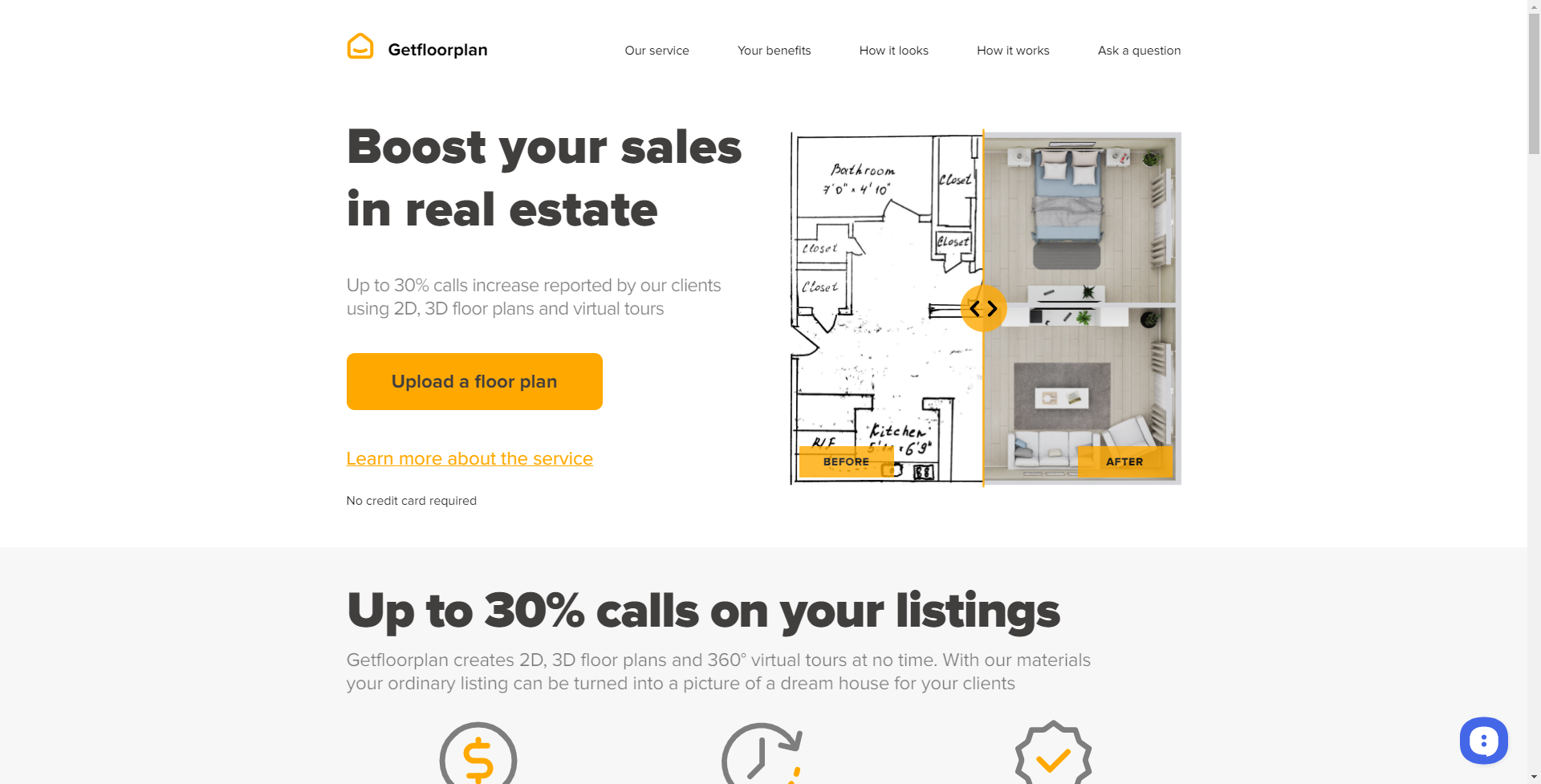
Strengths
- Efficiency: Saves time by automating the floor plan creation process, allowing for quick iterations.
- Accuracy: Delivers precise measurements and representations, essential for planning and construction.
- User-Friendly: Simplistic interface that's easy to navigate, making it accessible to users of all skill levels.
- Cost-Effective: Provides a cost-saving solution compared to traditional floor plan drafting methods.
Limitations
- Learning Curve: New users may need some time to get acquainted with all the features and functionalities.
- Internet Dependency: The tool requires an internet connection to function, limiting offline accessibility.
- Browser-Based Limitations: The performance might be contingent on the browser used and its compatibility with JavaScript.
Building your AI toolkit?
Save GetFloorPlan and 1,000+ tools — free with Google, no spam
What You Get
Key Features
- Automated Floor Plan Generation: Converts basic sketches into detailed 2D and 3D floor plans with AI assistance.
- High-Quality Visuals: Produces high-resolution floor plans suitable for presentations and marketing materials.
- Interactive 3D Tours: Offers the ability to create virtual tours, providing an immersive experience of the space.
- Customization Options: Allows users to customize the floor plans with different textures, materials, and furniture.
- ProsEfficiency: Saves time by automating the floor plan creation process, allowing for quick iterations.Accuracy: Delivers precise measurements and representations, essential for planning and construction.User-Friendly: Simplistic interface that's easy to navigate, making it accessible to users of all skill levels.Cost-Effective: Provides a cost-saving solution compared to traditional floor plan drafting methods.ConsLearning Curve: New users may need some time to get acquainted with all the features and functionalities.Internet Dependency: The tool requires an internet connection to function, limiting offline accessibility.Browser-Based Limitations: The performance might be contingent on the browser used and its compatibility with JavaScript.
Best For
- Real Estate Agents: Utilizing the tool to create floor plans for property listings quickly.
- Interior Designers: Employing the tool to visualize design changes and present ideas to clients.
- Construction Professionals: Leveraging the tool to draft initial floor plans for new building projects.
- Homeowners: Using the tool for planning home renovations or visualizing potential real estate purchases.
- Uncommon Use Cases: Event planners creating detailed layouts for venues; Educational institutions using the tool for classroom or campus planning.
Integrations
Web-Based Platform: Accessible from any modern web browser with JavaScript enabled. File Export Options: Floor plans can be exported in various file formats for use with other software. Cloud Storage: Plans can be saved and accessed from the cloud, facilitating collaboration and sharing. Custom Textures and Models: Supports the addition of custom textures and 3D models to personalize floor plans.
Similar Tools



Weekly Issue
⚡
Design tools · weekly digest
The AI Weekly — free in your inbox
New AI tools, pricing changes, expert picks, and hidden gems — curated by Mr. Spark every week. Join 5,000+ readers who stay ahead of the AI curve.
No spam, ever
Unsubscribe anytime
100% free