
Pricing Details
Free Trial: Offers a robust trial period to explore features. Subscription Plans: Provides tiered pricing based on usage, features, and support requirements. Disclaimer: For the latest pricing details, please refer to the official Glossai website.
Product Visuals (1 images)
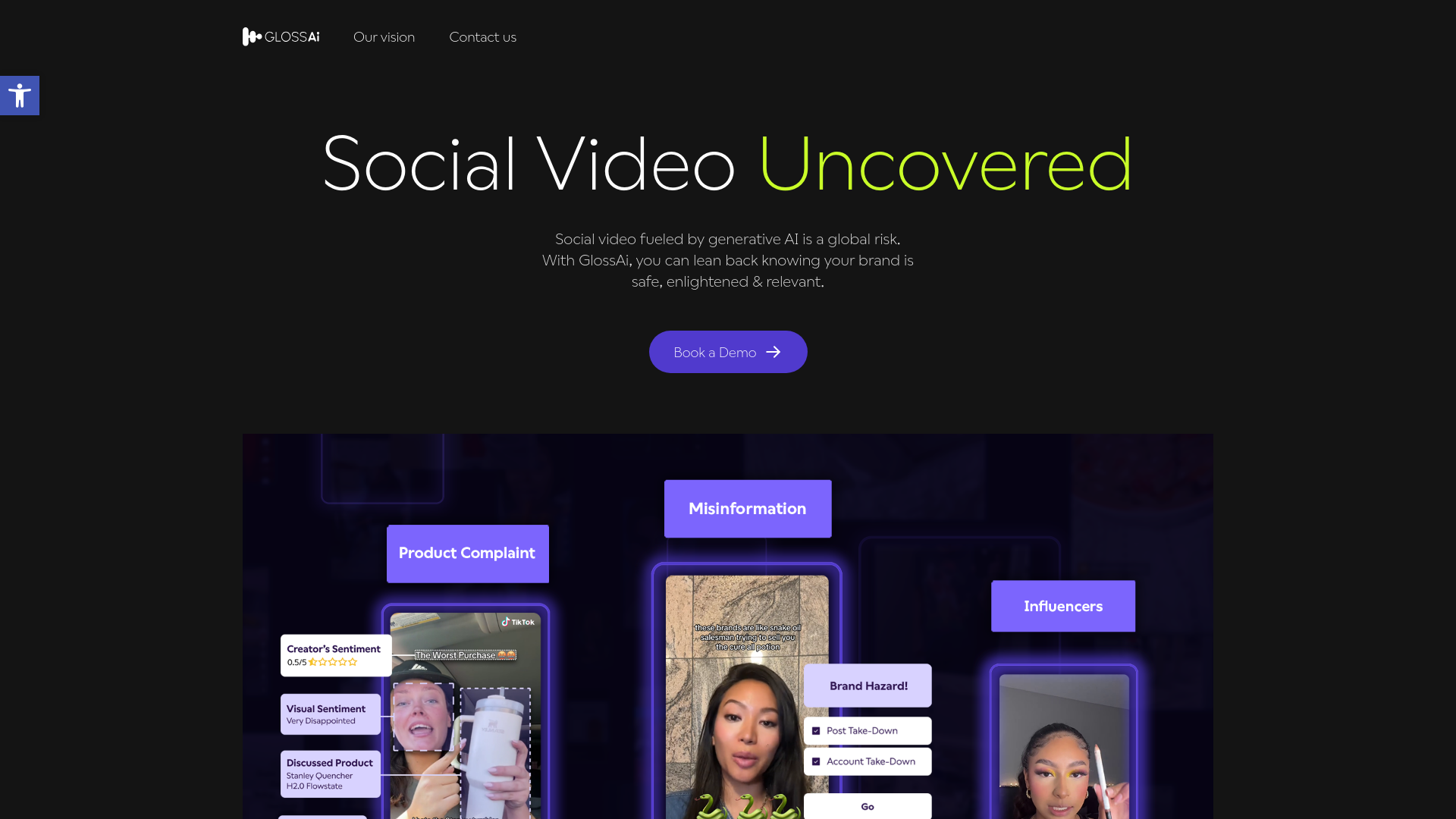
Strengths
- Enhanced Engagement: Tailored content boosts viewer interaction across platforms.
- Time Savings: Automates and accelerates the content repurposing process.
- Cost Efficiency: Reduces reliance on external production and editing services.
- Ease of Use: Features an intuitive interface and prompt-based commands for streamlined content creation.
Limitations
- Learning Curve: New users may need time to master all features.
- Language Limitations: Although it supports over 200 languages, some localization nuances might require manual adjustments.
- Advanced Features Overload: Some users might find advanced editing tools complex.
What You Get
Key Features
- Multi-Channel Repurposing: Converts long videos and audio into short-form snippets suitable for various digital platforms like social media, emails, and blogs.
- Editing Wizard: Provides a user-friendly video editing suite that aligns with brand style and preferences.
- Localization & Accessibility: Includes tools for transcription, dubbing, and translation in over 200 languages, facilitating global reach.
- Prompt-Based Personalization: Customizes content for different channels and audiences based on prompts and platform requirements.
- Workflow Integrations: Supports over 100 integrations, automating content creation and distribution processes.
- ProsEnhanced Engagement: Tailored content boosts viewer interaction across platforms.Time Savings: Automates and accelerates the content repurposing process.Cost Efficiency: Reduces reliance on external production and editing services.Ease of Use: Features an intuitive interface and prompt-based commands for streamlined content creation.ConsLearning Curve: New users may need time to master all features.Language Limitations: Although it supports over 200 languages, some localization nuances might require manual adjustments.Advanced Features Overload: Some users might find advanced editing tools complex.
Best For
- Digital Marketers: To create high-engagement content across diverse online platforms.
- Social Media Managers: For quick adaptation of video content for platforms like TikTok and Instagram.
- Content Creators: For repurposing webinars, interviews, and podcasts into various formats.
- Educational Institutions: Enhancing learning materials and online courses.
- Uncommon Use Cases: Non-profits maximizing outreach within budget constraints; startups producing cost-effective marketing content.
Integrations
Social Media Platforms: Direct integration with TikTok, LinkedIn, YouTube, and more. Content Management Systems: Seamlessly integrates with popular CMS platforms. CRM Systems: Syncs with CRM systems to utilize video content for enhanced customer engagement. Email Marketing Tools: Works with email marketing software to improve campaign effectiveness.
Similar Tools



Weekly Issue
⚡
Video Editing tools · weekly digest
The AI Weekly — free in your inbox
New AI tools, pricing changes, expert picks, and hidden gems — curated by Mr. Spark every week. Join 5,000+ readers who stay ahead of the AI curve.
No spam, ever
Unsubscribe anytime
100% free