
Pricing Details
Free Tier: Google Cloud Vision AI offers a generous free tier for users to get started and test the service. Pay-As-You-Go: Pricing is based on the number of images processed and the type of detection or classification needed. Disclaimer: For the most current and detailed pricing information, please refer to the official Google Cloud Vision AI website.
Product Visuals (1 images)
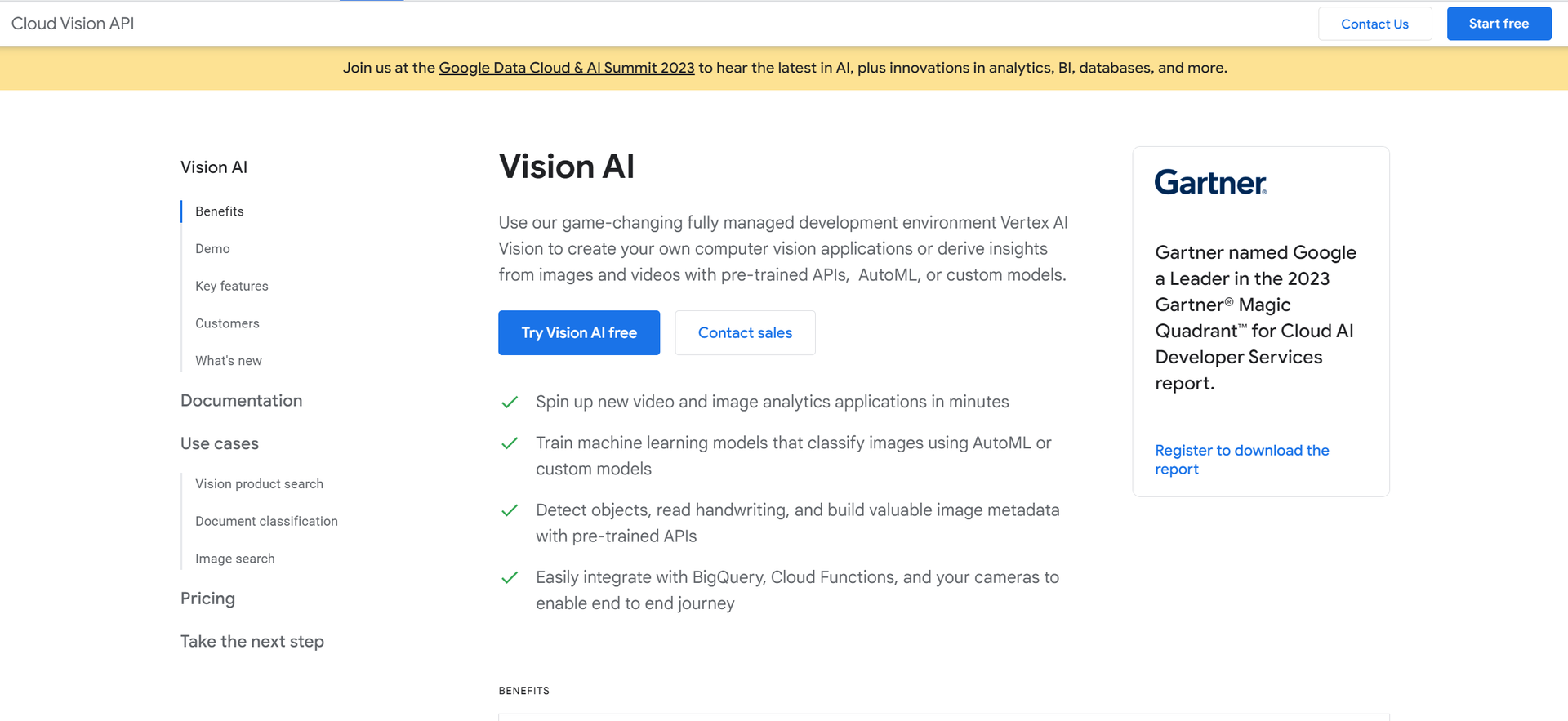
Strengths
- Scalability: Capable of processing from a few images to millions, thanks to Google Cloud's robust infrastructure.
- Ease of Use: User-friendly interfaces and a simple REST API make it accessible for developers of all skill levels.
- Versatility: Suitable for various industries and use cases, from retail and media to healthcare and more.
- Continuous Improvement: Benefits from Google's ongoing investment in AI and machine learning, ensuring cutting-edge capabilities.
Limitations
- Costs at Scale: While a free tier is available, extensive usage may result in significant costs, which could pose a barrier for small businesses or startups.
- Complexity for Custom Models: Training custom models may require a steep learning curve, particularly for users without a background in machine learning.
- Dependence on Internet Connectivity: Being a cloud-based service, it requires a stable internet connection, which could be challenging in remote areas.
Building your AI toolkit?
Save Google Cloud Vision AI and 1,000+ tools — free with Google, no spam
What You Get
Key Features
- Pre-trained Machine Learning Models: Access to highly accurate models trained on extensive datasets, enabling recognition of a broad range of objects and scenarios.
- Custom Model Training: Ability to train custom models using AutoML Vision or TensorFlow, accommodating unique business requirements and use cases.
- Real-time Analysis: Provides immediate insights from images and videos, making it suitable for applications requiring instantaneous decision-making.
- Integration with Google Cloud Services: Seamlessly integrates with other Google Cloud services like BigQuery and Cloud Functions, facilitating comprehensive data analysis and application development.
- ProsScalability: Capable of processing from a few images to millions, thanks to Google Cloud's robust infrastructure.Ease of Use: User-friendly interfaces and a simple REST API make it accessible for developers of all skill levels.Versatility: Suitable for various industries and use cases, from retail and media to healthcare and more.Continuous Improvement: Benefits from Google's ongoing investment in AI and machine learning, ensuring cutting-edge capabilities.ConsCosts at Scale: While a free tier is available, extensive usage may result in significant costs, which could pose a barrier for small businesses or startups.Complexity for Custom Models: Training custom models may require a steep learning curve, particularly for users without a background in machine learning.Dependence on Internet Connectivity: Being a cloud-based service, it requires a stable internet connection, which could be challenging in remote areas.
Best For
- Retail Companies: Enhancing the shopping experience by integrating image recognition for product searches and inventory management.
- Healthcare Providers: Analyzing medical imagery for more accurate diagnoses and research.
- Media Organizations: Automatically tagging and categorizing vast libraries of digital assets.
- Agricultural Sectors: Monitoring crop health through aerial imagery analysis.
- Uncommon Use Cases: Assisting wildlife conservation efforts by identifying species in camera trap images; aiding in historical research by digitizing and analyzing archival photographs.
Integrations
Google Cloud Integration: Works hand-in-hand with other Google Cloud services for a unified workflow. API Access: Offers REST and RPC API access for easy integration into existing applications. Edge Devices: Supports deployment to edge devices for scenarios where low latency is critical. Multi-language Support: Provides API client libraries in various programming languages, enhancing accessibility for developers worldwide.
Similar Tools

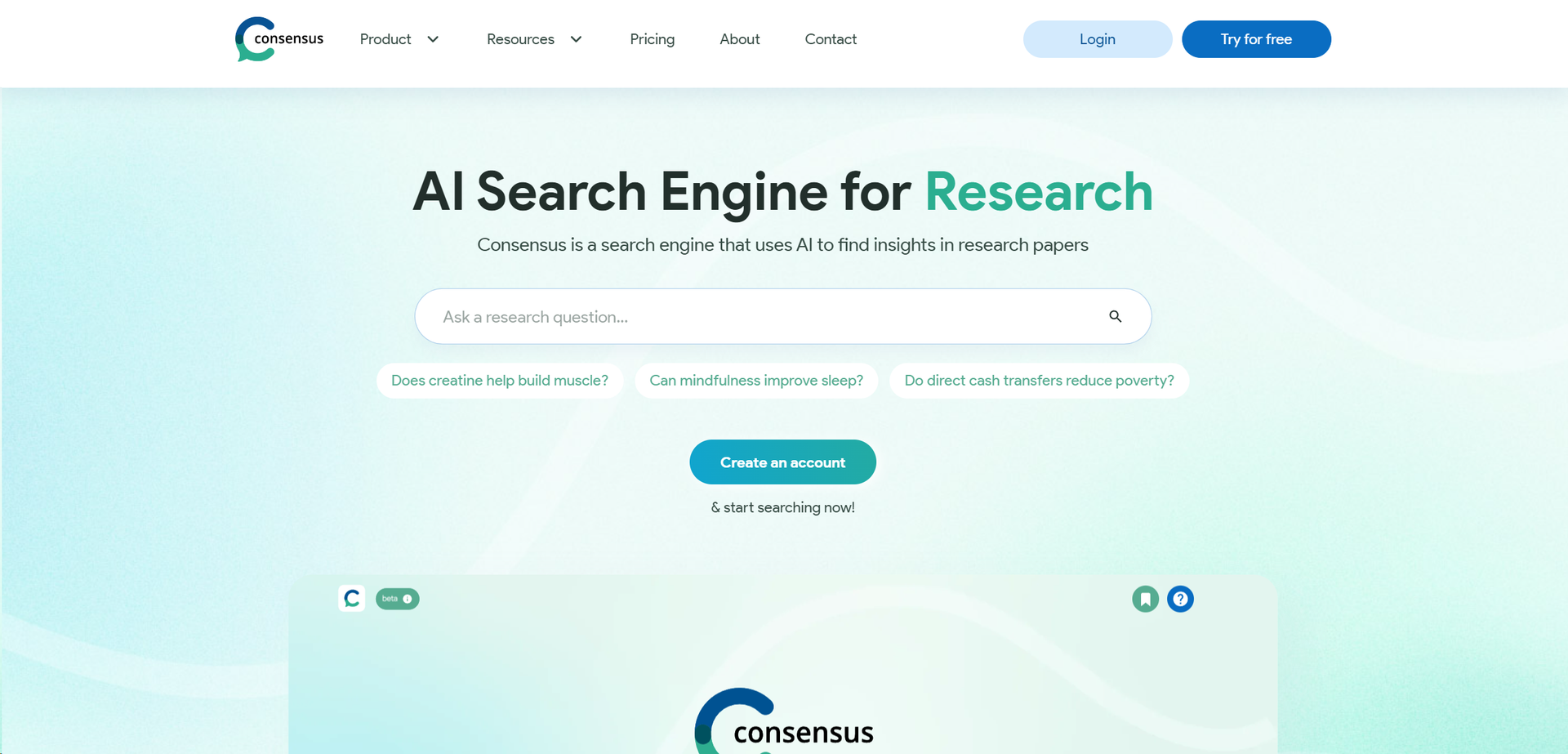
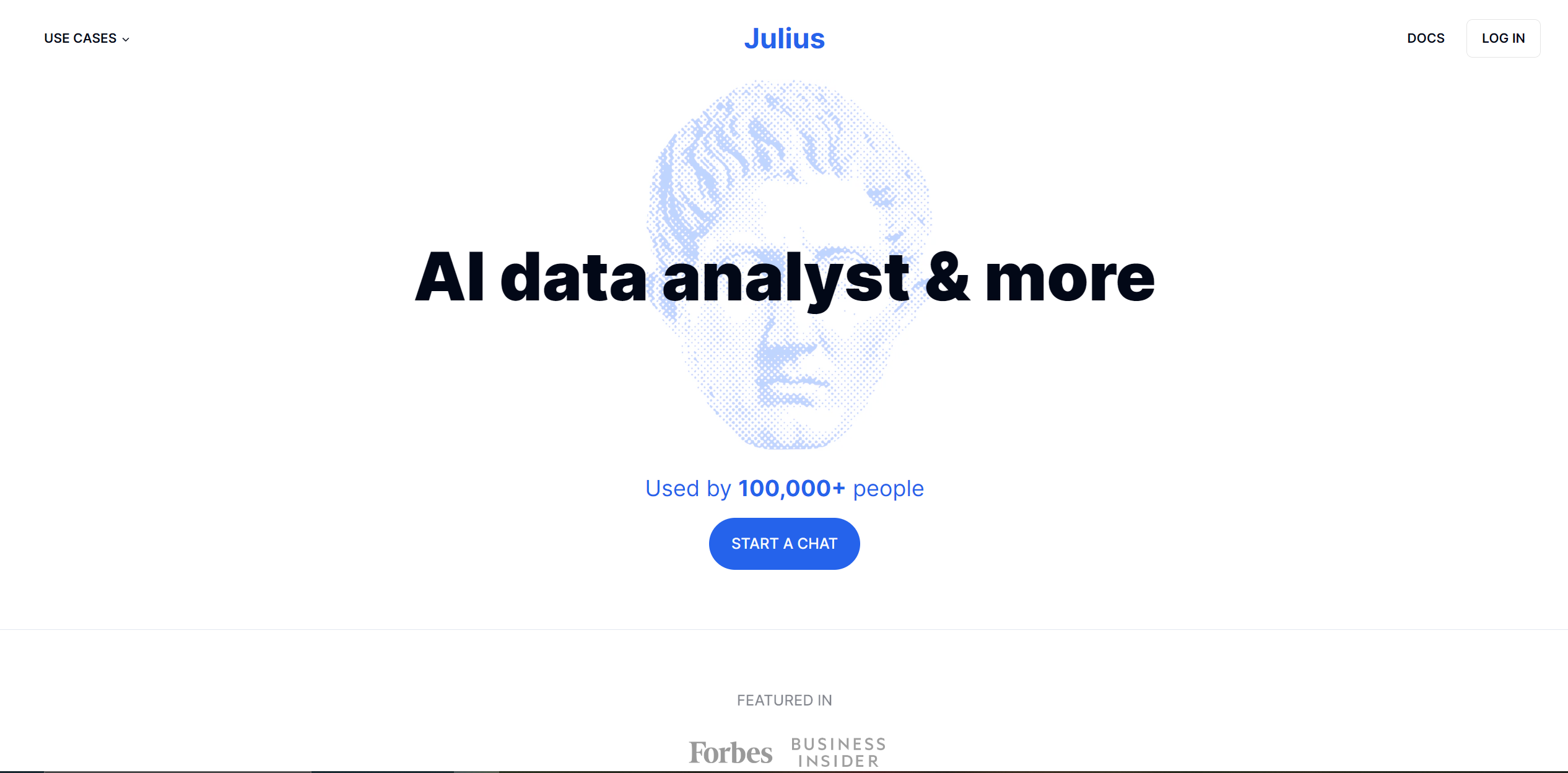
Weekly Issue
⚡
Research tools · weekly digest
The AI Weekly — free in your inbox
New AI tools, pricing changes, expert picks, and hidden gems — curated by Mr. Spark every week. Join 5,000+ readers who stay ahead of the AI curve.
No spam, ever
Unsubscribe anytime
100% free