
Pricing Details
Free Access: Offers a free version with limited access to assets and features, ideal for beginners or small projects. Pro Access: Full access to the asset library and advanced features starts at a competitive subscription rate. For specific pricing details, visit the Graswald website. Disclaimer: Pricing information may change. For the most current details, visit the official Graswald website.
Product Visuals (1 images)
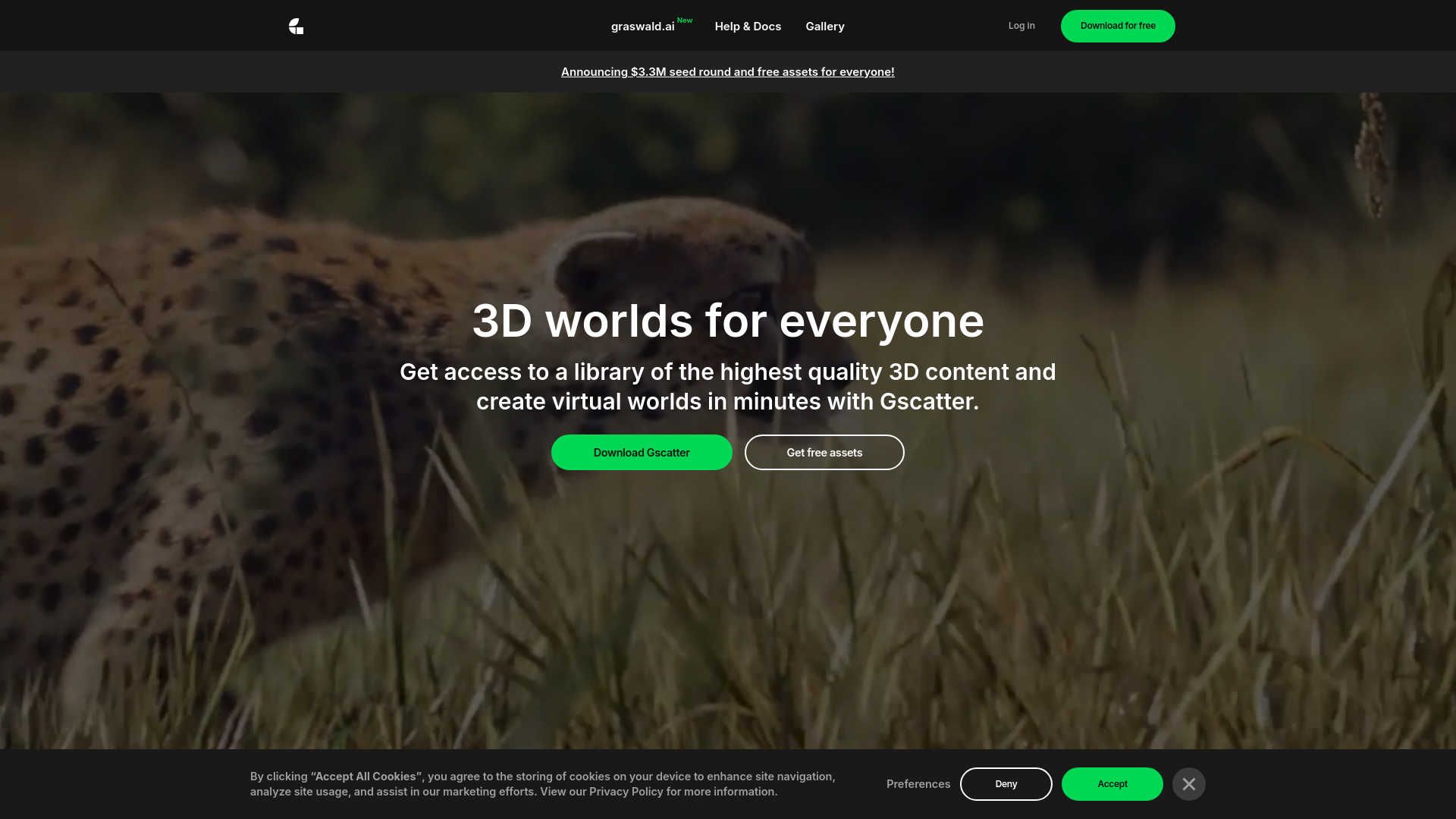
Strengths
- Realism at Its Best: Achieve near-photorealistic results, making scenes lifelike and immersive.
- Time-Saving: The Gscatter tool simplifies complex scene manipulation, significantly reducing setup time.
- Customization: Advanced control over asset distribution, scaling, and rotation, along with effect layers, offers extensive creative freedom.
- Community and Support: Backed by a strong community and comprehensive tutorials, making it easier to maximize the tool’s potential.
Limitations
- Learning Curve: New users may need time to master the extensive features and capabilities of the Gscatter tool.
- Blender Specific: Designed specifically for Blender, which might limit users of other 3D software.
- Resource Intensive: High-quality assets and advanced features may require significant system resources, potentially slowing down less powerful computers.
What You Get
Key Features
- High-Quality 3D Assets: Access a vast collection of detailed models, including various species of plants, trees, and ground cover, all scanned and rendered with exceptional accuracy.
- Gscatter Add-On: This powerful tool integrates directly with Blender, allowing efficient placement and management of vegetation in scenes.
- Advanced Material Maps: Includes Albedo, Roughness, Normal, Height, Ambient Occlusion, Opacity, and Translucency Maps, ensuring materials appear incredibly realistic.
- Dynamic Effects: Apply environmental effects like wind, adjustable from a light breeze to storm-level impacts, to enhance scene realism.
- ProsRealism at Its Best: Achieve near-photorealistic results, making scenes lifelike and immersive.Time-Saving: The Gscatter tool simplifies complex scene manipulation, significantly reducing setup time.Customization: Advanced control over asset distribution, scaling, and rotation, along with effect layers, offers extensive creative freedom.Community and Support: Backed by a strong community and comprehensive tutorials, making it easier to maximize the tool’s potential.ConsLearning Curve: New users may need time to master the extensive features and capabilities of the Gscatter tool.Blender Specific: Designed specifically for Blender, which might limit users of other 3D software.Resource Intensive: High-quality assets and advanced features may require significant system resources, potentially slowing down less powerful computers.
Best For
- Professional 3D Artists: Enhancing realism in commercial and film production environments.
- Environmental Designers: Creating detailed natural landscapes for architectural visualization.
- Educational Institutions: Used in courses focused on digital arts and environmental science.
- Indie Game Developers: Adding natural elements to game worlds.
- Uncommon Use Cases: Employed by forensic scientists for crime scene reconstruction; virtual reality developers enhancing immersive experiences.
Integrations
Blender Integration: Fully integrated with Blender, enhancing its environment creation capabilities. Material Compatibility: Supports a wide range of material maps for superior rendering quality. Plugin Ecosystem: Additional plugins are available for extended functionalities within the Blender community. Cross-Platform Support: Compatible with various operating systems that support Blender, including Windows, macOS, and Linux.
Similar Tools



Weekly Issue
⚡
Design tools · weekly digest
The AI Weekly — free in your inbox
New AI tools, pricing changes, expert picks, and hidden gems — curated by Mr. Spark every week. Join 5,000+ readers who stay ahead of the AI curve.
No spam, ever
Unsubscribe anytime
100% free