
Pricing Details
Free Tier: Includes 3 minutes of AI usage per month. Starter Tier: $0.99/month for 5 minutes of AI usage. Basic Tier: $9.99/month for 120 minutes of AI usage. Pro Tier: $49.99/month for 800 minutes of AI usage. Premium Tier: $99.99/month for 2000 minutes of AI usage. Disclaimer: Pricing details may vary. Refer to the HappySRT website for the latest information.
Product Visuals (1 images)
Strengths
- Efficiency: Simplifies the time-consuming task of subtitle creation with AI automation.
- High Accuracy: Ensures precise subtitles, reducing the need for extensive manual corrections.
- User-Friendly Dashboard: Offers an intuitive interface that simplifies the subtitle editing process.
- Global Reach: Helps content creators cater to international audiences by breaking language barriers.
Limitations
- Limited Free Usage: Free plan restricts AI usage to 3 minutes per month, which may be insufficient for heavy users.
- Learning Curve: New users may require time to familiarize themselves with the editing tools.
- Internet Dependency: Requires a stable internet connection for uninterrupted usage as an online tool.
What You Get
Key Features
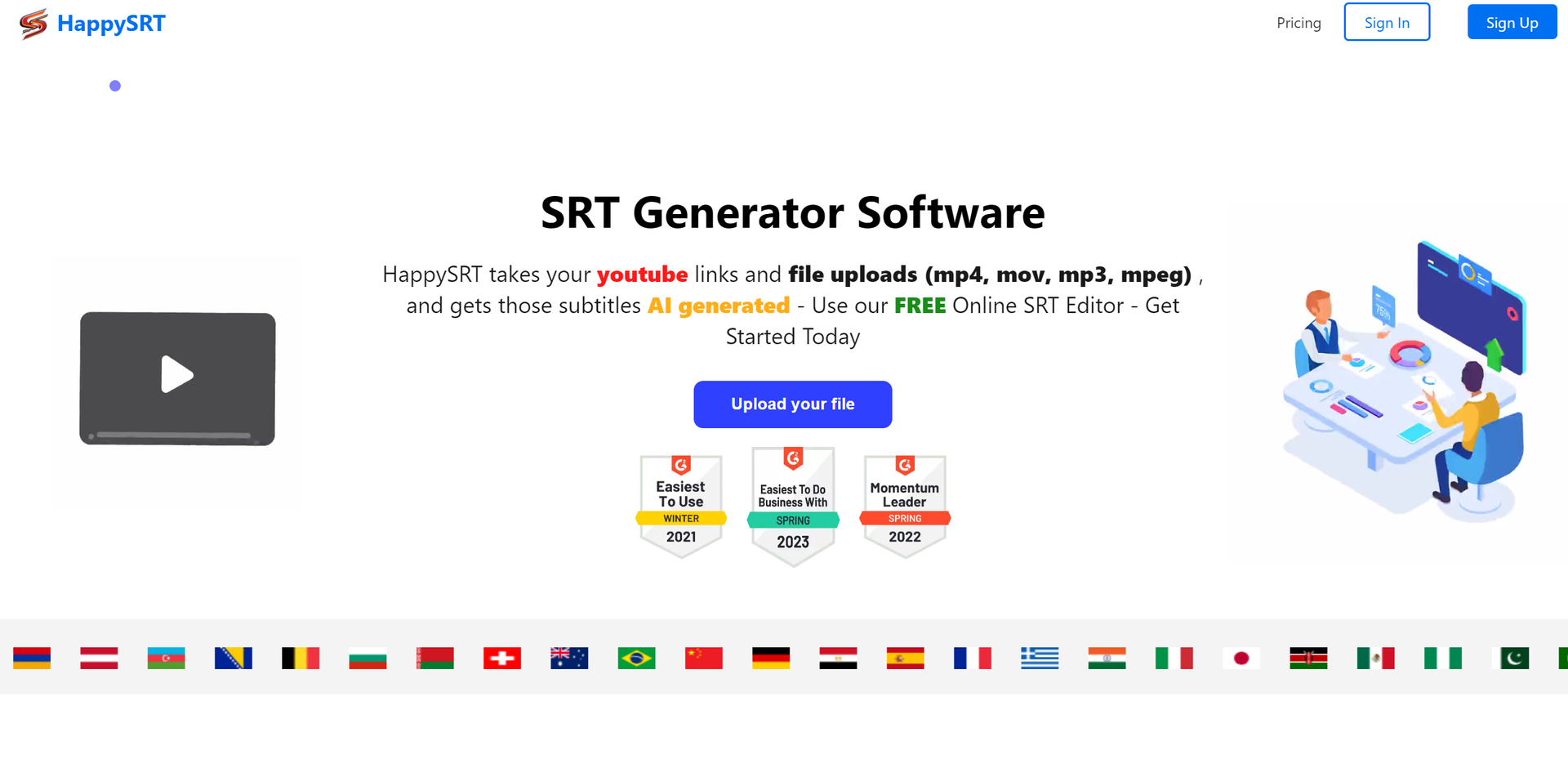
- AI-Powered Subtitle Generation: Automatically generates accurate subtitles for uploaded videos.
- Online SRT Editor: Provides an intuitive interface for editing subtitles directly within your web browser.
- Support for Multiple Formats: Accepts various file types including mp4, mov, mp3, and mpeg.
- YouTube Integration: Allows for subtitle generation directly from YouTube links.
- ProsEfficiency: Simplifies the time-consuming task of subtitle creation with AI automation.High Accuracy: Ensures precise subtitles, reducing the need for extensive manual corrections.User-Friendly Dashboard: Offers an intuitive interface that simplifies the subtitle editing process.Global Reach: Helps content creators cater to international audiences by breaking language barriers.ConsLimited Free Usage: Free plan restricts AI usage to 3 minutes per month, which may be insufficient for heavy users.Learning Curve: New users may require time to familiarize themselves with the editing tools.Internet Dependency: Requires a stable internet connection for uninterrupted usage as an online tool.
Best For
- YouTubers: Enhance accessibility and SEO by adding accurate subtitles to videos.
- Filmmakers: Quickly generate subtitles for films and documentaries.
- Podcasters: Transcribe audio files to make content more accessible.
- Educators: Cater to diverse student audiences with subtitles for educational videos.
- Uncommon Use Cases: Video game streamers adding subtitles to live gameplay; researchers transcribing interviews.
Integrations
File Format Support: Compatible with mp4, mov, mp3, mpeg, and more. YouTube Integration: Directly generates subtitles from YouTube links. Web-Based Platform: Accessible from any device with an internet connection. Multi-Language Support: Offers subtitles in multiple languages for a global audience.
Similar Tools



Weekly Issue
⚡
Video Editing tools · weekly digest
The AI Weekly — free in your inbox
New AI tools, pricing changes, expert picks, and hidden gems — curated by Mr. Spark every week. Join 5,000+ readers who stay ahead of the AI curve.
No spam, ever
Unsubscribe anytime
100% free