
Pricing Details
Free Trial: Offers a 14-day free trial to test its features. Subscription Plans: Details on subscription plans are available upon signing up for the trial. Disclaimer: For the most current and accurate pricing, please visit the Heyday website.
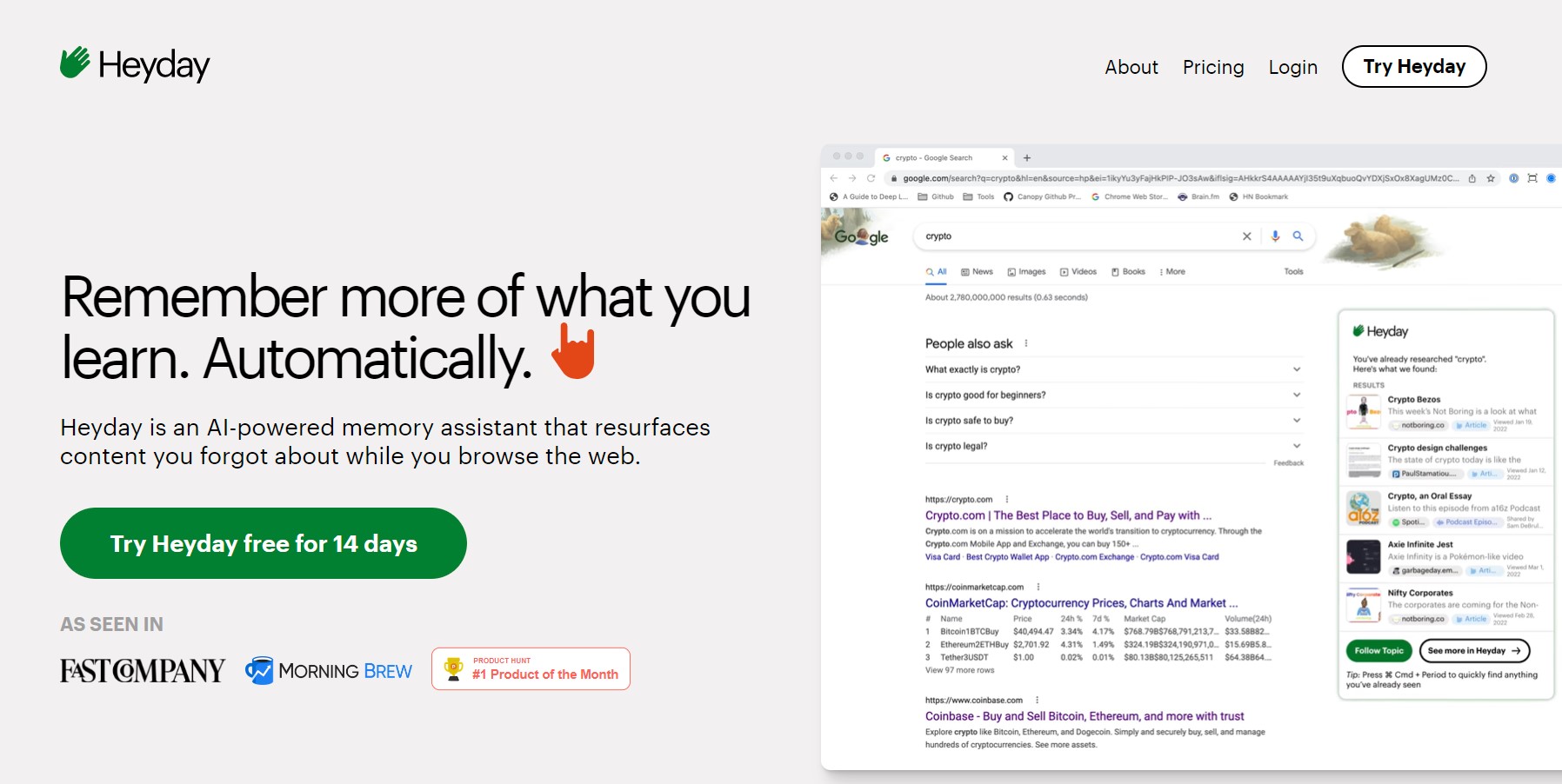
Product Visuals (1 images)
Strengths
- Enhanced Recall: Serves as an external memory bank, aiding in recalling and utilizing past information effectively.
- Seamless Integration: Integrates with email and calendar apps to provide contextual information and suggestions.
- Privacy and Security: Emphasizes confidentiality, ensuring data encryption and user control over information.
- Intuitive Use: Designed to work passively, requiring minimal setup and intervention, ideal for maintaining workflow.
Limitations
- Initial Familiarization: New users may require time to fully grasp the tool's capabilities.
- Platform Limitations: Some features, like call recaps, are tailored for Zoom, potentially limiting users of other platforms.
- Learning Curve for Advanced Use: To leverage Heyday's full potential, users might need to learn to navigate and query their database effectively.
What You Get
Key Features
- Universal Assistant: Acts as a comprehensive assistant, summarizing and answering questions based on personal data.
- Writing Assistant: Aids in drafting content by drawing insights from past reading and conversations.
- Topic Assistant: Helps organize and resurface information relevant to topics of interest.
- Call Recaps: Can join conversations, particularly on Zoom, to automatically generate meeting notes, saving significant time.
- ProsEnhanced Recall: Serves as an external memory bank, aiding in recalling and utilizing past information effectively.Seamless Integration: Integrates with email and calendar apps to provide contextual information and suggestions.Privacy and Security: Emphasizes confidentiality, ensuring data encryption and user control over information.Intuitive Use: Designed to work passively, requiring minimal setup and intervention, ideal for maintaining workflow.ConsInitial Familiarization: New users may require time to fully grasp the tool's capabilities.Platform Limitations: Some features, like call recaps, are tailored for Zoom, potentially limiting users of other platforms.Learning Curve for Advanced Use: To leverage Heyday's full potential, users might need to learn to navigate and query their database effectively.
Best For
- Executive Coaches: For capturing and recalling details from coaching sessions.
- Researchers: To track and organize insights from extensive online exploration.
- Content Creators: For generating and refining content ideas based on past work.
- Busy Professionals: Requiring assistance in managing their ever-growing digital footprint.
- Uncommon Use Cases: Individuals needing help organizing thoughts and those overwhelmed with browser tabs and digital notes.
Integrations
Zoom Integration: Heyday Secure Zoom App joins meetings to create notes automatically. Email and Calendar Contextualization: Integrates with these tools to provide insights and reminders. Secure Data Handling: Prioritizes encryption and user-controlled sharing for data privacy.
Similar Tools



Weekly Issue
⚡
Personal Assistant tools · weekly digest
The AI Weekly — free in your inbox
New AI tools, pricing changes, expert picks, and hidden gems — curated by Mr. Spark every week. Join 5,000+ readers who stay ahead of the AI curve.
No spam, ever
Unsubscribe anytime
100% free