
Pricing Details
20 Credits: $10, effectively $0.50 per icon. 50 Credits: $25, maintaining the $0.50 per icon cost. 100 Credits: $45, reducing the cost to $0.45 per icon with a 10% saving. Disclaimer: For the most current and accurate pricing, please visit the IconlabAI website.
Product Visuals (1 images)
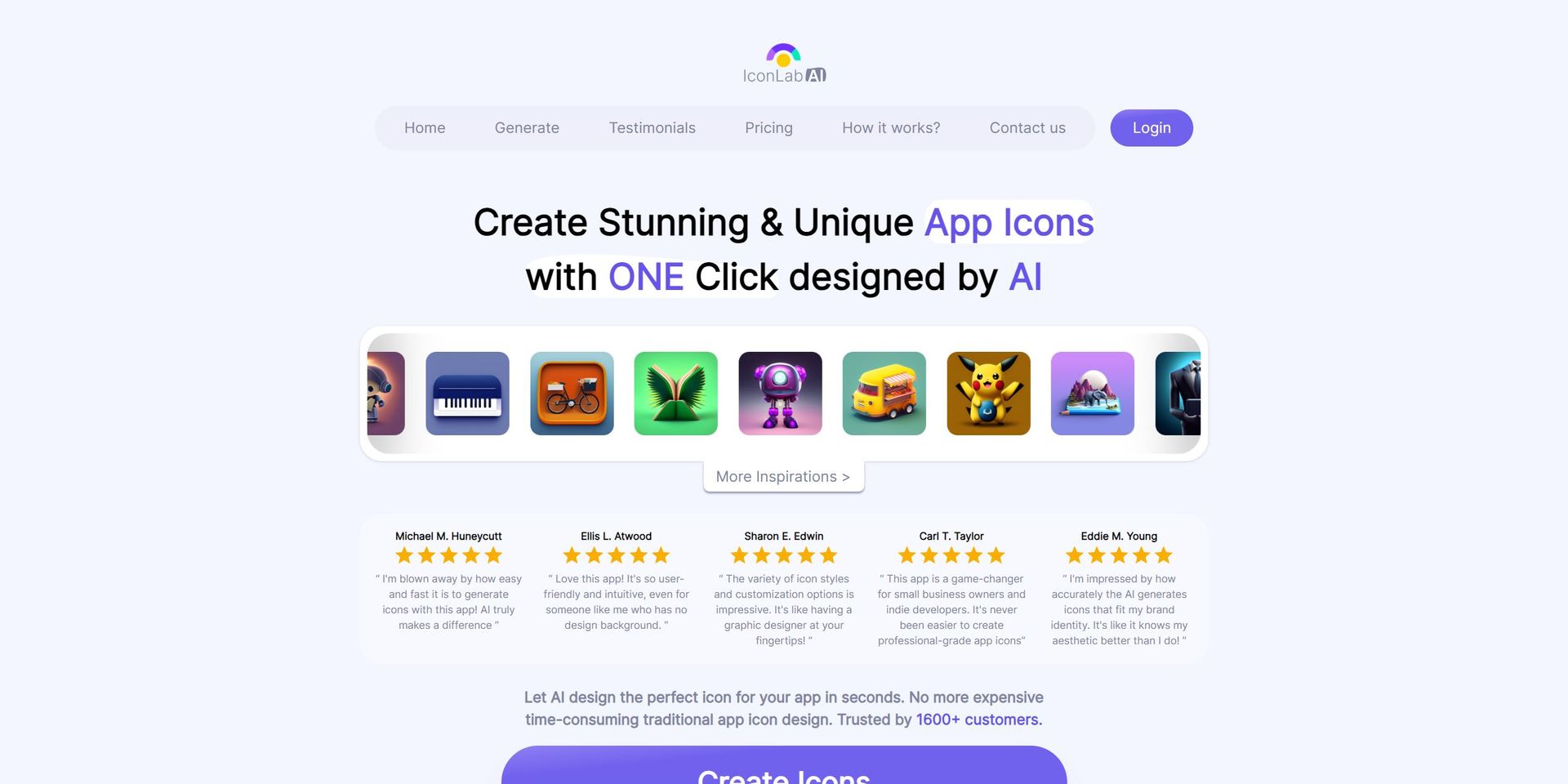
Strengths
- Efficiency: Streamlines the icon creation process, making it accessible and quick even for non-designers.
- Affordability: Offers a cost-effective solution with a clear pricing structure based on credits, without compromising on quality.
- Flexibility: Suitable for a multitude of users, from indie developers to marketing professionals.
- User-Friendly: The intuitive interface requires no design background, making it accessible to a wide audience.
Limitations
- Limited Customization: While it offers various styles, there may be constraints in fine-tuning or customizing specific design elements.
- Dependence on AI: The creative control is largely in the hands of the AI, which might not always align with the user's vision.
- Resource Intensity: High-resolution images and AI processing may demand significant computing resources.
Building your AI toolkit?
Save IconlabAI and 1,000+ tools — free with Google, no spam
What You Get
Key Features
- AI-Powered Design: IconlabAI leverages advanced AI algorithms to produce original icon designs.
- Rapid Generation: Delivers high-quality icons in less than 30 seconds, offering a significant time-saving advantage.
- Diverse Styles: A wide selection of styles to choose from ensures a variety of creative options.
- Automated Color Palettes: Generates color schemes based on selected graphics or brand colors, adding a consistent and brand-aligned touch.
- High-Resolution Downloads: Icons are available as 1024x1024 HD PNG images, ready for use in various applications.
- Full Ownership Rights: Users retain complete ownership of the generated icons, including commercial and resale rights.
- ProsEfficiency: Streamlines the icon creation process, making it accessible and quick even for non-designers.Affordability: Offers a cost-effective solution with a clear pricing structure based on credits, without compromising on quality.Flexibility: Suitable for a multitude of users, from indie developers to marketing professionals.User-Friendly: The intuitive interface requires no design background, making it accessible to a wide audience.ConsLimited Customization: While it offers various styles, there may be constraints in fine-tuning or customizing specific design elements.Dependence on AI: The creative control is largely in the hands of the AI, which might not always align with the user's vision.Resource Intensity: High-resolution images and AI processing may demand significant computing resources.
Best For
- Indie App Developers: Creating unique app icons to stand out in crowded app marketplaces.
- Small Business Owners: Developing logos and icons that resonate with their brand identity.
- Freelance Designers: Enhancing their design offerings with efficient and rapid icon generation.
- Marketing Professionals: Producing a variety of icons for A/B testing and campaign materials.
- Uncommon Use Cases: Non-profit organizations use it to quickly create icons for their campaigns; educators incorporate it into graphic design curricula.
Similar Tools



Weekly Issue
⚡
Design tools · weekly digest
The AI Weekly — free in your inbox
New AI tools, pricing changes, expert picks, and hidden gems — curated by Mr. Spark every week. Join 5,000+ readers who stay ahead of the AI curve.
No spam, ever
Unsubscribe anytime
100% free