
Product Visuals (1 images)
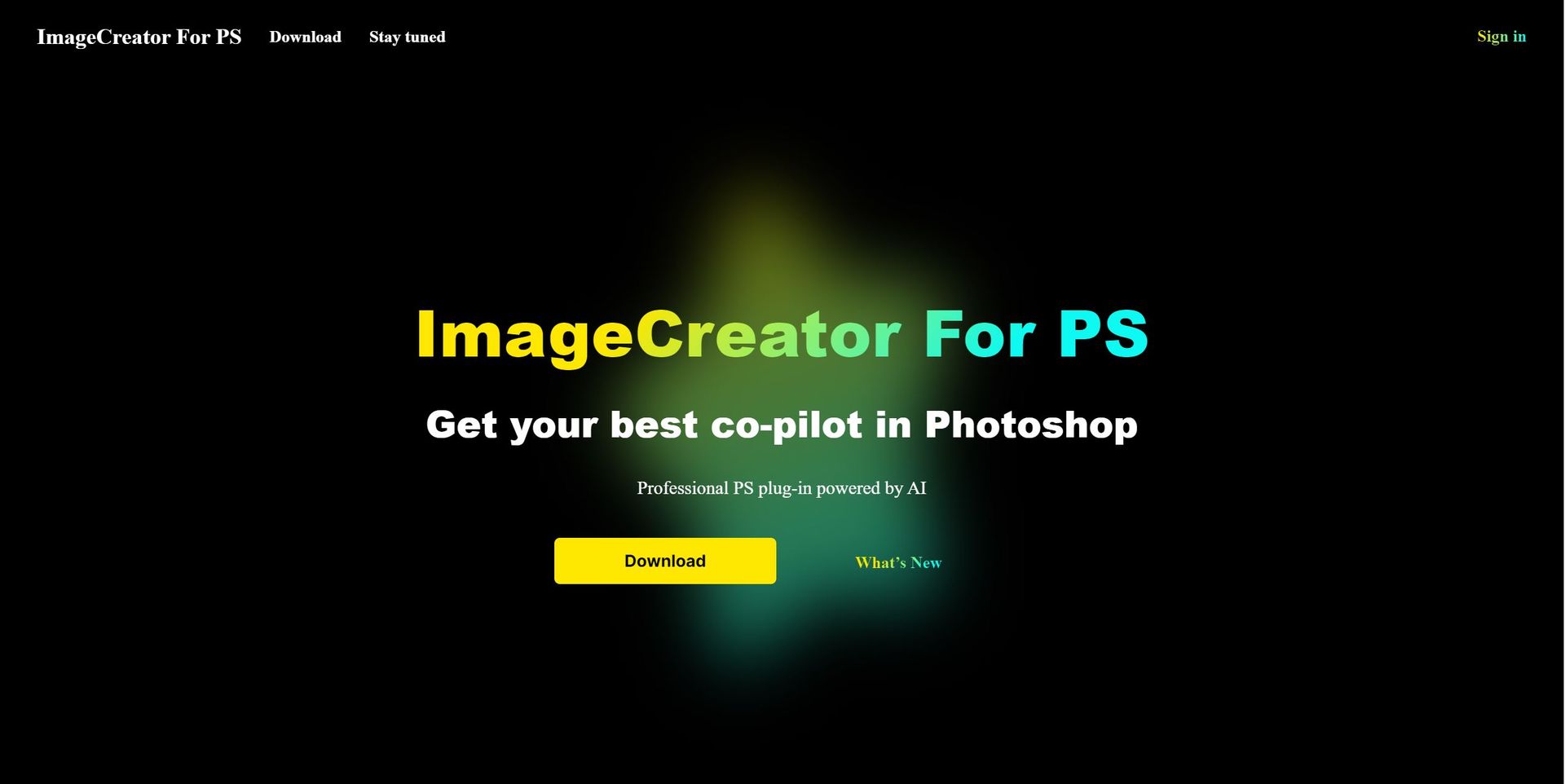
Strengths
- Advanced AI models for image generation: ImageCreator utilizes cutting-edge AI technology to create stunning images.
- Seamless Adobe Photoshop integration: Seamlessly integrates with Adobe Photoshop, enhancing your editing workflow.
- High-quality image outputs: You can expect top-notch image results from this tool.
- Customization with ControlNet: Tailor the AI model outputs to your creative needs.
- Diverse functions like TXT2IMG and IMG2IMG: It offers a range of parts, including text-based image generation and image transformation.
Limitations
- Requires Photoshop proficiency: While it enhances Photoshop capabilities, users should have a basic understanding of the software.
- Primarily caters to Photoshop users: ImageCreator benefits those already using Adobe Photoshop.
Building your AI toolkit?
Save ImageCreator and 1,000+ tools — free with Google, no spam
What You Get
Key Features
- TXT2IMG: Generate images from text prompts with ease.
- IMG2IMG: Transform photos artistically, unlocking your creative potential.
- The Fill feature: Intelligently fills in image areas, saving you time and effort.
- ControlNet: Customize AI model outputs for specific artistic effects.
- Photoshop Integration: Seamlessly enhances your Photoshop workflow.
- ProsAdvanced AI models for image generation: ImageCreator utilizes cutting-edge AI technology to create stunning images.Seamless Adobe Photoshop integration: Seamlessly integrates with Adobe Photoshop, enhancing your editing workflow.High-quality image outputs: You can expect top-notch image results from this tool.Customization with ControlNet: Tailor the AI model outputs to your creative needs.Diverse functions like TXT2IMG and IMG2IMG: It offers a range of parts, including text-based image generation and image transformation.ConsRequires Photoshop proficiency: While it enhances Photoshop capabilities, users should have a basic understanding of the software.Primarily caters to Photoshop users: ImageCreator benefits those already using Adobe Photoshop.
Best For
- Artists and designers seeking high-quality image creation: Perfect for those wanting to elevate their digital art.
- Photoshop users wanting seamless AI integration: It is ideal for users looking to incorporate AI technology into their projects.
- Those involved in image restoration and enhancement: It's a valuable tool for restoring and enhancing images.
- Customizing AI models for specific artistic effects: Tailor AI outputs to your unique creative vision.
- Streamlining the Photoshop image creation process: Simplify and accelerate image creation within Photoshop.
Similar Tools
Weekly Issue
⚡
Image Gen tools · weekly digest
The AI Weekly — free in your inbox
New AI tools, pricing changes, expert picks, and hidden gems — curated by Mr. Spark every week. Join 5,000+ readers who stay ahead of the AI curve.
No spam, ever
Unsubscribe anytime
100% free