
Pricing Details
Free: $0 per month. Includes standard photo editing tools, limited storage, and insMind watermark. Free Trial: 3-day trial with 10 credits included. insMind Pro (Monthly): $9.99 per month. Includes 100 credits/month, unlimited background remover use, watermark removal, high-quality downloads, and unlimited files/downloads. insMind Pro (Yearly): $69.99 per year. Same Pro features at $5.83 per month equivalent. insMind Pro (13 Months): $69.99 one-time. Extended access with the same features, averaging $5.38 per month. Disclaimer: Please note that pricing information may not be up to date. For the most accurate and current pricing details, refer to the official insMind website.
Product Visuals (1 images)
Strengths
- User-Friendly Interface: Designed to be intuitive, making it accessible for both beginners and professionals.
- Time-Saving: Automates complex editing tasks, significantly reducing the time required for photo enhancements.
- Cost-Effective: Eliminates the need for expensive photo shoots and design software.
- Versatile Tools: Offers a wide range of features suitable for various design needs beyond just product imagery.
Limitations
- Initial Learning Curve: Some users may require time to fully explore and utilize all features effectively.
- Limited Integration: Currently lacks extensive third-party platform integrations.
What You Get
Key Features
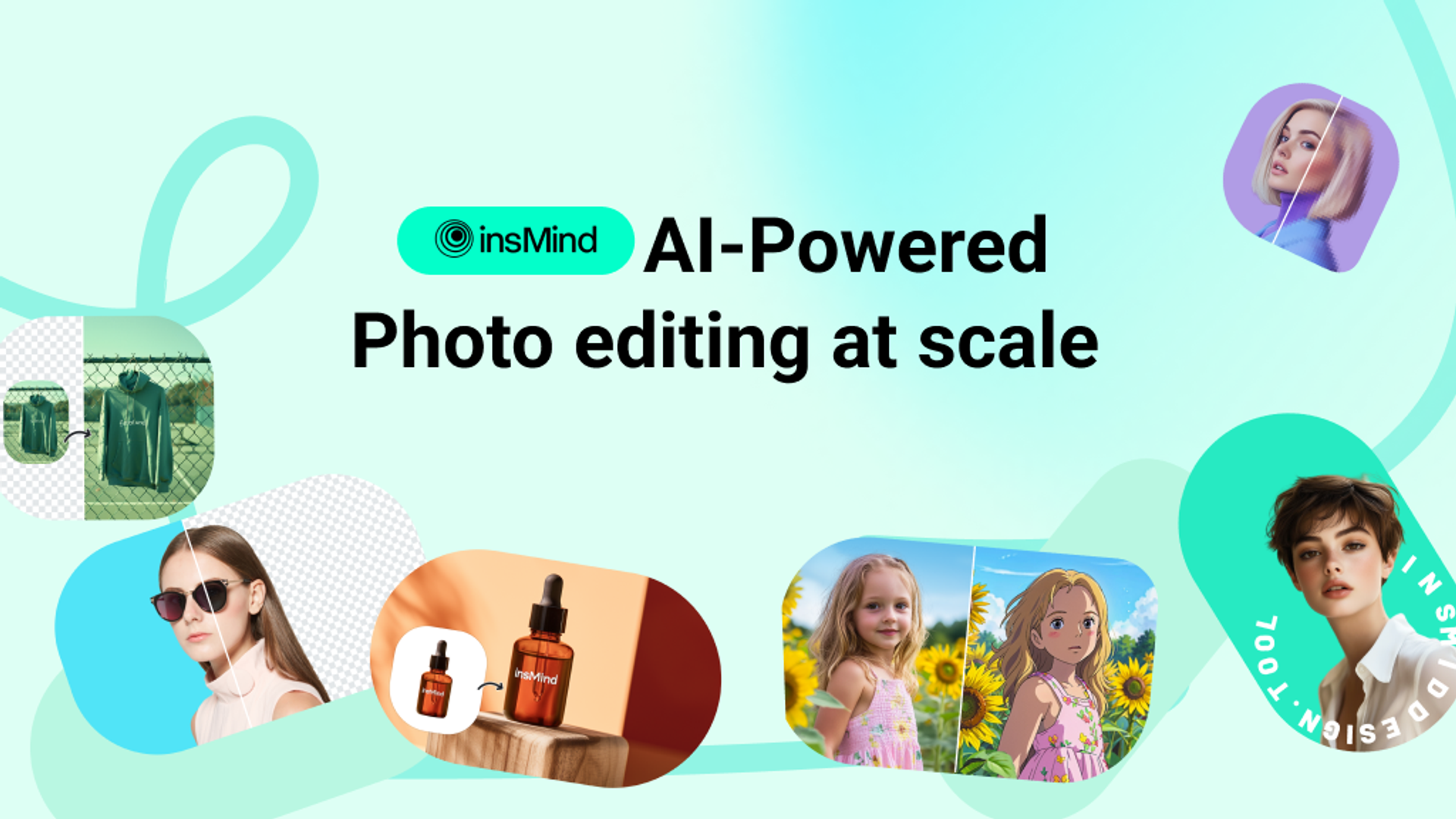
- AI Background Remover: Instantly remove or change backgrounds with precision using automated AI technology.
- AI Image Enhancer: Increase resolution and clarity without losing quality, ensuring images are sharp and vibrant.
- AI Magic Eraser: Effortlessly erase unwanted objects or elements from photos in seconds.
- AI Headshot Generator: Transform selfies into professional-quality headshots with minimal effort.
- ProsUser-Friendly Interface: Designed to be intuitive, making it accessible for both beginners and professionals.Time-Saving: Automates complex editing tasks, significantly reducing the time required for photo enhancements.Cost-Effective: Eliminates the need for expensive photo shoots and design software.Versatile Tools: Offers a wide range of features suitable for various design needs beyond just product imagery.ConsInitial Learning Curve: Some users may require time to fully explore and utilize all features effectively.Limited Integration: Currently lacks extensive third-party platform integrations.
Best For
- E-commerce Businesses: Enhancing product images for online stores.
- Digital Marketing Agencies: Creating visually appealing campaign content.
- Social Media Managers: Crafting engaging posts and stories.
- Photographers: Streamlining photo editing workflows.
- Uncommon Use Cases: Employed by educational institutions for teaching digital design courses; adopted by event planners for creating promotional materials.
Similar Tools



Design tools · weekly digest
The AI Weekly — free in your inbox
New AI tools, pricing changes, expert picks, and hidden gems — curated by Mr. Spark every week. Join 5,000+ readers who stay ahead of the AI curve.