
Pricing Details
Instories Pro (Monthly Plan): $14.99 per month, billed monthly. Includes the same premium tools and templates with full flexibility to cancel anytime. Both plans include a 3-day free trial before billing starts. Instories Pro (Yearly Plan): $10 per month, billed annually. Includes full access to premium templates, editing tools, and advanced features for creating viral Reels and stories across web, iOS, and Android. Saves 33% compared to the monthly plan. Disclaimer: Please note that pricing information may not be up to date. For the most accurate and current pricing details, refer to the official Instories website.
Product Visuals (1 images)
Strengths
- User-Friendly Interface: The intuitive design makes it easy for users of all skill levels to create professional-quality content.
- Fast Content Creation: Quickly produce stunning visuals without the need for extensive design experience or software expertise.
- Cross-Platform Compatibility: Easily export your creations for use on multiple social media platforms.
- Affordable Pricing: Offers competitive pricing plans that cater to both individual users and businesses.
Limitations
- Limited Customization: While templates are plentiful, customization options may feel restricted for advanced users looking for more control.
- Occasional Performance Hiccups: Some users have reported minor lag issues when using the tool on lower-end devices.
Building your AI toolkit?
Save Instories and 1,000+ tools — free with Google, no spam
What You Get
Key Features
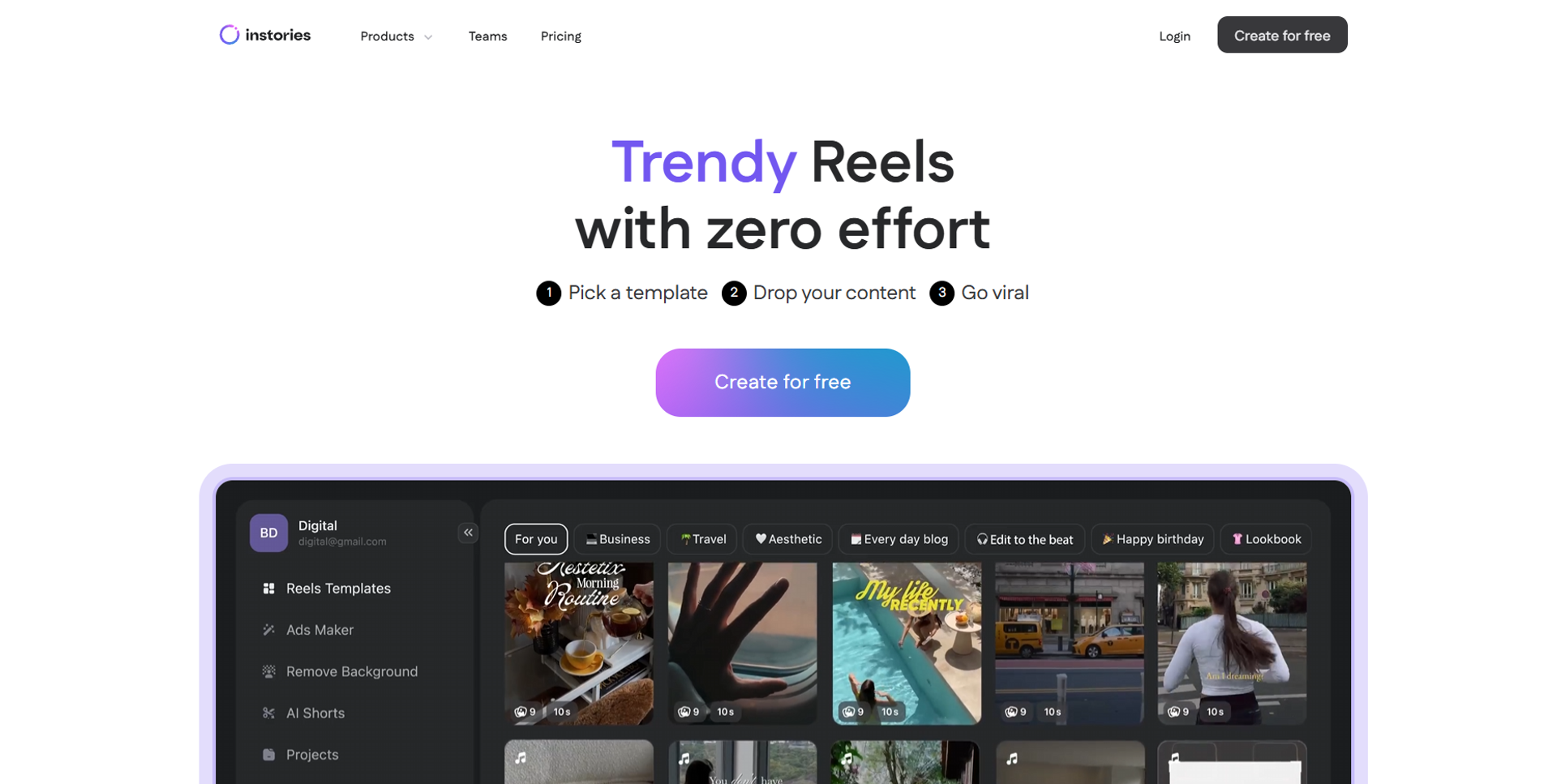
- Template Library: Access a vast collection of customizable templates for various social media platforms, ensuring your content is always fresh and engaging.
- Animation Tools: Add dynamic animations to your designs with simple drag-and-drop functionality, making your visuals more attractive and interactive.
- Text and Font Options: Choose from a wide array of fonts and text styles to match your brand’s voice and aesthetic.
- Music Integration: Enhance your videos with a selection of royalty-free music tracks, giving your content an additional layer of professionalism.
- ProsUser-Friendly Interface: The intuitive design makes it easy for users of all skill levels to create professional-quality content.Fast Content Creation: Quickly produce stunning visuals without the need for extensive design experience or software expertise.Cross-Platform Compatibility: Easily export your creations for use on multiple social media platforms.Affordable Pricing: Offers competitive pricing plans that cater to both individual users and businesses.ConsLimited Customization: While templates are plentiful, customization options may feel restricted for advanced users looking for more control.Occasional Performance Hiccups: Some users have reported minor lag issues when using the tool on lower-end devices.
Best For
- Social Media Influencers: Crafting engaging stories and posts to captivate their audience.
- Small Business Owners: Utilizing the tool for cost-effective marketing and promotional content.
- Digital Marketers: Creating visually appealing campaigns to boost brand visibility and engagement.
- Content Creators: Streamlining the process of producing high-quality visual content.
- Uncommon Use Cases: Employed by educators to create visually engaging teaching materials; Used by event planners for designing promotional content for events and gatherings.
Similar Tools



Video Editing tools · weekly digest
The AI Weekly — free in your inbox
New AI tools, pricing changes, expert picks, and hidden gems — curated by Mr. Spark every week. Join 5,000+ readers who stay ahead of the AI curve.