
Pricing Details
No Concrete Pricing Structure: Pricing details are currently unavailable, as Integrity is in their open beta phase. Disclaimer: Please note that pricing information may not be up to date. For the most accurate and current pricing details, refer to the official Integrity website.
Product Visuals (1 images)
Strengths
- Effortless Organization: Integrates multiple formats into one workspace, reducing the need for multiple tools.
- Enhanced Collaboration: AI chats can inherit full workspace context, making team discussions more productive.
- Flexibility: The ability to switch between different AI models mid-conversation is a standout feature.
- Visibility: Sidebar transparency and a unified task manager keep all tasks and content in view, minimizing oversight.
Limitations
- Initial Complexity: Some users may find the multitude of features overwhelming at first.
- Beta Limitations: As it’s still in beta, some features might not be fully polished.
- Integration Gaps: Currently working on expanding integrations with other tools like Notion and Miro.
Building your AI toolkit?
Save Integrity and 1,000+ tools — free with Google, no spam
What You Get
Key Features
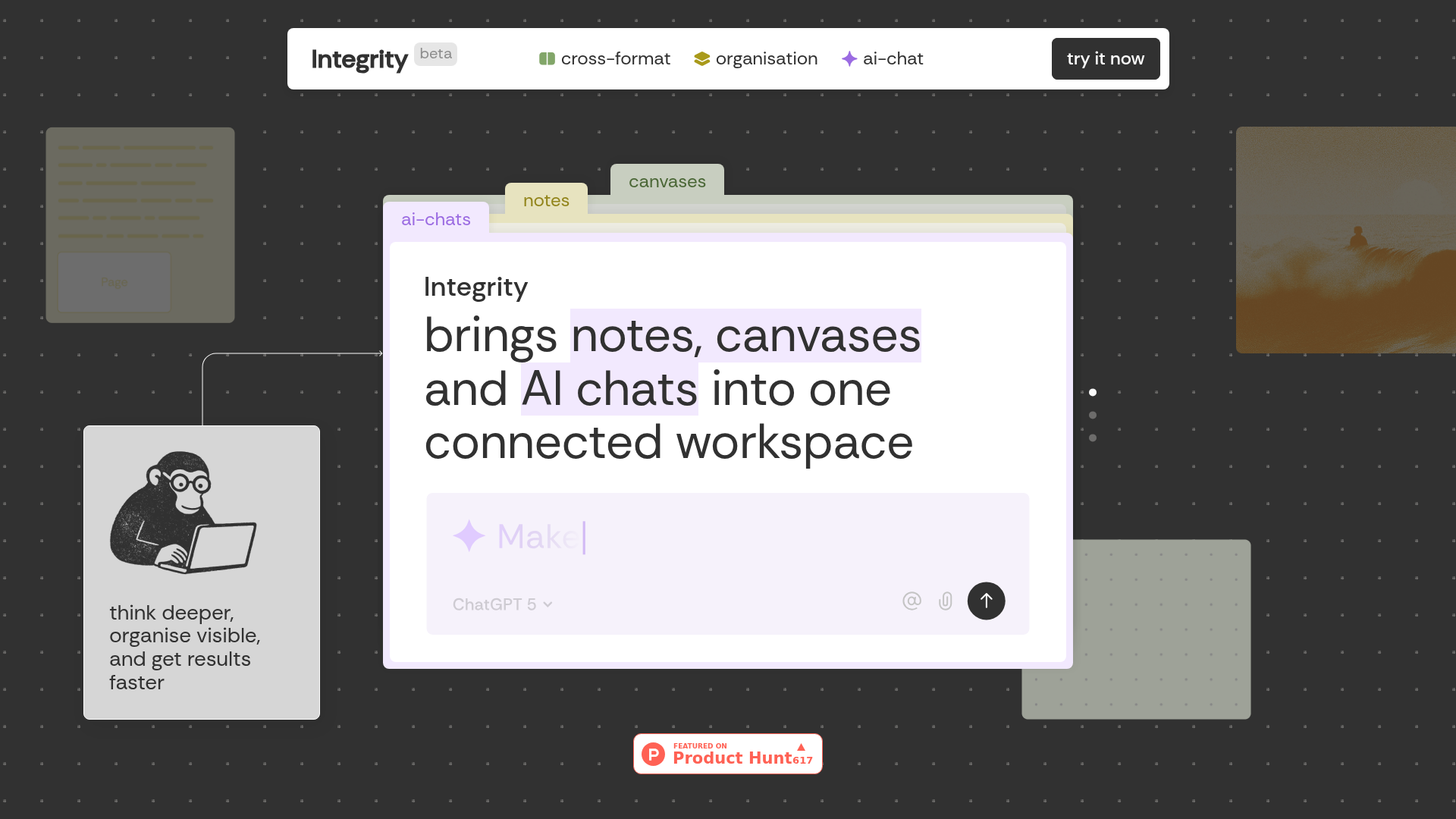
- Universal Blocks: Everything from text and images to tables and AI chats can coexist on every surface. Drag and drop to move content without any hassle.
- One Tree, Infinite Branches: Notes, canvases, and AI chats grow from a single project tree, ensuring everything stays visible and easy to navigate.
- Sidebar Transparency: Always see what's on any page or canvas without opening it, keeping your project structure clear and accessible.
- Multiple Minds, One Conversation: Choose from AI models like ChatGPT, Claude, and Gemini within a single conversation, and switch between them without losing context.
- ProsEffortless Organization: Integrates multiple formats into one workspace, reducing the need for multiple tools.Enhanced Collaboration: AI chats can inherit full workspace context, making team discussions more productive.Flexibility: The ability to switch between different AI models mid-conversation is a standout feature.Visibility: Sidebar transparency and a unified task manager keep all tasks and content in view, minimizing oversight.ConsInitial Complexity: Some users may find the multitude of features overwhelming at first.Beta Limitations: As it’s still in beta, some features might not be fully polished.Integration Gaps: Currently working on expanding integrations with other tools like Notion and Miro.
Best For
- Founders: Ideal for those planning strategy and mapping out business plans.
- Project Managers: Perfect for building detailed roadmaps and tracking progress.
- Researchers: Useful for connecting various ideas and data points in one place.
- Creatives: Helps in developing projects with a clear, organized structure.
- Uncommon Use Cases: Utilized by educators for innovative teaching methods; adopted by freelance consultants for managing diverse client projects.
Similar Tools



Weekly Issue
⚡
Personal Assistant tools · weekly digest
The AI Weekly — free in your inbox
New AI tools, pricing changes, expert picks, and hidden gems — curated by Mr. Spark every week. Join 5,000+ readers who stay ahead of the AI curve.
No spam, ever
Unsubscribe anytime
100% free