
Pricing Details
Free: $0 per month. Get 10 minutes of AI video generation per week, 4 weekly exports with watermark, 10 GB storage, and access to over 2.5M standard media assets—great for testing the basics. Plus: $35 per month. Unlock 50 minutes of AI generation monthly, 80 iStock clips, 60-second generative credits, 100 GB storage, 2 voice clones, and unlimited exports for one user. Max: $60 per month. Includes 200 AI generation minutes, 320 iStock assets, 60s generative credits, 400 GB storage, unlimited exports, and up to 5 voice clones for one user. Generative: $120 per month. Offers 200 AI video minutes, 320 iStock clips, 15-minute generative credits, 400 GB storage, 5 voice clones, and full export access—ideal for high-volume creators. Disclaimer: Please note that pricing information may not be up to date. For the most accurate and current pricing details, refer to the official invideo AI website.
Product Visuals (1 images)
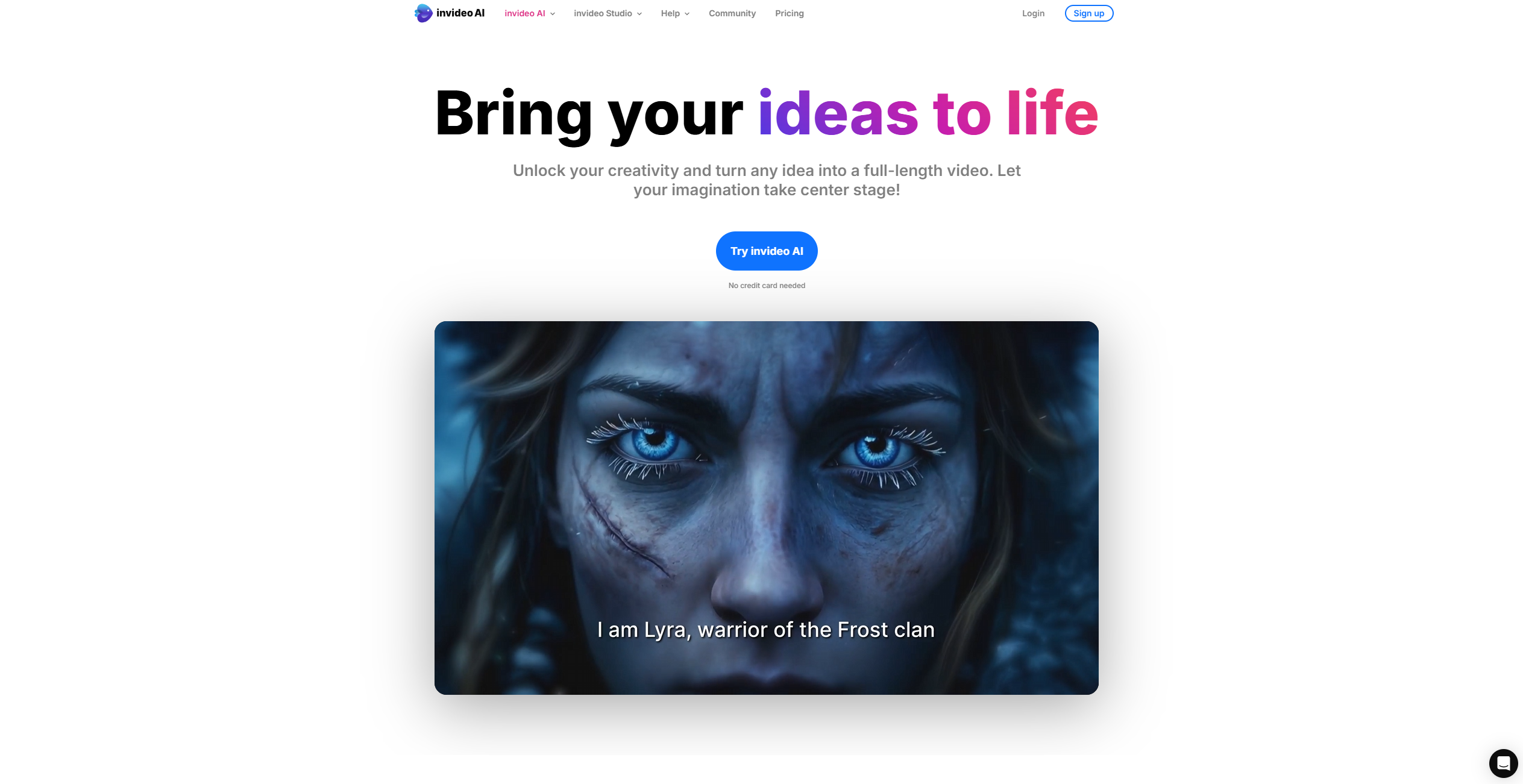
Strengths
- User-Friendly Interface: Intuitive design that accommodates all skill levels, eliminating the steep learning curve associated with traditional video editing tools.
- Versatile Functionality: Supports a wide range of video creation needs, from social media posts to professional presentations.
- Cost-Effective Solutions: Offers budget-friendly pricing plans with the option to use the tool for free, making it accessible for various user demographics.
- 24/7 Support: Provides round-the-clock human support to assist users throughout their video creation journey.
Limitations
- Limited Third-Party Integrations: Currently, the platform supports a limited number of third-party applications, which may restrict some collaborative efforts.
- Initial Setup Time: While the tool is user-friendly, first-time users may require some time to explore and understand its full capabilities.
Building your AI toolkit?
Save invideo AI and 1,000+ tools — free with Google, no spam
What You Get
Key Features
- AI Video Generator: Generates full-length videos from simple text prompts, making it easy to create content tailored to your needs.
- Stock Media Library: Access over 16 million stock media assets, including images, video clips, and music, to enhance your video projects.
- AI Voice Cloning: Create personalized voiceovers in your own voice, offering a unique touch to your videos.
- Real-Time Collaboration: Collaborate with team members in real-time using multiplayer editing features, making teamwork more efficient.
- ProsUser-Friendly Interface: Intuitive design that accommodates all skill levels, eliminating the steep learning curve associated with traditional video editing tools.Versatile Functionality: Supports a wide range of video creation needs, from social media posts to professional presentations.Cost-Effective Solutions: Offers budget-friendly pricing plans with the option to use the tool for free, making it accessible for various user demographics.24/7 Support: Provides round-the-clock human support to assist users throughout their video creation journey.ConsLimited Third-Party Integrations: Currently, the platform supports a limited number of third-party applications, which may restrict some collaborative efforts.Initial Setup Time: While the tool is user-friendly, first-time users may require some time to explore and understand its full capabilities.
Best For
- Content Creators: Utilizing the tool to produce high-quality videos for YouTube and other social media platforms.
- Marketing Professionals: Employing invideo AI for crafting engaging marketing campaigns and promotional content.
- Educators: Leveraging the platform to create instructional videos and educational materials.
- Small Business Owners: Using the tool to develop promotional videos to reach new audiences.
- Uncommon Use Cases: Adopted by podcasters for creating video versions of their audio content; Used by event planners for crafting event highlight reels.
Similar Tools



Video Editing tools · weekly digest
The AI Weekly — free in your inbox
New AI tools, pricing changes, expert picks, and hidden gems — curated by Mr. Spark every week. Join 5,000+ readers who stay ahead of the AI curve.