
Pricing Details
Free Trial: Get started with Jigso for free to explore its features. Pro Plan: Starts at $20 per month for additional functionalities and support. Disclaimer: For the most accurate and current pricing details, refer to the official Jigso website.
Product Visuals (1 images)
Strengths
- Enhanced Productivity: Keeps track of all tasks and communications, boosting overall efficiency.
- Seamless Integration: Works effortlessly within Slack, reducing the need to switch between apps and tools.
- User-Friendly Interface: Easy to use, allowing even non-tech savvy users to benefit from its features.
- Customizable Alerts: Tailors notifications and alerts to fit the specific needs of your team or project.
Limitations
- Platform Dependency: Primarily designed for integration with Slack, which might limit users of other communication platforms.
- Learning Curve: New users may need some time to fully leverage all its functionalities.
- Subscription Model: While effective, the cost might be a consideration for smaller teams or individual users.
What You Get
Key Features
- Real-Time Alerts: Tracks everything from sales pipelines to Slack conversations, ensuring you never miss critical updates.
- Task Automation: Automatically creates action items and reminders from your conversations, helping you stay on top of your tasks without manual inputs.
- Data Retrieval: Instant access to information across various platforms, from CRM data to document contents, streamlining the decision-making process.
- Content Generation: Integrates with ChatGPT 4.0 to craft emails, generate text-based content, and more, directly from your chat interface.
- Efficient Summarization: Provides concise summaries of long discussions, documents, and articles, saving you time and enhancing productivity.
- ProsEnhanced Productivity: Keeps track of all tasks and communications, boosting overall efficiency.Seamless Integration: Works effortlessly within Slack, reducing the need to switch between apps and tools.User-Friendly Interface: Easy to use, allowing even non-tech savvy users to benefit from its features.Customizable Alerts: Tailors notifications and alerts to fit the specific needs of your team or project.ConsPlatform Dependency: Primarily designed for integration with Slack, which might limit users of other communication platforms.Learning Curve: New users may need some time to fully leverage all its functionalities.Subscription Model: While effective, the cost might be a consideration for smaller teams or individual users.
Best For
- Project Managers: Utilizing the tool to keep track of milestones and team communications.
- IT Support Teams: Leveraging real-time alerts for issue tracking and immediate response.
- Content Creators: Generating and summarizing content efficiently.
- Sales Professionals: Keeping tabs on customer interactions and data.
- Uncommon Use Cases: Academics use Jigso for research management; Event planners use it for coordinating large-scale events.
Integrations
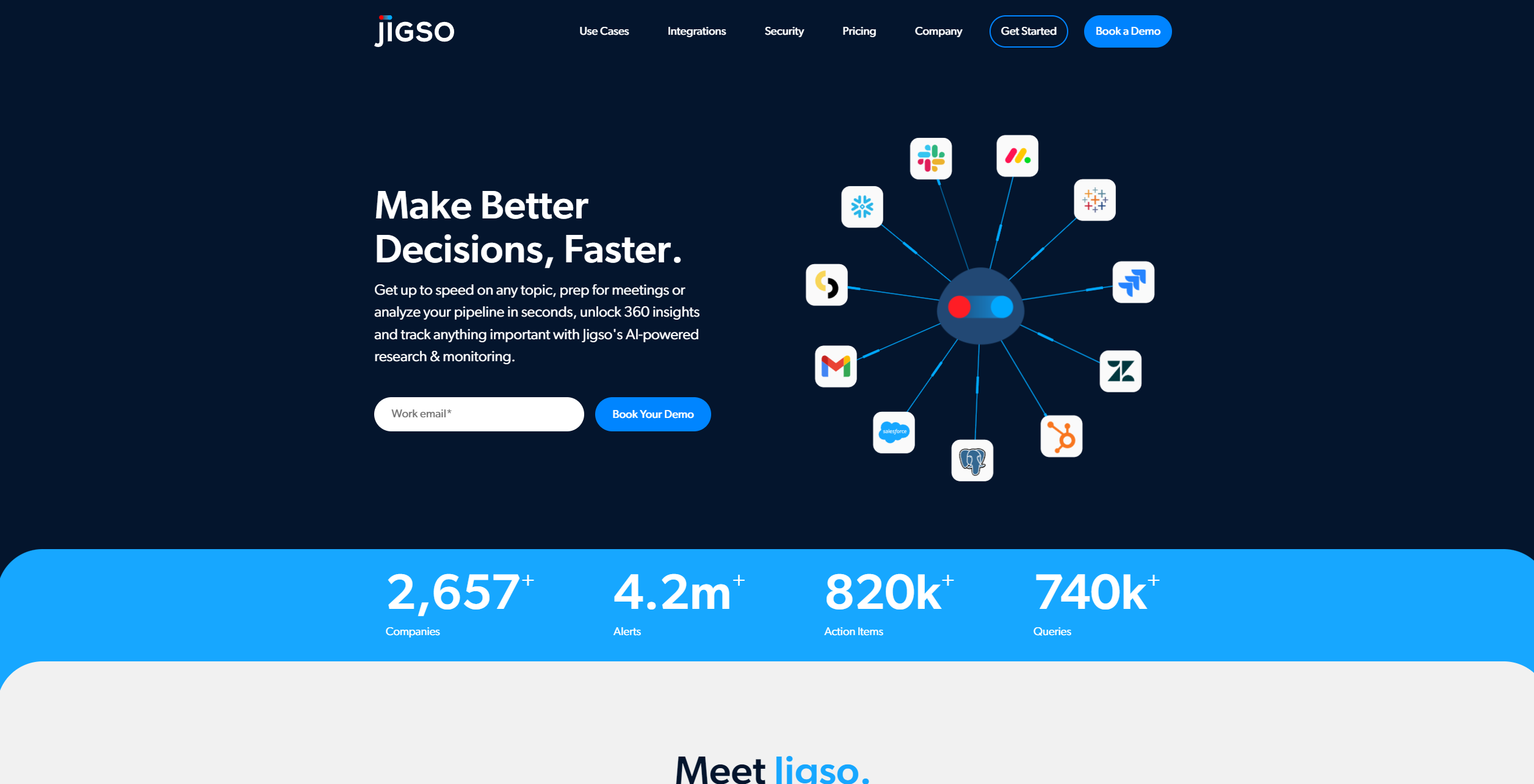
Slack Compatibility: Fully integrated to enhance communication and task management. Data Platforms: Connects with CRM systems like HubSpot and data handling applications like Google Docs. Notification Systems: Customizable alerts to keep you updated on the most critical tasks and information. AI Enhancements: Uses advanced AI technology, including ChatGPT 4.0, for generating content and summarizing data.
Similar Tools



Weekly Issue
⚡
Personal Assistant tools · weekly digest
The AI Weekly — free in your inbox
New AI tools, pricing changes, expert picks, and hidden gems — curated by Mr. Spark every week. Join 5,000+ readers who stay ahead of the AI curve.
No spam, ever
Unsubscribe anytime
100% free