
Pricing Details
Free Tier: Experience Jinna.ai completely for free. Disclaimer: Please note that pricing information may not be up to date. For the most accurate and current pricing details, refer to the official Jinna.ai website.
Product Visuals (1 images)
Strengths
- Time Efficiency: Automates routine tasks, saving valuable hours for business owners.
- User-Friendly Design: Offers a simple interface with chat and voice input options for ease of use.
- Enhanced Cash Flow Management: Real-time tracking and insights help maintain a healthy cash flow.
- Customizable Communication: Adjusts email tones and styles to match client preferences, ensuring professional correspondence.
Limitations
- Initial Setup: Users may need some time to configure the tool to their specific business needs.
- Limited Integration Options: Currently supports a limited range of third-party applications.
What You Get
Key Features
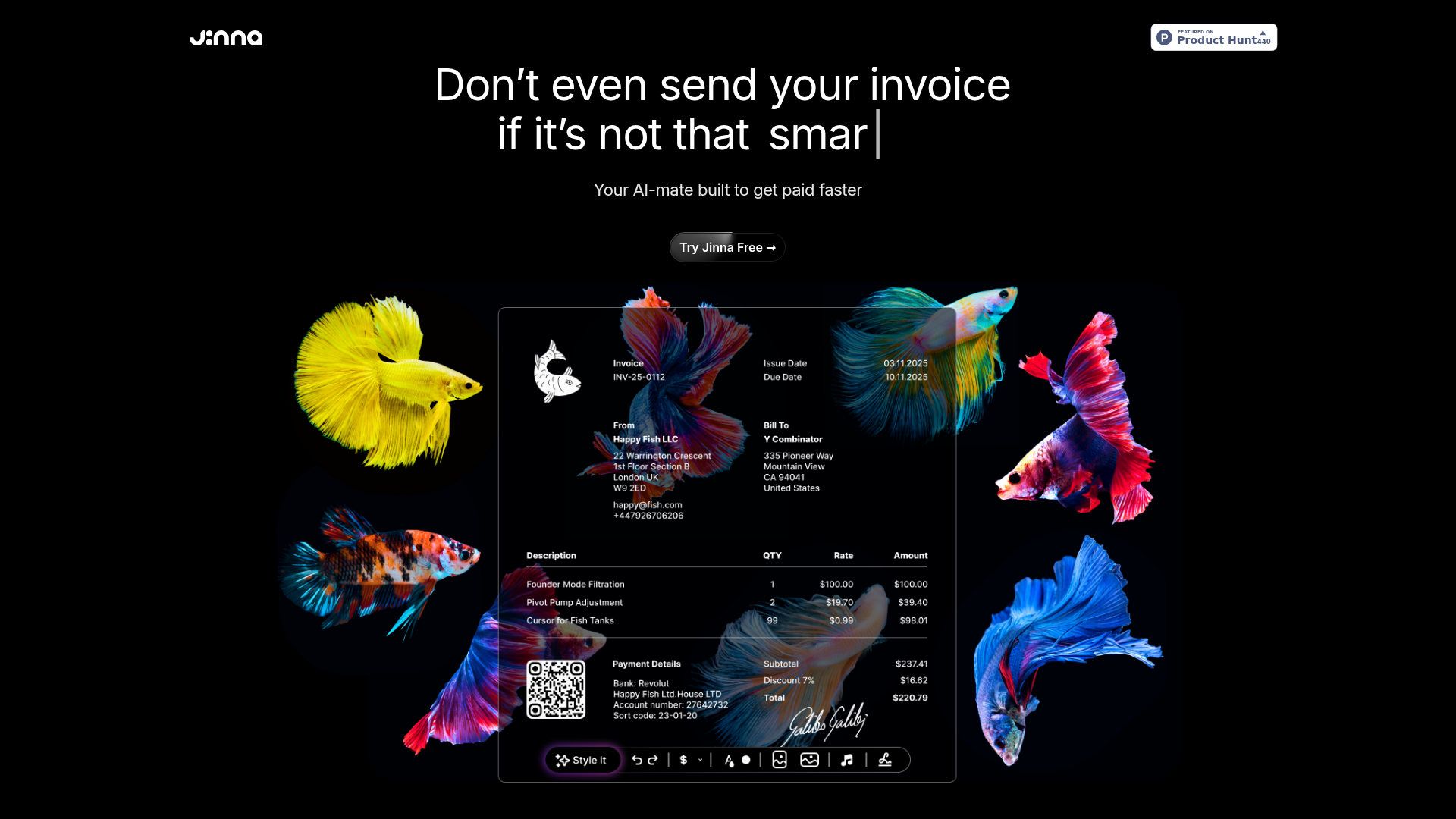
- AI-Powered Invoicing: Jinna.ai crafts professional invoices with ease, offering customization options like logos and signatures.
- Automated Follow-Ups: Say goodbye to manual reminders, as Jinna.ai schedules timely and polite follow-ups to ensure payments are made promptly.
- Real-Time Payment Tracking: Stay updated with real-time insights into payments and cash flow, making financial management a breeze.
- Contextual Understanding: Jinna.ai learns from every interaction, becoming smarter and more tailored to your business needs over time.
- ProsTime Efficiency: Automates routine tasks, saving valuable hours for business owners.User-Friendly Design: Offers a simple interface with chat and voice input options for ease of use.Enhanced Cash Flow Management: Real-time tracking and insights help maintain a healthy cash flow.Customizable Communication: Adjusts email tones and styles to match client preferences, ensuring professional correspondence.ConsInitial Setup: Users may need some time to configure the tool to their specific business needs.Limited Integration Options: Currently supports a limited range of third-party applications.
Best For
- Solopreneurs: Streamlining their business operations and focusing on growth.
- Freelancers: Managing client communications and invoicing with ease.
- Small Business Owners: Automating administrative tasks to save time and resources.
- Accountants: Utilizing Jinna.ai for efficient invoice management and client follow-ups.
- Uncommon Use Cases: Employed by virtual assistants for managing multiple client accounts; Used by financial advisors for tracking client payments and scheduling reminders.
Similar Tools



Weekly Issue
⚡
Personal Assistant tools · weekly digest
The AI Weekly — free in your inbox
New AI tools, pricing changes, expert picks, and hidden gems — curated by Mr. Spark every week. Join 5,000+ readers who stay ahead of the AI curve.
No spam, ever
Unsubscribe anytime
100% free