
Pricing Details
Book a Demo: Experience KaneAI with a free trial. Disclaimer: Please note that pricing information may not be up to date. For the most accurate and current pricing details, refer to the official KaneAI website.
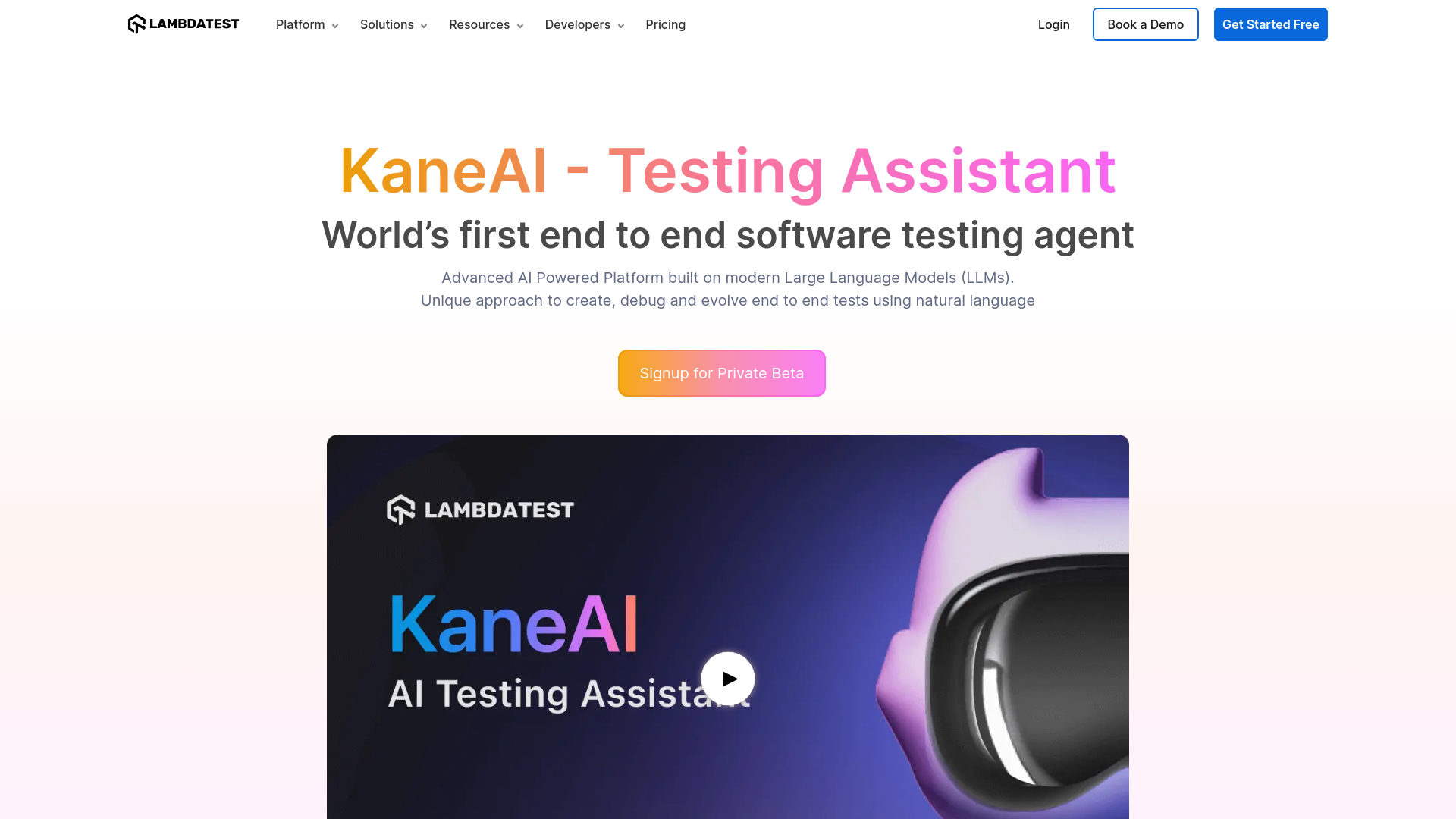
Product Visuals (1 images)
Strengths
- Time Efficiency: Significantly reduces the time needed to create and manage tests through natural language processing and automation.
- Cross-Platform Testing: Supports extensive test coverage across web and mobile devices, ensuring comprehensive testing.
- Seamless Integration: Integrates smoothly with popular tools like Jira, Slack, and GitHub, enhancing workflow continuity.
- Smart Versioning: Maintains separate versions for every change, allowing for easy evolution and maintenance of tests.
Limitations
- Initial Learning Curve: Users might require some time to familiarize themselves with the advanced AI features and functionalities.
- Limited Immediate Integrations: While integration with Microsoft Teams is coming soon, it is currently not available.
What You Get
Key Features
- Effortless Test Creation: Generate tests using high-level objectives and natural language instructions, simplifying the test creation process.
- Multi-Language Code Export: Convert automated tests into all major programming languages and frameworks, ensuring flexibility and adaptability.
- Intelligent Test Planner: Automatically generate and automate test steps based on high-level objectives, enhancing efficiency and accuracy.
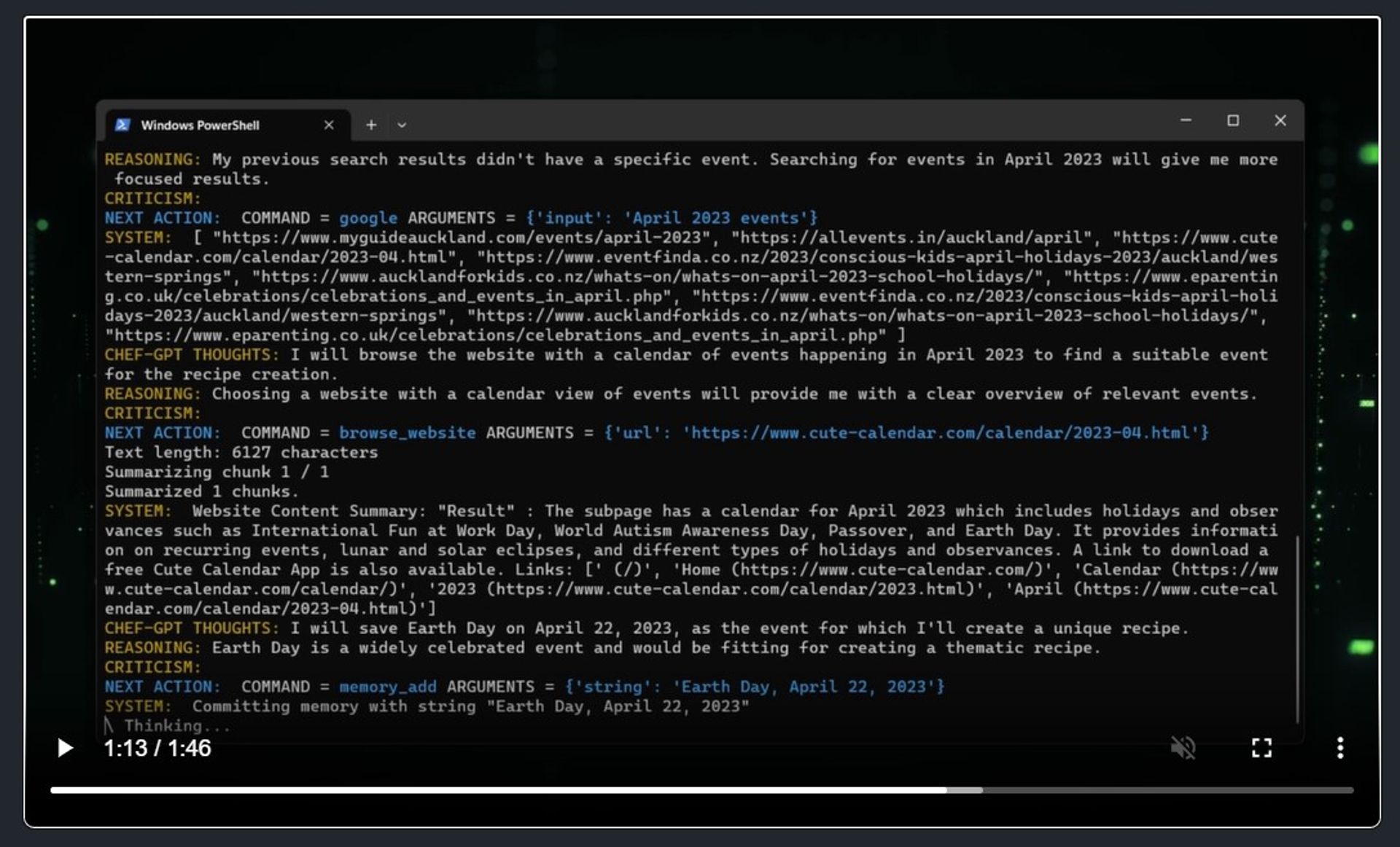
- AI-Powered Debugging: Experience assisted debugging with KaneAI’s Test Agent, providing root cause analysis (RCA) and remediation suggestions for failing tests.
- ProsTime Efficiency: Significantly reduces the time needed to create and manage tests through natural language processing and automation.Cross-Platform Testing: Supports extensive test coverage across web and mobile devices, ensuring comprehensive testing.Seamless Integration: Integrates smoothly with popular tools like Jira, Slack, and GitHub, enhancing workflow continuity.Smart Versioning: Maintains separate versions for every change, allowing for easy evolution and maintenance of tests.ConsInitial Learning Curve: Users might require some time to familiarize themselves with the advanced AI features and functionalities.Limited Immediate Integrations: While integration with Microsoft Teams is coming soon, it is currently not available.
Best For
- Software Development Teams: Utilizing KaneAI for automated and efficient testing of software applications.
- QA Professionals: Leveraging the tool for precise and intelligent test creation and debugging.
- DevOps Engineers: Employing KaneAI to integrate testing seamlessly into the CI/CD pipeline.
- Digital Transformation Consultants: Using KaneAI to enhance the digital experience through thorough testing.
- Uncommon Use Cases: Adopted by educational institutions for teaching software testing methodologies; utilized by small startups to accelerate their product development cycles.
Integrations
Jira Integration: Seamlessly integrate KaneAI with Jira for efficient test management and issue tracking. Slack Compatibility: Utilize KaneAI within Slack to initiate test automation from conversations. GitHub Actions Integration: Automate testing workflows directly from GitHub repositories. Google Sheets Support: Integrate with Google Sheets for easy test data management and reporting.
Similar Tools
Weekly Issue
⚡
AI Agents tools · weekly digest
The AI Weekly — free in your inbox
New AI tools, pricing changes, expert picks, and hidden gems — curated by Mr. Spark every week. Join 5,000+ readers who stay ahead of the AI curve.
No spam, ever
Unsubscribe anytime
100% free