
Pricing Details
Basic: $9.90 per month. Includes 1,000 credits (around 200 image generations or edits using GPT-5, Nano Banana, or Seedream 4.0 models) and 1 artboard for creating and organizing images. Pro: $19.99 per month. Includes 2,000 credits (around 400 image generations), unlimited artboards, and access to GPT-5 “Thinking Mode” for smarter and more natural results. Max: $59.99 per month. Includes 6,000 credits (around 1,200 image generations), unlimited artboards, and GPT-5 “Thinking Mode” for advanced semantic image generation. Disclaimer: Please note that pricing information may not be up to date. For the most accurate and current pricing details, refer to the official Kira website.
Product Visuals (1 images)
Strengths
- Accessibility: The web-based nature of Kira allows for easy access and collaboration from any device.
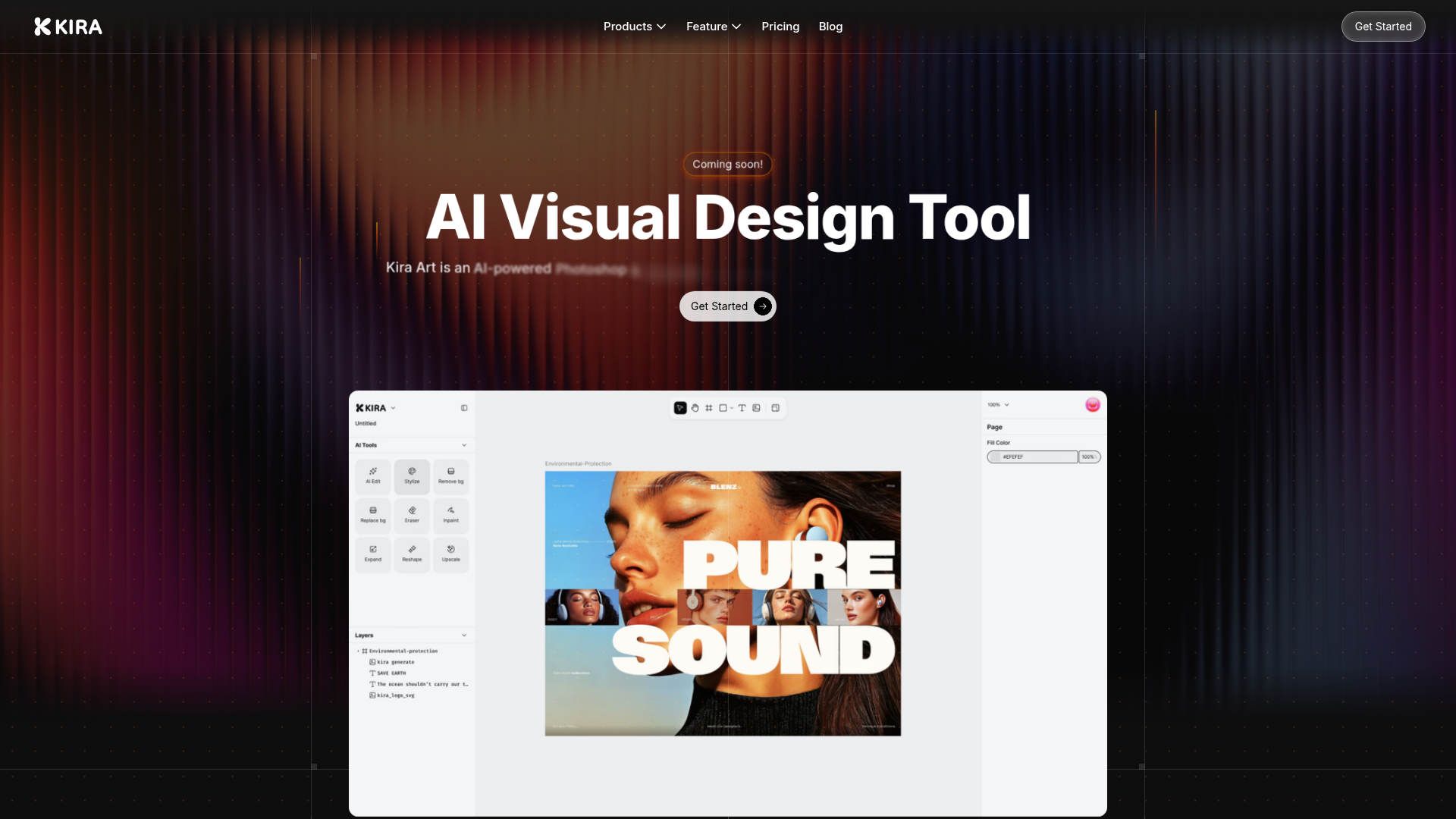
- AI-Powered Features: From image generation to AI erasing, Kira enhances creativity with minimal effort.
- User-Friendly Interface: An intuitive design that caters to both beginners and seasoned designers.
- Performance: Quick and lossless image upscaling ensures high-quality outputs.
Limitations
- Learning Curve: New users may need some time to get accustomed to the full range of features.
- Integration Limitations: Currently, there might be limited support for integrating with other design tools.
- Feature Availability: Some advanced features are still in development and may not be immediately available.
What You Get
Key Features
- AI Integration: Kira is powered by advanced models including OpenAI and Flux, ensuring cutting-edge AI capabilities are at your fingertips.
- Web-Based Platform: Design from anywhere without the hassle of software installations, making it accessible on any device.
- Advanced Image Editing Tools: Includes color adjustments, blend modes, masks, and a lasso tool for precise editing.
- Vector and Raster Workspaces: Offers robust tools for both vector and raster designs, providing flexibility for various design projects.
- ProsAccessibility: The web-based nature of Kira allows for easy access and collaboration from any device.AI-Powered Features: From image generation to AI erasing, Kira enhances creativity with minimal effort.User-Friendly Interface: An intuitive design that caters to both beginners and seasoned designers.Performance: Quick and lossless image upscaling ensures high-quality outputs.ConsLearning Curve: New users may need some time to get accustomed to the full range of features.Integration Limitations: Currently, there might be limited support for integrating with other design tools.Feature Availability: Some advanced features are still in development and may not be immediately available.
Best For
- Graphic Designers: Utilizing Kira for both simple edits and complex design projects.
- Marketing Teams: Leveraging the tool for creating visually compelling campaign materials.
- Freelancers: Taking advantage of the AI-driven tools to streamline their workflow.
- Small Businesses: Using Kira for quick and professional-looking design needs.
- Uncommon Use Cases: Adopted by educational institutions for teaching design courses; Employed by event planners to create promotional materials.
Similar Tools



Design tools · weekly digest
The AI Weekly — free in your inbox
New AI tools, pricing changes, expert picks, and hidden gems — curated by Mr. Spark every week. Join 5,000+ readers who stay ahead of the AI curve.