
Pricing Details
Free Tier: Each new user receives 10 free credits to test the photo enhancement software. Subscription Plans: For continued use beyond the free credits, users can purchase subscription plans or one-time bundles. Disclaimer: Pricing information may not be up to date. For the most accurate and current details, refer to the official Let's Enhance website.
Product Visuals (1 images)
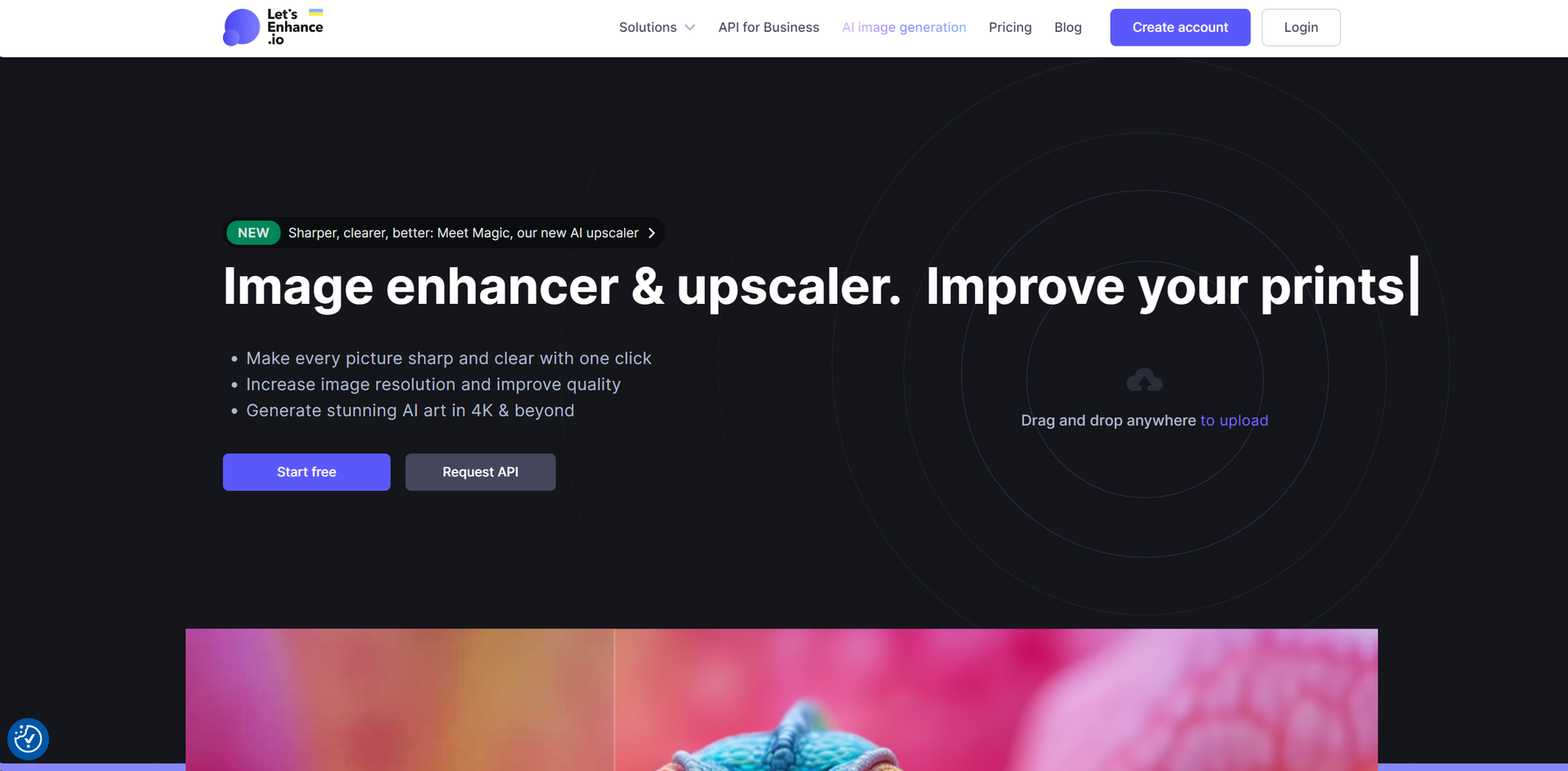
Strengths
- High-Quality Upscaling: Transform images without losing quality, up to 16x their original resolution.
- Batch Editing: Upload and edit multiple images simultaneously, saving valuable time.
- One-Click Presets: Easily make your eCommerce and real estate pictures look professional.
- Versatile Use Cases: Ideal for a wide range of applications, from enhancing product photos for eCommerce to generating high-resolution art.
Limitations
- Learning Curve: New users might need time to familiarize themselves with all the features.
- No Native Mobile App: Currently, there's no dedicated iOS or Android app, which might limit accessibility for some users.
- Limited Free Credits: While the platform offers 10 free credits to new users, extensive use requires a subscription.
Building your AI toolkit?
Save Let's Enhance and 1,000+ tools — free with Google, no spam
What You Get
Key Features
- AI Image Generation: Create visually captivating AI-generated art in resolutions up to 4K and beyond.
- Image Enhancer & Upscaler: Sharpen, clear, and upscale images to HD, 4K, or higher with a single click.
- Color and Lighting Correction: Automatically fix colors and lighting to breathe new life into your images.
- JPEG Artifact Removal: Clean your images from compression artifacts and JPEG noise, enhancing their quality.
- ProsHigh-Quality Upscaling: Transform images without losing quality, up to 16x their original resolution.Batch Editing: Upload and edit multiple images simultaneously, saving valuable time.One-Click Presets: Easily make your eCommerce and real estate pictures look professional.Versatile Use Cases: Ideal for a wide range of applications, from enhancing product photos for eCommerce to generating high-resolution art.ConsLearning Curve: New users might need time to familiarize themselves with all the features.No Native Mobile App: Currently, there's no dedicated iOS or Android app, which might limit accessibility for some users.Limited Free Credits: While the platform offers 10 free credits to new users, extensive use requires a subscription.
Best For
- Creative Professionals: Streamlining the process of resizing pictures while maintaining crispness and clarity for web and print formats.
- Printing Industries: Achieving superior resolution, colors, and clarity in prints with AI-powered upscaling.
- eCommerce Businesses: Enhancing product photos to boost conversions with stunning visuals.
- Digital Artists: Generating high-resolution AI art and upscaling digital art to desired resolutions.
- Uncommon Use Cases: Enhancing user-generated content for high-resolution print-ready content; assisting in photo exhibitions with high-quality campaign images.
Integrations
Batch Editing: Allows for the simultaneous editing of multiple images. API Access: Offers API solutions for businesses to integrate Let's Enhance into their workflows. High-Resolution Output: Supports upscaling images up to 500 MP, catering to a wide range of professional needs. Web-Based Platform: Accessible from any popular web browser, ensuring compatibility across devices.
Similar Tools



Weekly Issue
⚡
Design tools · weekly digest
The AI Weekly — free in your inbox
New AI tools, pricing changes, expert picks, and hidden gems — curated by Mr. Spark every week. Join 5,000+ readers who stay ahead of the AI curve.
No spam, ever
Unsubscribe anytime
100% free