
Pricing Details
Free Tier: Magic School AI offers a 100% free sign-up option for educators looking to explore its features. Disclaimer: For the most detailed and current pricing information, it's recommended to visit the Magic School AI website directly.
Product Visuals (1 images)
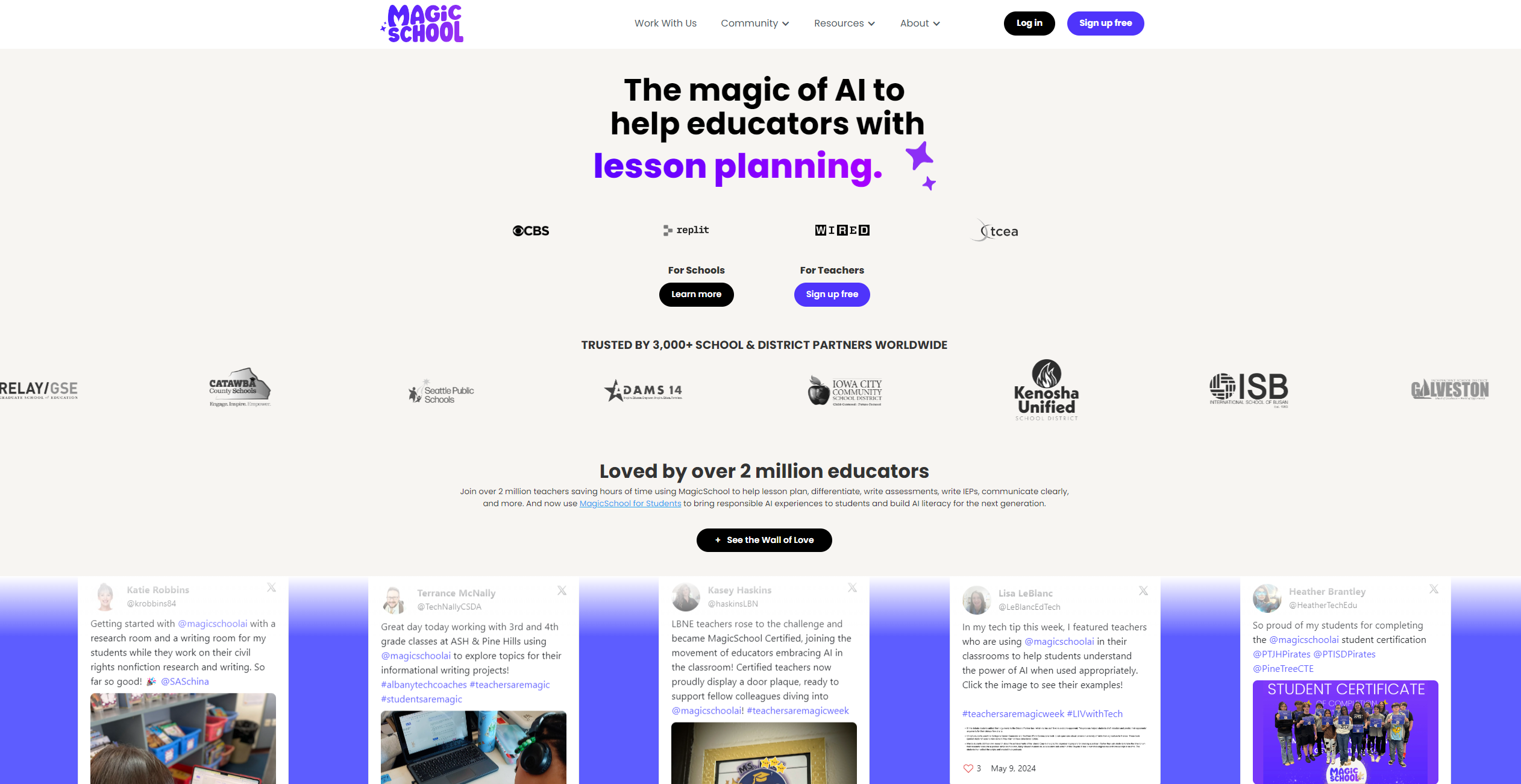
Strengths
- Time Savings: Reduces educators' workload significantly, with claims of saving over 10 hours a week.
- Ease of Use: Designed with a user-friendly interface that requires no complicated prompting.
- Educator-Focused: Every feature and tool is crafted with the needs of teachers and students in mind, making it a highly relevant platform for the educational sector.
- Privacy and Safety: Adheres to FERPA and state privacy laws, ensuring the protection of student and staff information.
Limitations
- Adaptation Time: As with any comprehensive tool, there might be an initial learning curve for educators to fully adapt to the platform's full range of features.
- Integration Expansion: While it currently supports key platforms like Google Classroom and Microsoft, further expansion of integrations could enhance its utility.
- Awareness and Training: The depth of features means that ongoing awareness and training are essential to maximize the tool's potential.
Building your AI toolkit?
Save Magic School AI and 1,000+ tools — free with Google, no spam
What You Get
Key Features
- AI-Driven Lesson Planning: Simplifies the process of creating detailed and customized lesson plans.
- Assessment Creation: Utilizes AI to help write and tailor assessments to fit the needs of all students.
- IEP Writing Assistance: Offers support in writing Individualized Education Programs, making a typically time-consuming task more manageable.
- Communication Tools: Enhances clarity and efficiency in communication between educators, students, and parents.
- MagicSchool for Students (MagicStudent): A newly launched feature aimed at building AI literacy among students and promoting responsible AI usage in schools.
- 60+ AI Tools: A comprehensive collection of AI tools designed specifically for education, covering a wide range of needs from lesson differentiation to IEPs.
- Built-in Training Resources: Includes exemplars for every tool, certification courses, training options, and video walkthroughs to ensure educators can fully leverage the platform's capabilities.
- LMS Interoperability and Easy Exports: Offers seamless integration with Google Classroom and Microsoft, including one-click exports for Google Forms and export options for MS Word.
- ProsTime Savings: Reduces educators' workload significantly, with claims of saving over 10 hours a week.Ease of Use: Designed with a user-friendly interface that requires no complicated prompting.Educator-Focused: Every feature and tool is crafted with the needs of teachers and students in mind, making it a highly relevant platform for the educational sector.Privacy and Safety: Adheres to FERPA and state privacy laws, ensuring the protection of student and staff information.ConsAdaptation Time: As with any comprehensive tool, there might be an initial learning curve for educators to fully adapt to the platform's full range of features.Integration Expansion: While it currently supports key platforms like Google Classroom and Microsoft, further expansion of integrations could enhance its utility.Awareness and Training: The depth of features means that ongoing awareness and training are essential to maximize the tool's potential.
Best For
- Magic School AI serves a broad user base within the educational community, including:
- Elementary to Higher Education Teachers: For lesson planning, assessment writing, and more.
- School Administrators: To streamline administrative tasks and support teaching staff.
- Technology Coaches: Assisting in the integration of AI tools into the curriculum.
- Special Education Teachers: Creating tailored IEPs and differentiated instruction.
- Counselors and Sports Coaches: For communication and planning.
- Uncommon Use Cases: Utilized in building AI literacy among students and promoting responsible AI usage within educational settings.
Integrations
Google Classroom and Microsoft: Offers seamless integration, including one-click exports for Google Forms and export to MS Word. Responsible AI for Education: Designed with built-in safeguards and compliance with FERPA and state privacy laws. Future Integrations: Plans for more integrations to enhance its utility and accessibility.
Similar Tools
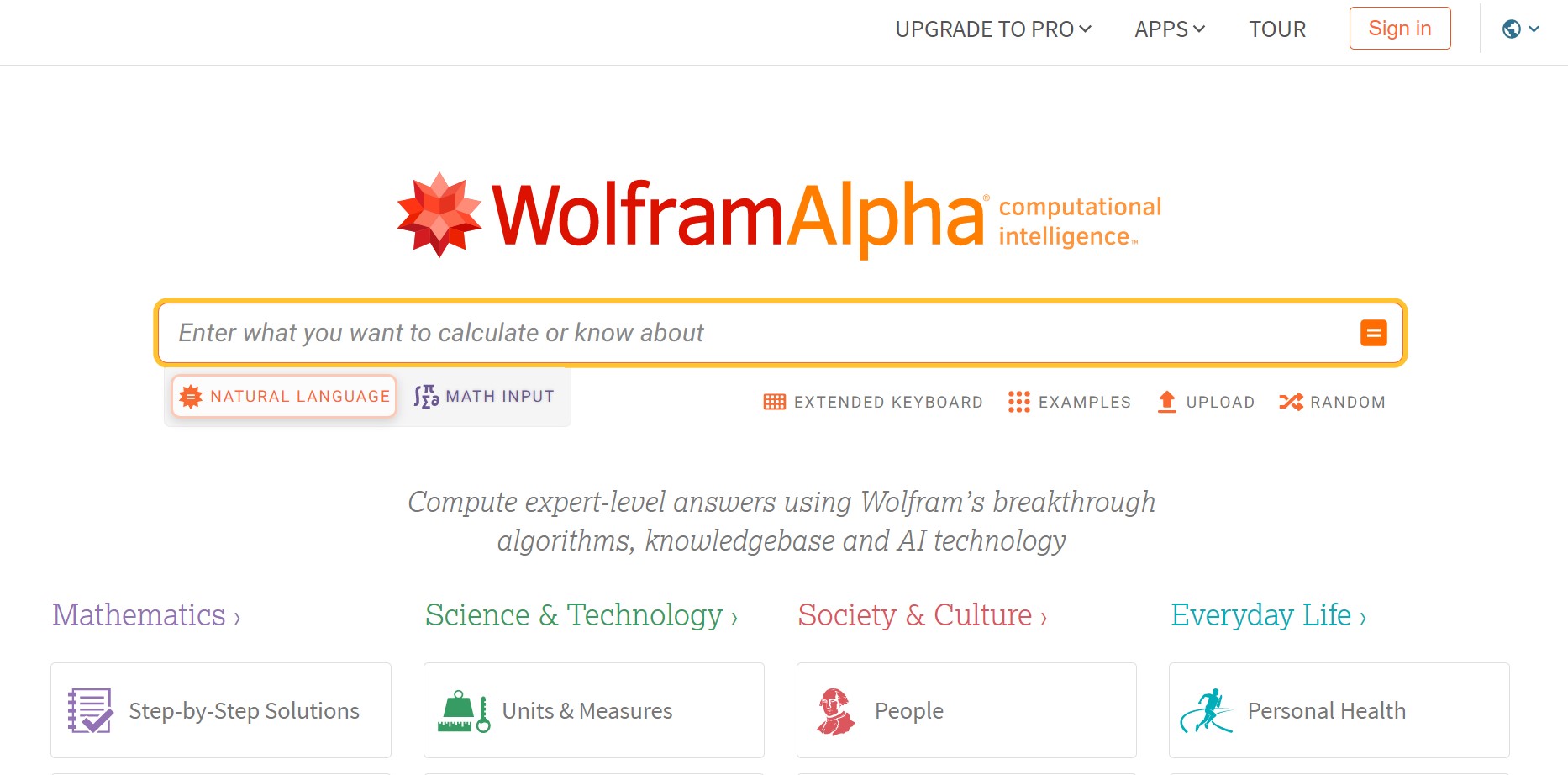
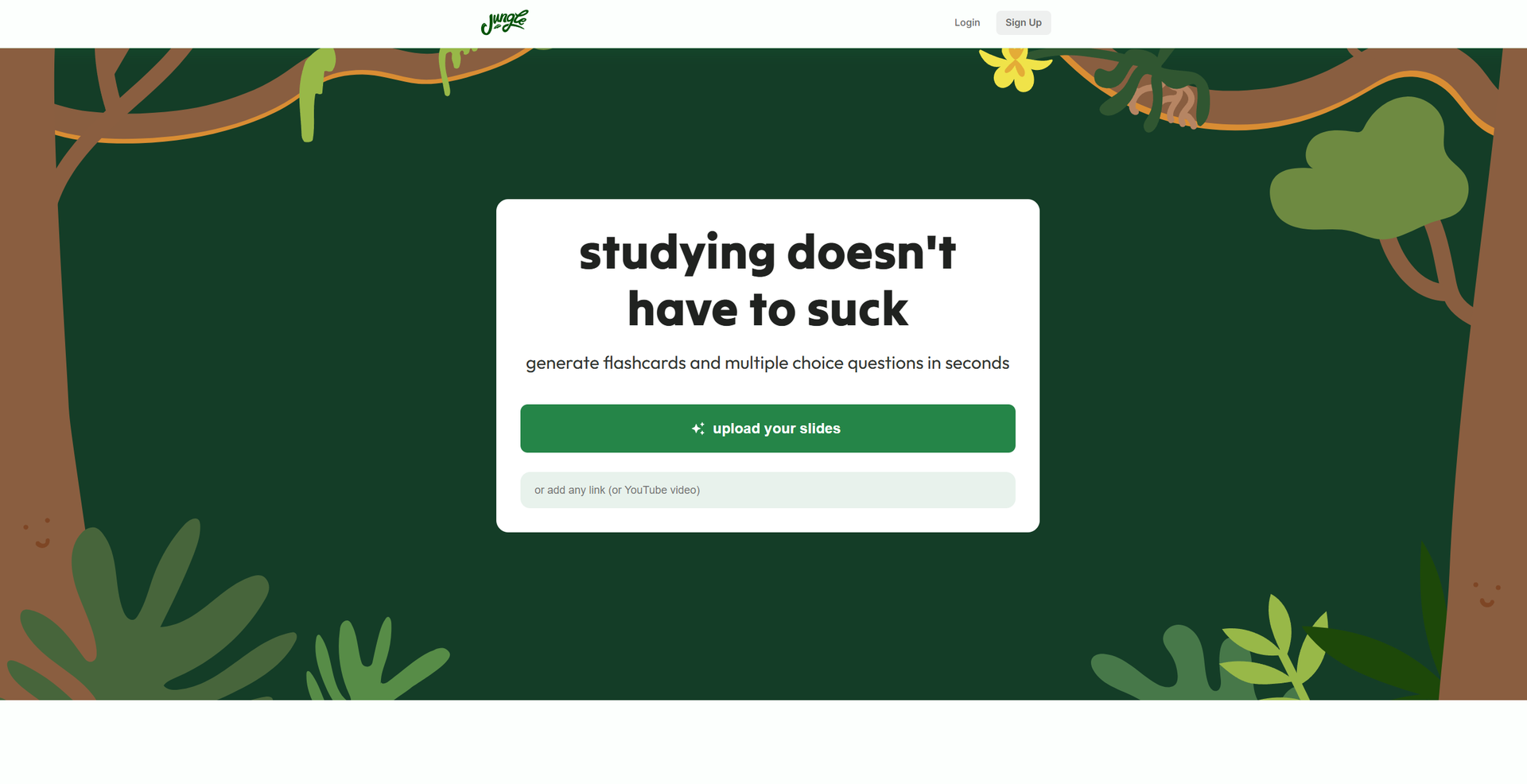
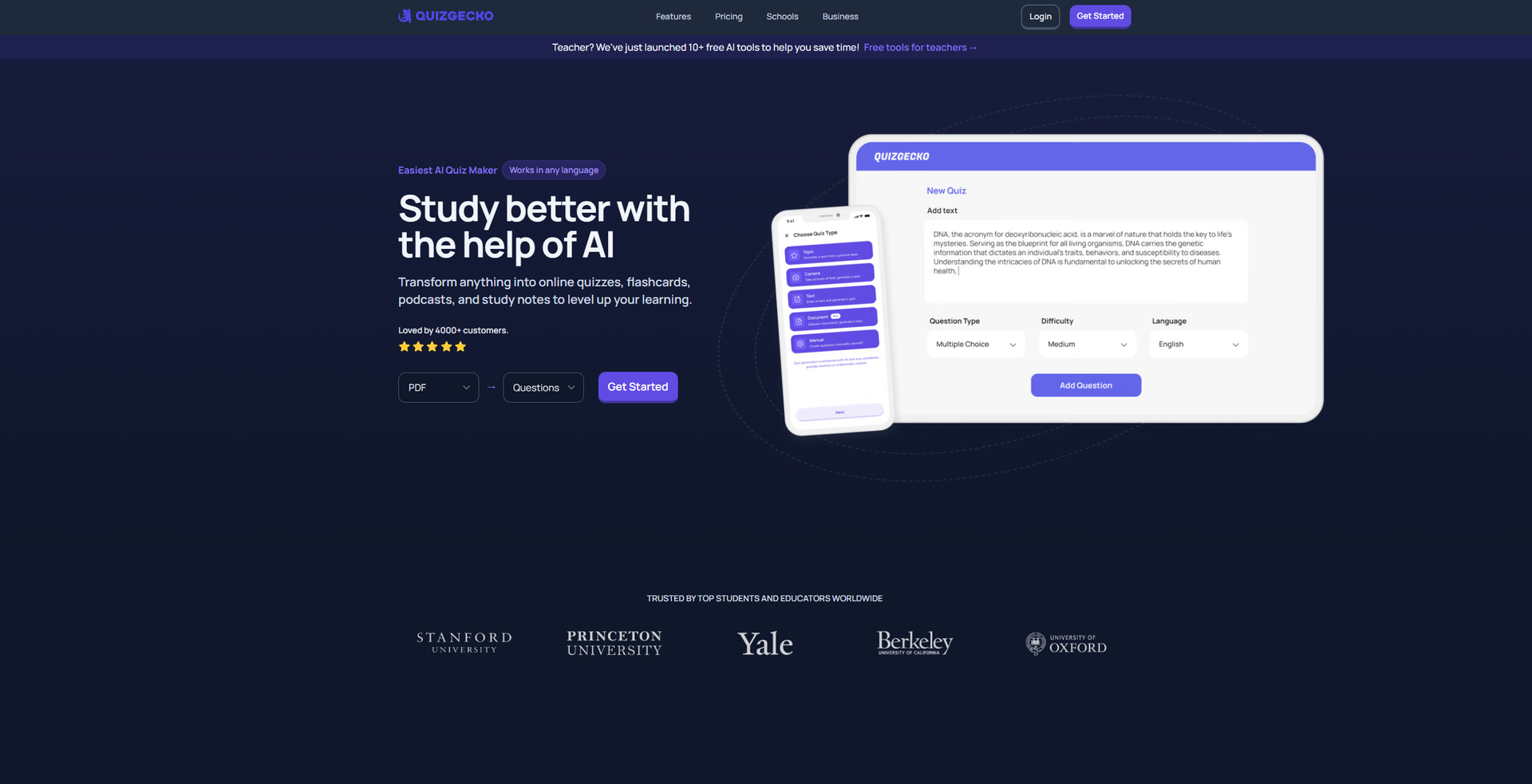
Weekly Issue
⚡
Students tools · weekly digest
The AI Weekly — free in your inbox
New AI tools, pricing changes, expert picks, and hidden gems — curated by Mr. Spark every week. Join 5,000+ readers who stay ahead of the AI curve.
No spam, ever
Unsubscribe anytime
100% free