
Pricing Details
Free Plan: $0 per month. Includes 1-minute video support, 3,000 character prompts, 10+ visual styles, watermark-free exports, and a general commercial license. Standard Plan: $12 per month. Includes 6,000 credits, access to Animate Pro, Hailuo AI, and Kling AI, 1080p HD video, trending templates, 1,000 images/day, 50-minute video support, 12,000 character prompts, 10+ styles, watermark-free output, image regeneration, and a commercial license. Plus Plan: $26 per month. Includes 15,000 credits, everything in Standard plus 3,000 images/day and higher credit volume at lower cost. Pro Plan: $35 per month. Includes 35,000 credits, everything in Plus plus unlimited image generation, 20% off premium AIs, and the best credit rate. Ideal for high-volume creators. Disclaimer: Please note that pricing information may not be up to date. For the most accurate and current pricing details, refer to the official MagicLight website.
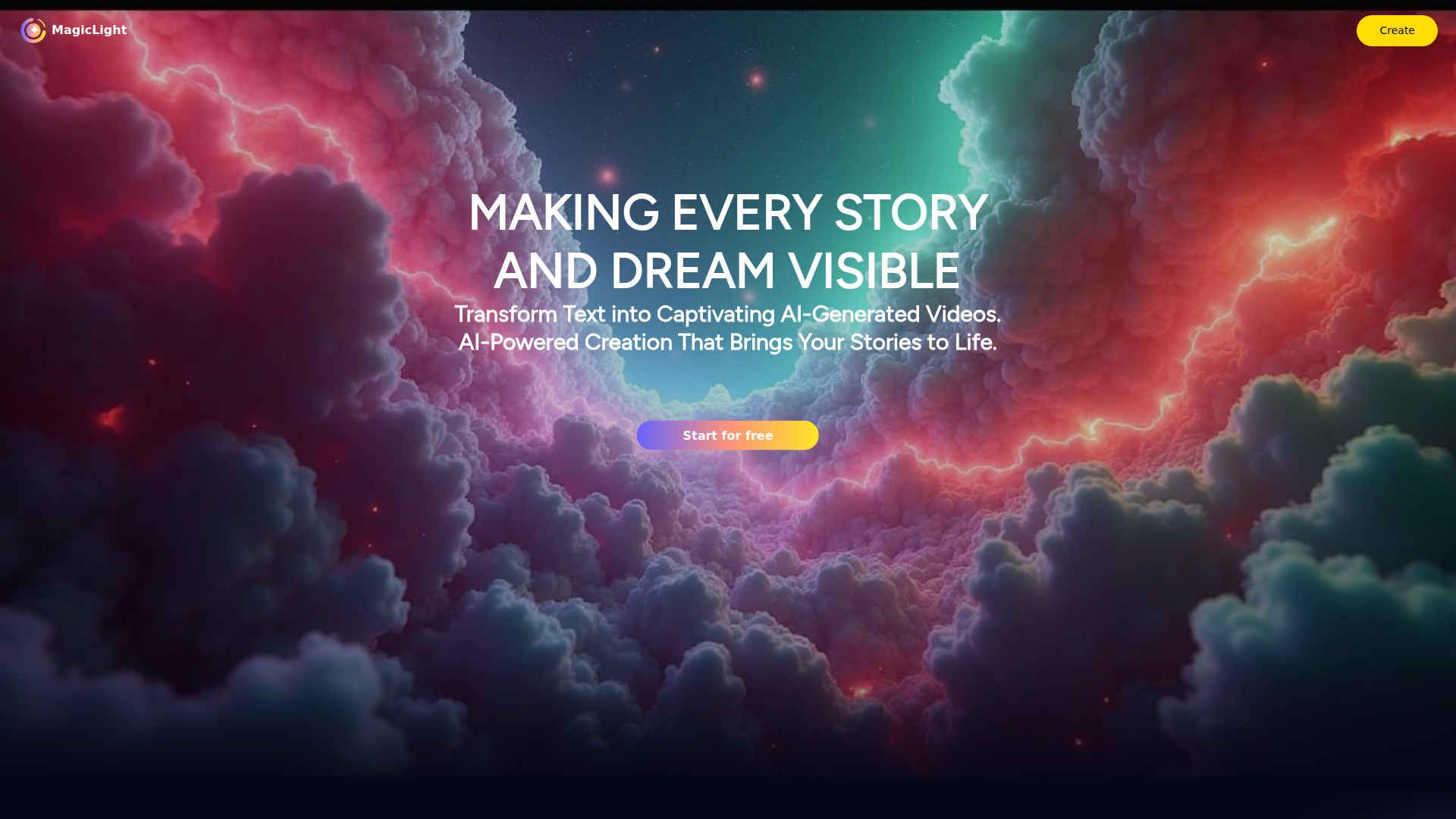
Product Visuals (1 images)
Strengths
- User-Friendly Interface: Intuitive design that caters to both beginners and experienced artists.
- Cost-Effective: Free access to powerful AI tools, reducing barriers for entry.
- Educational Resources: Extensive tutorials and learning materials to support skill development.
- Versatile Applications: Suitable for a wide array of creative projects, from personal art to professional campaigns.
Limitations
- Limited Advanced Features: Some users may find a need for more sophisticated tools for complex projects.
- Learning Curve for Newbies: Beginners might require time to fully leverage all available features.
Building your AI toolkit?
Save MagicLight and 1,000+ tools — free with Google, no spam
What You Get
Key Features
- AI Art Generation: Transform text into stunning images and videos using advanced AI algorithms.
- Free AI Art Generator: Access a robust suite of tools without initial costs, making it accessible for all creatives.
- Studio AI Integration: Offers a comprehensive environment for creating, editing, and fine-tuning digital artwork.
- AI School: Provides educational resources and tutorials to enhance user skills in AI-driven art creation.
- ProsUser-Friendly Interface: Intuitive design that caters to both beginners and experienced artists.Cost-Effective: Free access to powerful AI tools, reducing barriers for entry.Educational Resources: Extensive tutorials and learning materials to support skill development.Versatile Applications: Suitable for a wide array of creative projects, from personal art to professional campaigns.ConsLimited Advanced Features: Some users may find a need for more sophisticated tools for complex projects.Learning Curve for Newbies: Beginners might require time to fully leverage all available features.
Best For
- Graphic Designers: Utilizing the tool for efficient and creative design workflows.
- Digital Marketing Agencies: Employing the tool to create visually appealing campaign content.
- Social Media Managers: Leveraging the tool to produce engaging social media posts.
- E-commerce Businesses: Enhancing online product imagery with AI-generated visuals.
- Uncommon Use Cases: Educational institutions incorporating it into art and design curriculums; Freelance photographers using it to streamline editing processes.
Similar Tools
Text to Video tools · weekly digest
The AI Weekly — free in your inbox
New AI tools, pricing changes, expert picks, and hidden gems — curated by Mr. Spark every week. Join 5,000+ readers who stay ahead of the AI curve.